
Quick Start
Create your first quote in under 2 minutes with QuoteScope's Quickstart feature.
Quick Start
The fastest way to create a professional quote is using QuoteScope's Quickstart feature. Just fill in a couple of fields and let AI do the rest.
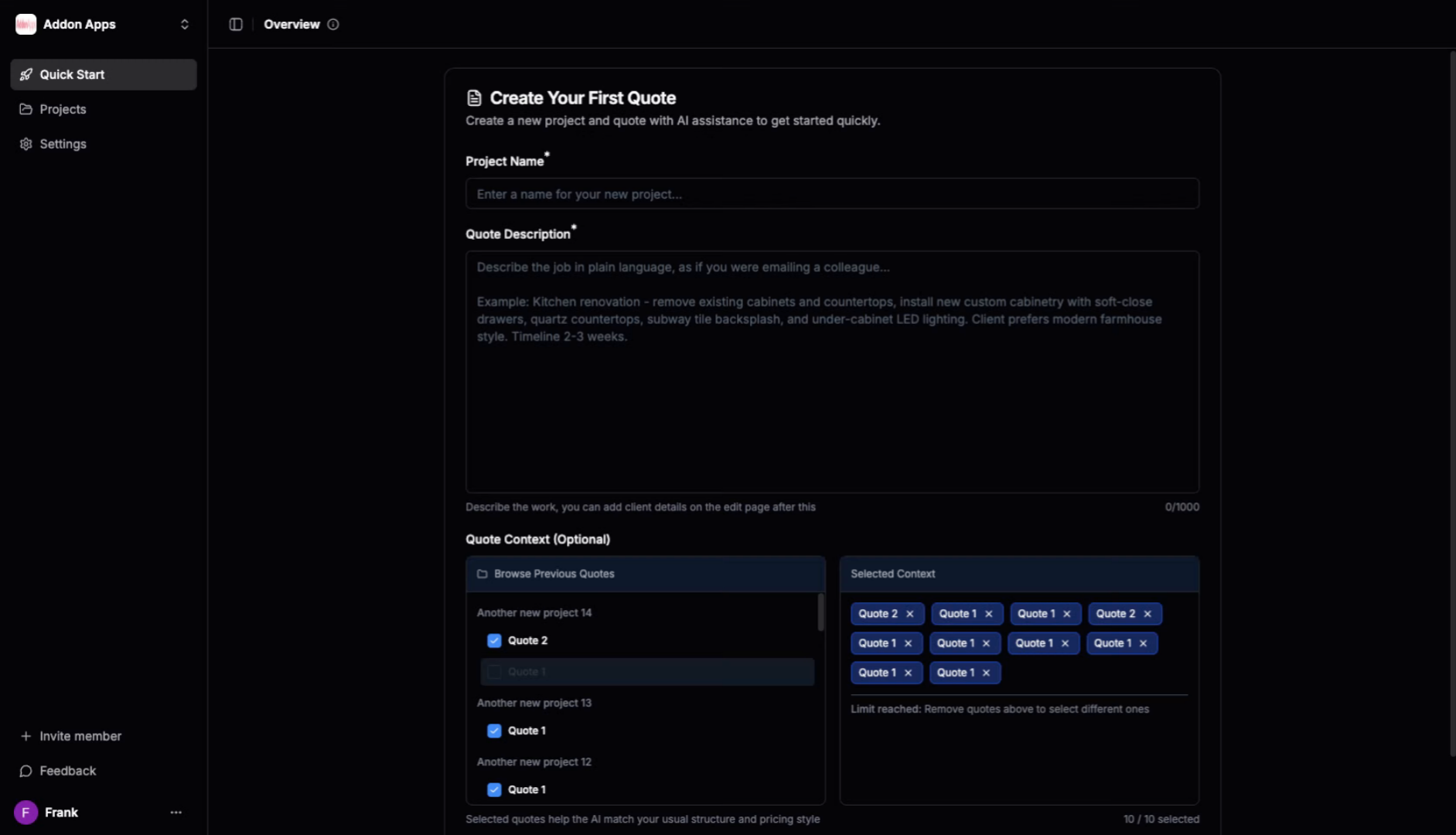
1. Navigate to the Quickstart
Go to dashboard.quotescope.co, sign in, and click the "Quickstart" button in the main navigation.
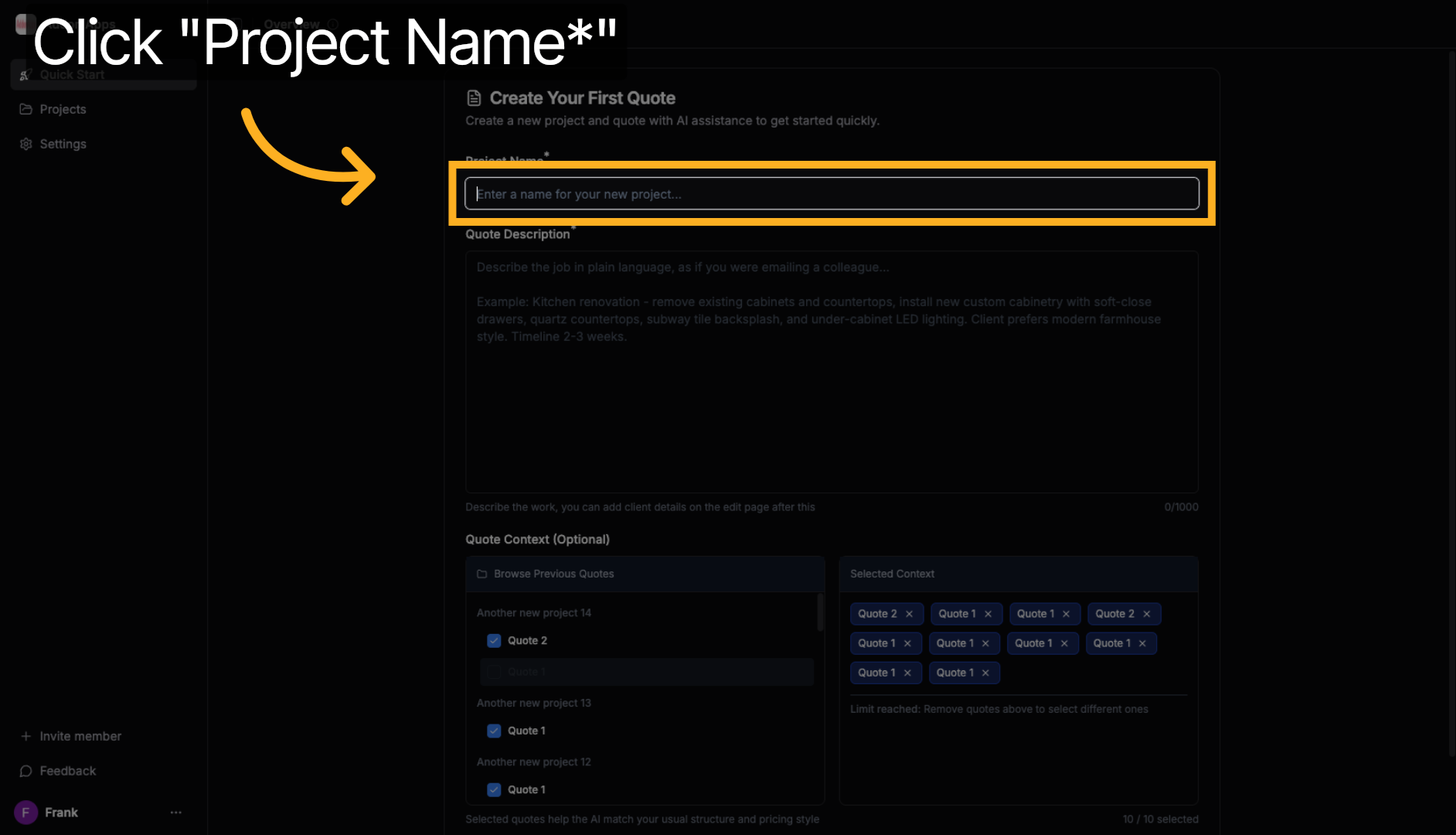
2. Enter Your Project Name
Give your project a name - this helps you organize quotes for different jobs.
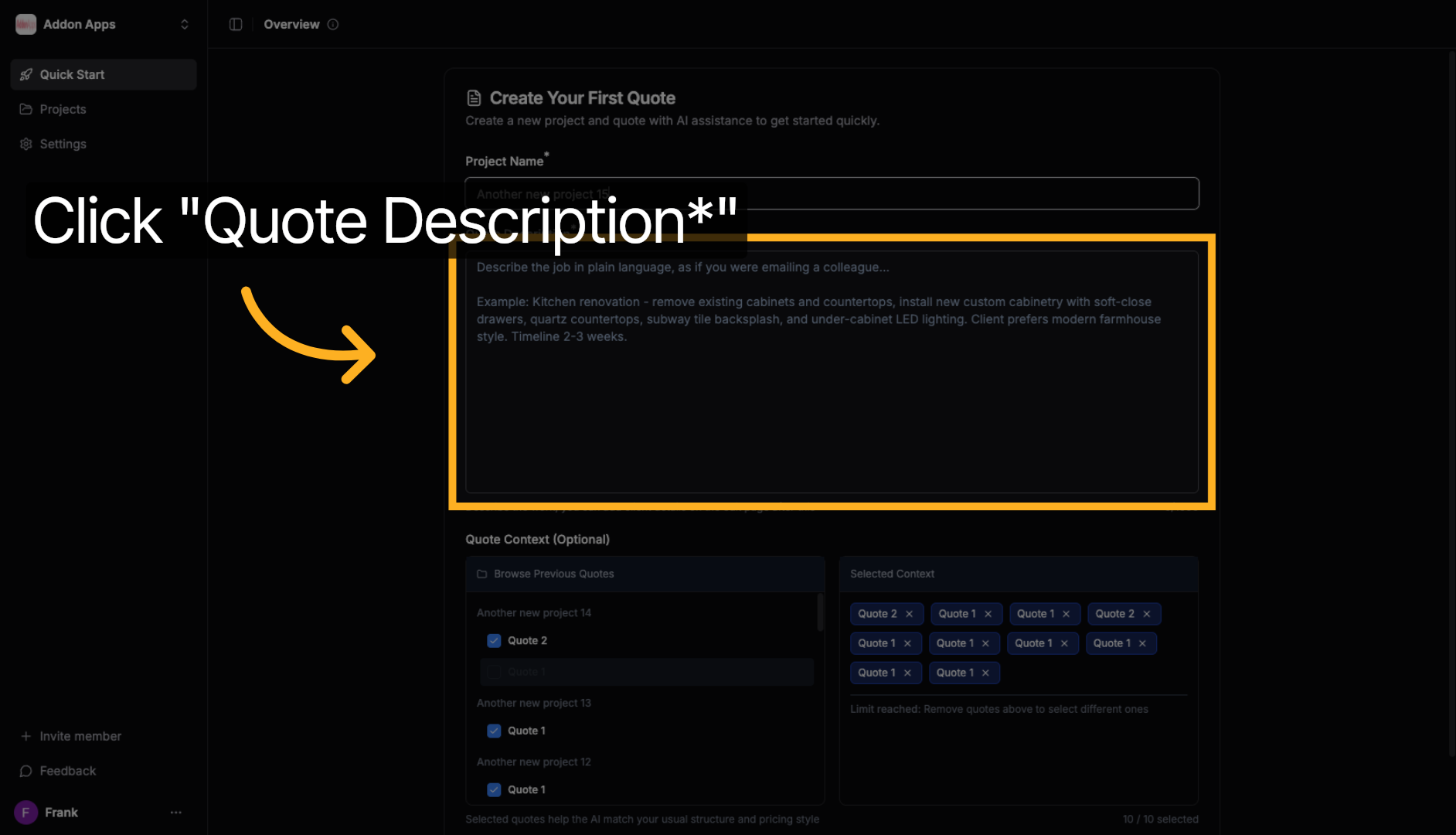
3. Describe Your Quote
In the Quote Description field, describe what you're quoting in plain language - as if you were explaining it to a colleague.
Examples:
- "Kitchen renovation for a 3-bedroom house including new cabinets, countertops, and appliances"
- "Corporate event setup for 200 people with AV equipment, staging, and catering coordination"
- "Website redesign for an e-commerce store with 50 products and payment integration"
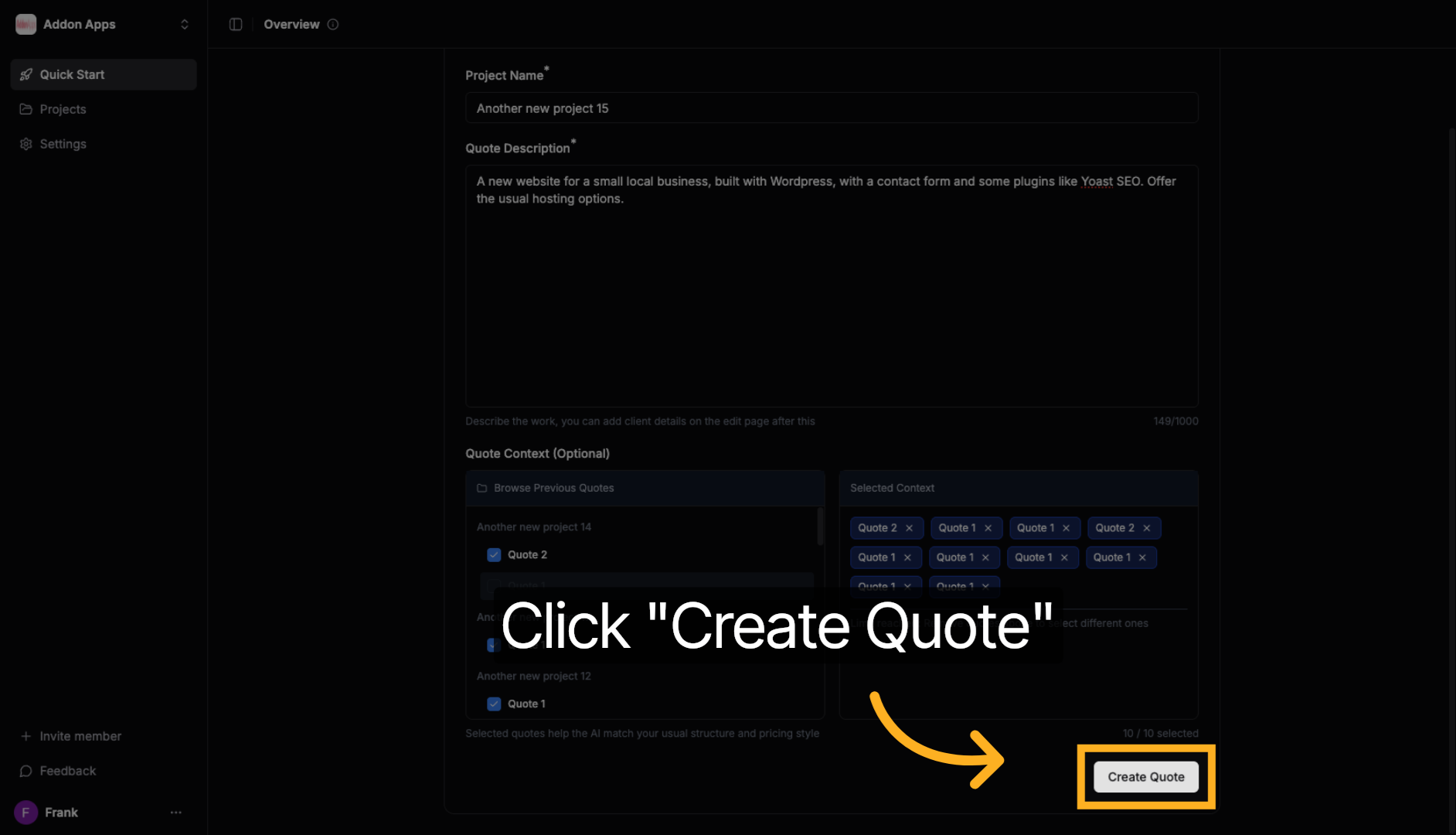
4. Generate Your Quote
Click the "Create Quote" button and watch as AI generates a professional quote with itemized line items, pricing suggestions, and proper formatting.
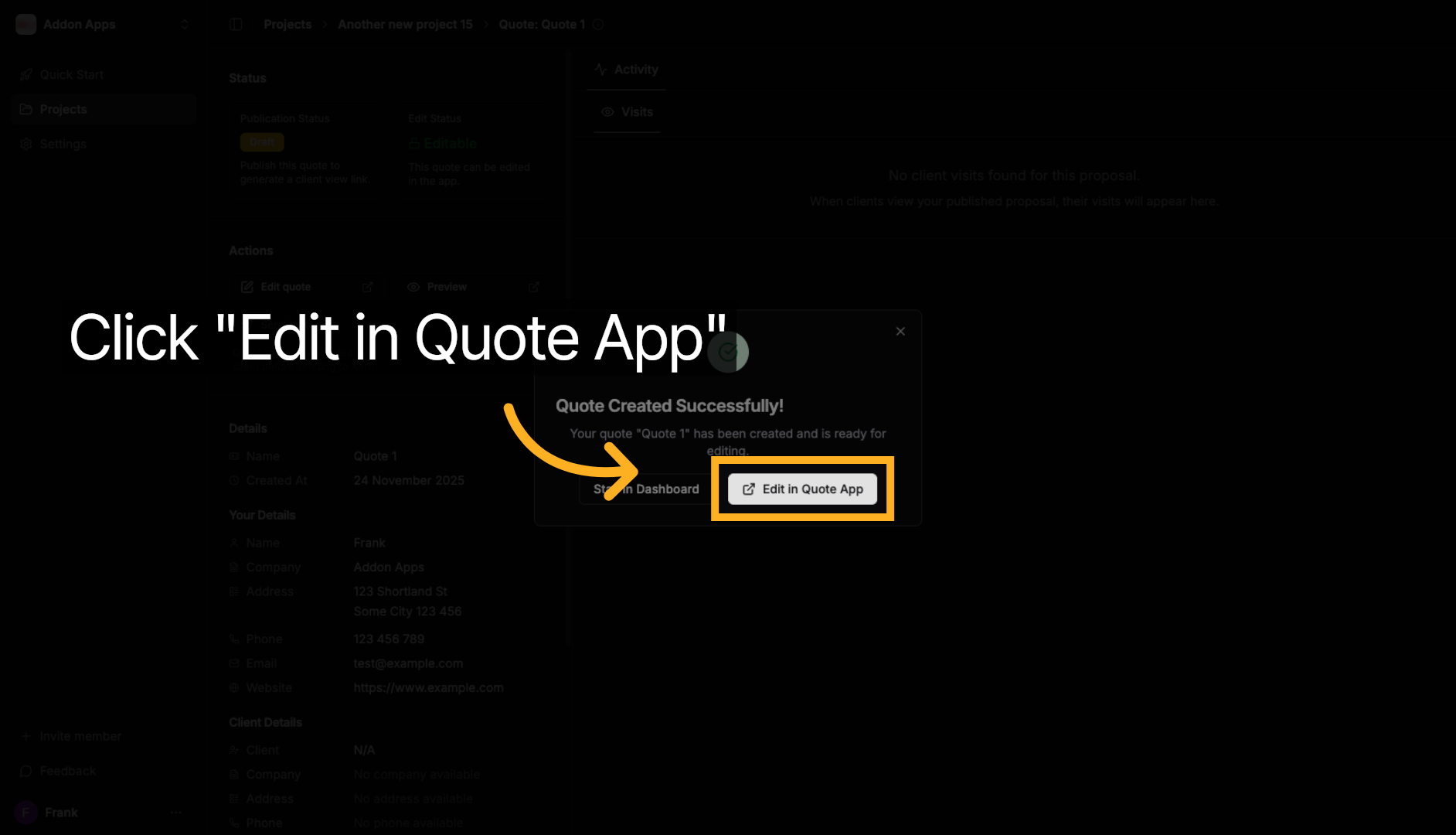
5. Edit in the Quote App
Once generated, you'll see a success message with an "Edit in Quote App" button. Click it to open the full quote editor where you can refine your quote.
6. Fine-Tune and Publish
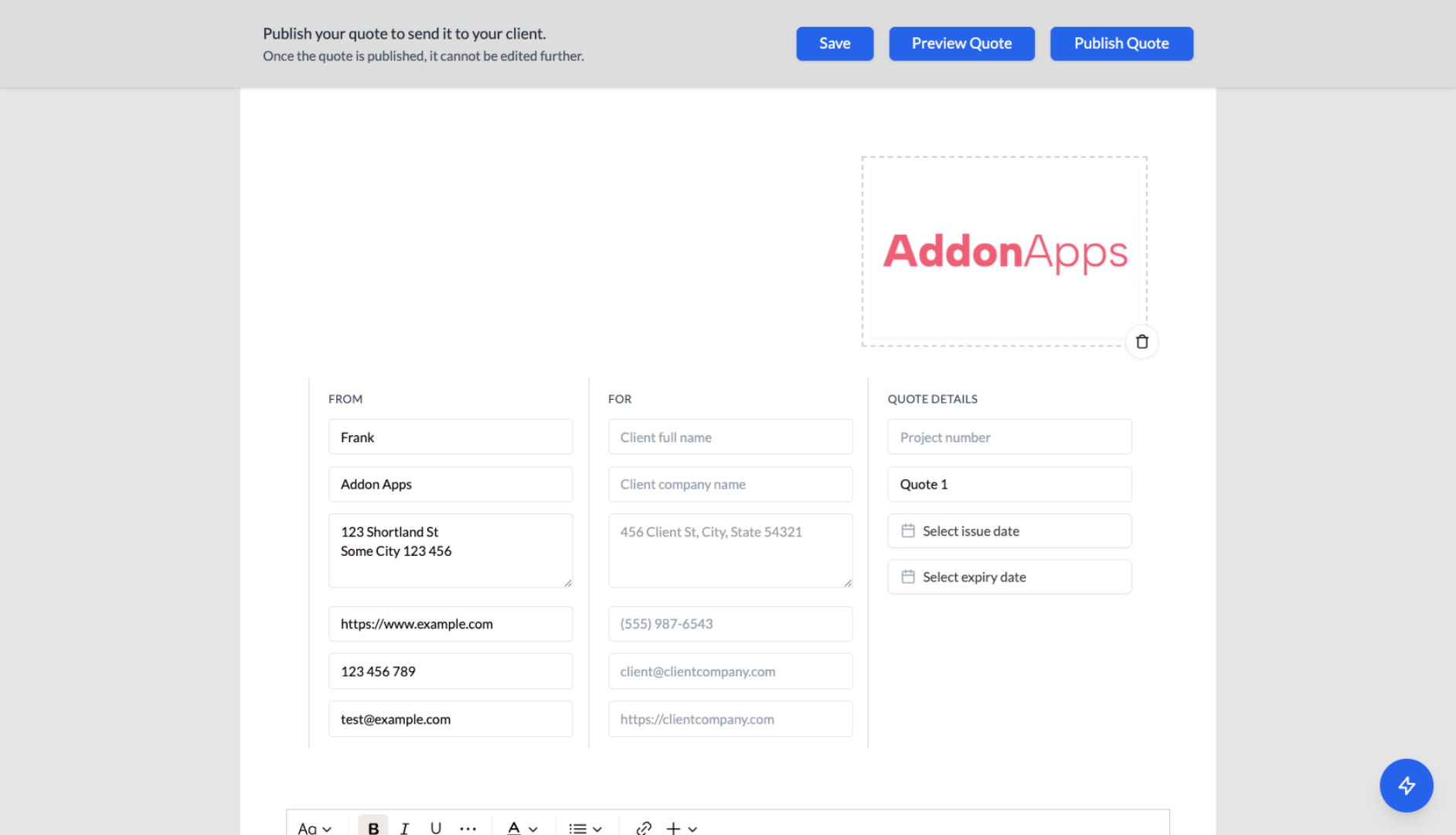
In the Quote App (app.quotescope.co), you can:
- Edit any line items, pricing, or descriptions
- Use the AI Assistant for further refinements
- Add your branding and client details
- Publish when ready and share the link with your client
That's it! Most users create their first professional quote in under 2 minutes using Quickstart.
Want more control? Check out the detailed getting started guide for a bit more detail.