
Update Business Details
Learn how to update your business information in QuoteScope settings.
Update Business Details
Setting up your business details once in Settings will automatically populate your logo and business information in every new quote you create, saving you time and ensuring consistency.
1. Navigate to the Dashboard
Go to dashboard.quotescope.co and sign in to your account.
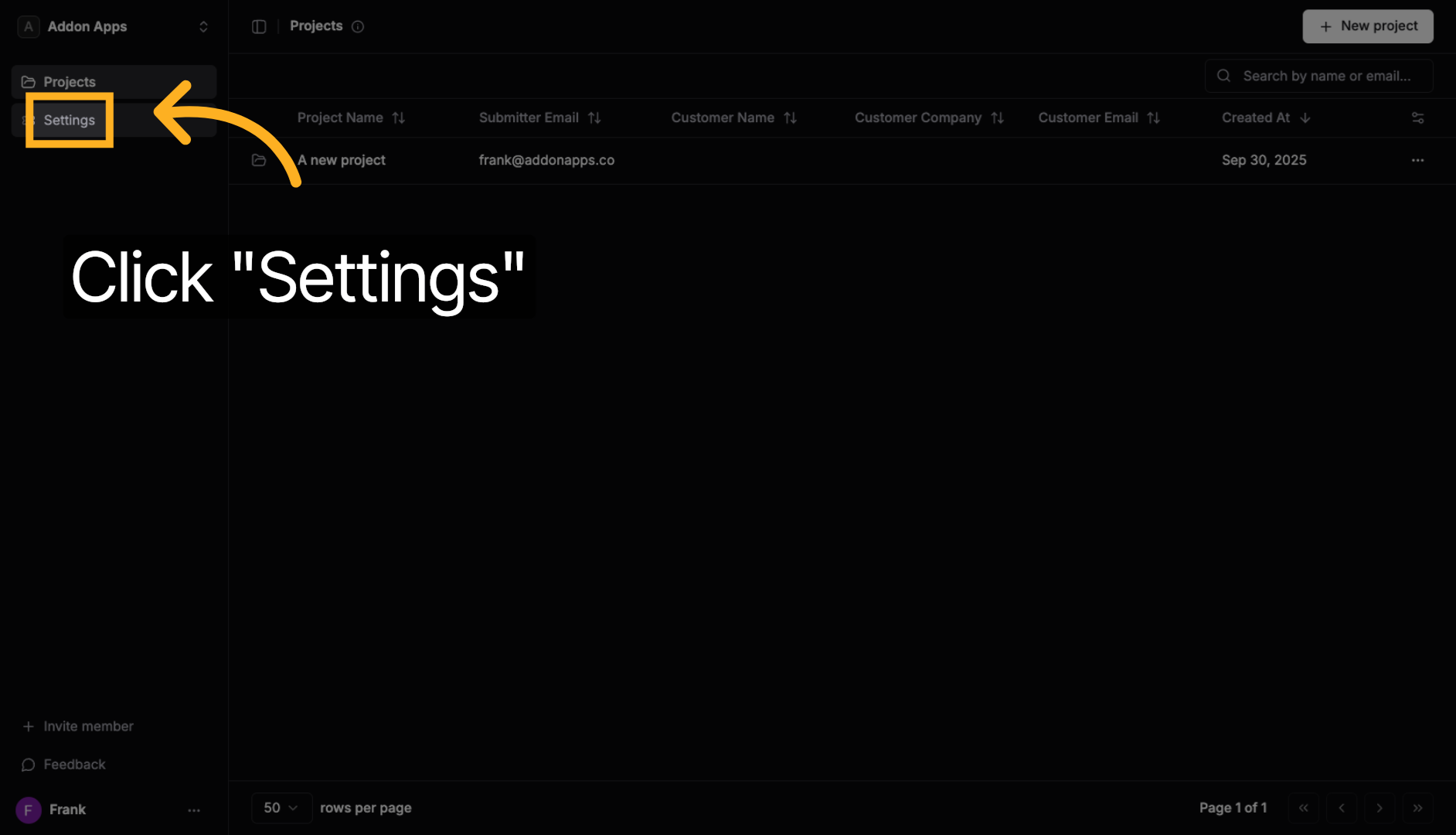
2. Click "Settings"
Navigate to Settings from the main menu.
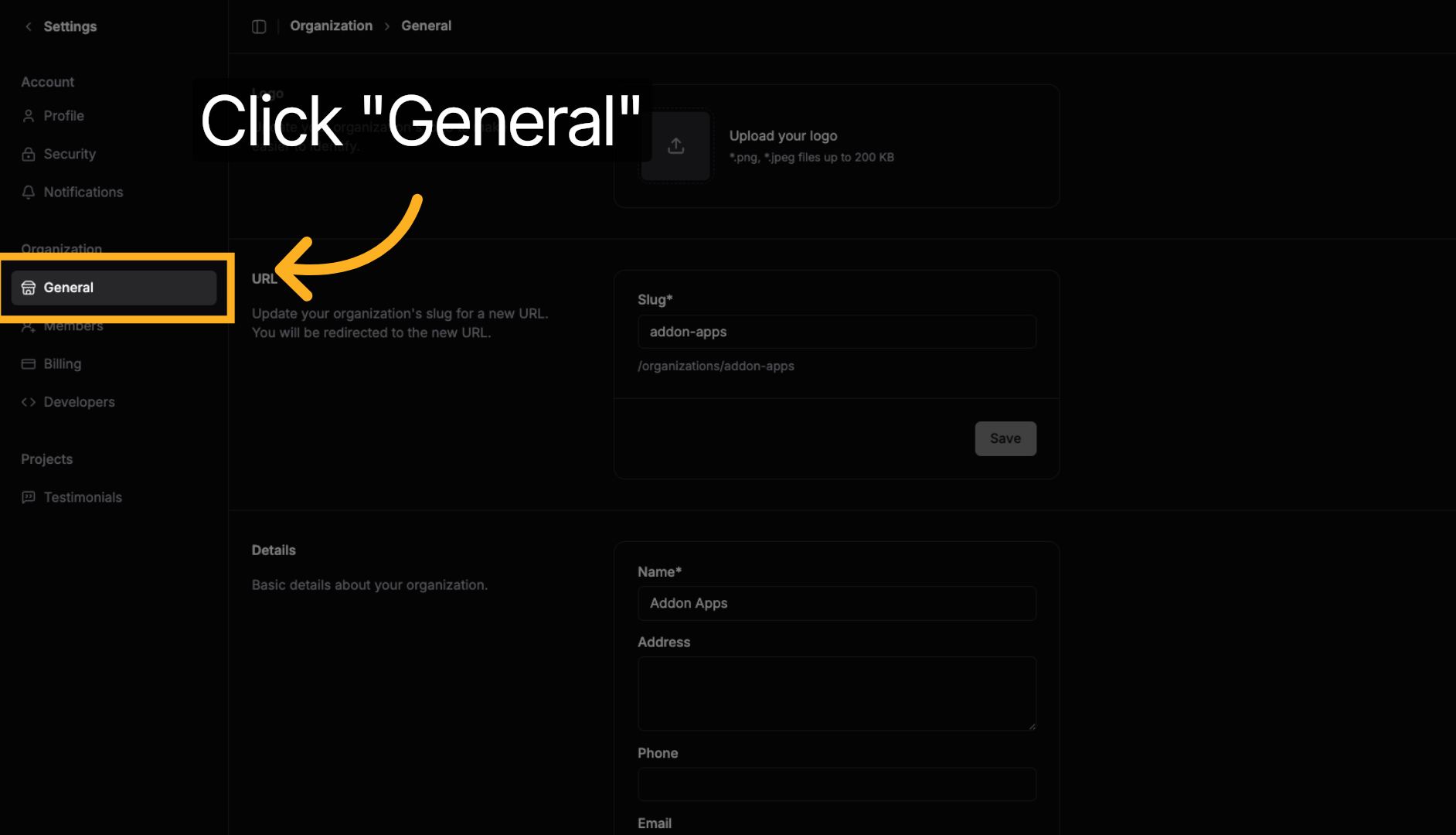
3. Click "General"
Select the General tab to access basic business information.
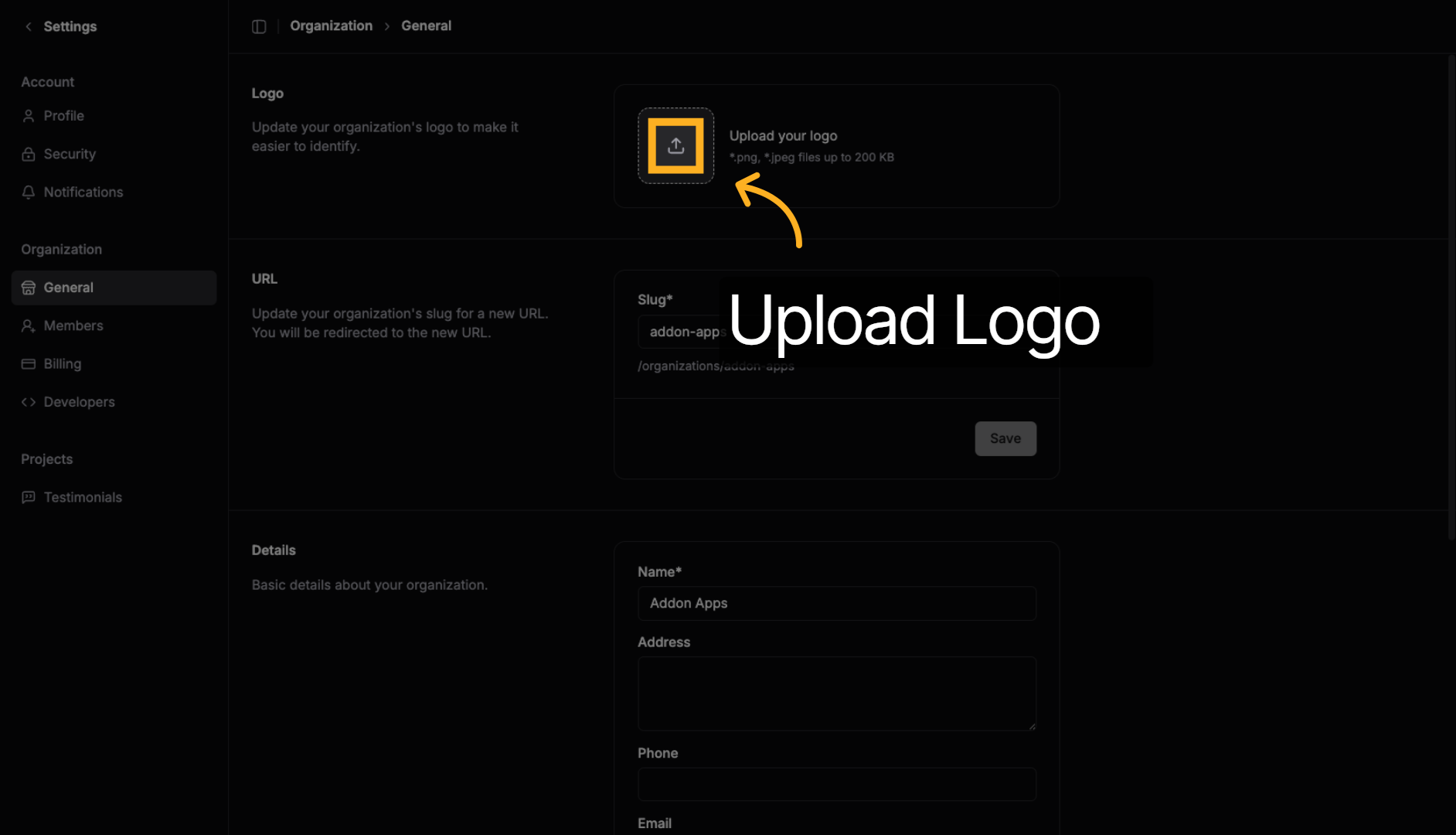
4. Upload Your Logo
Click the logo upload area to select your business logo file or drag and drop an image into this area.
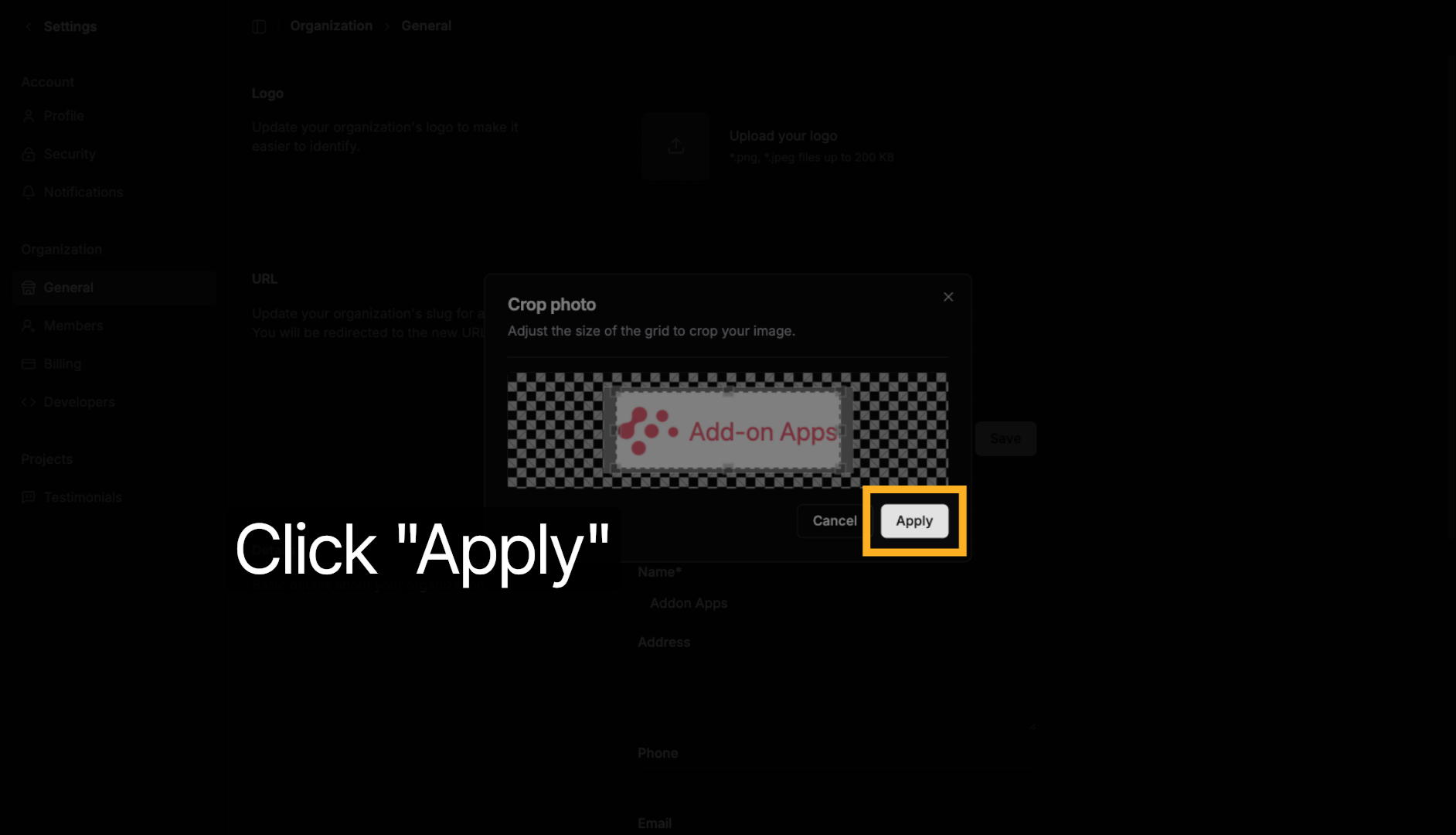
5. Apply Logo Changes
You can crop your logo if you want.
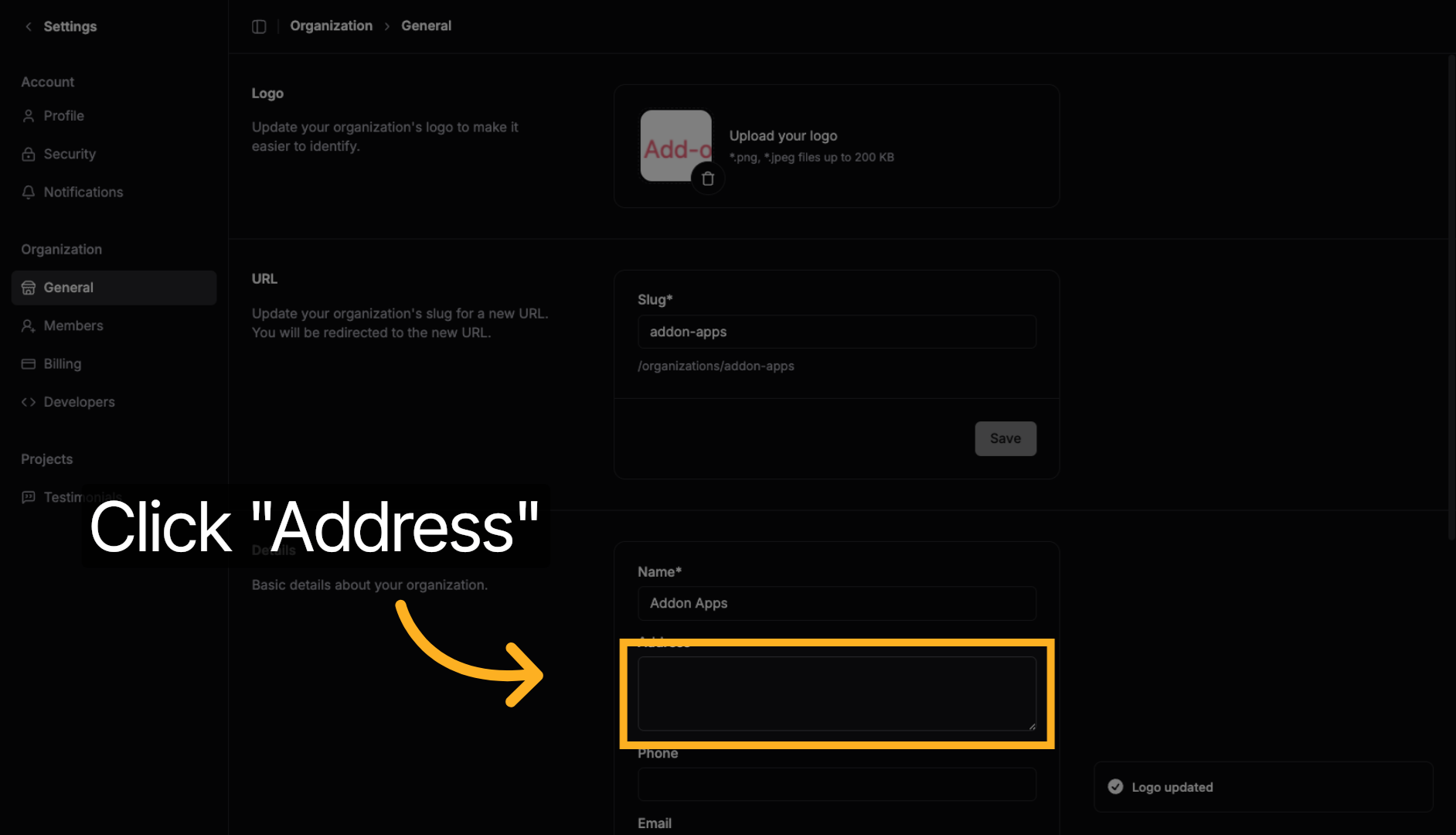
6. Update Address
Click the Address tab to update your business location.
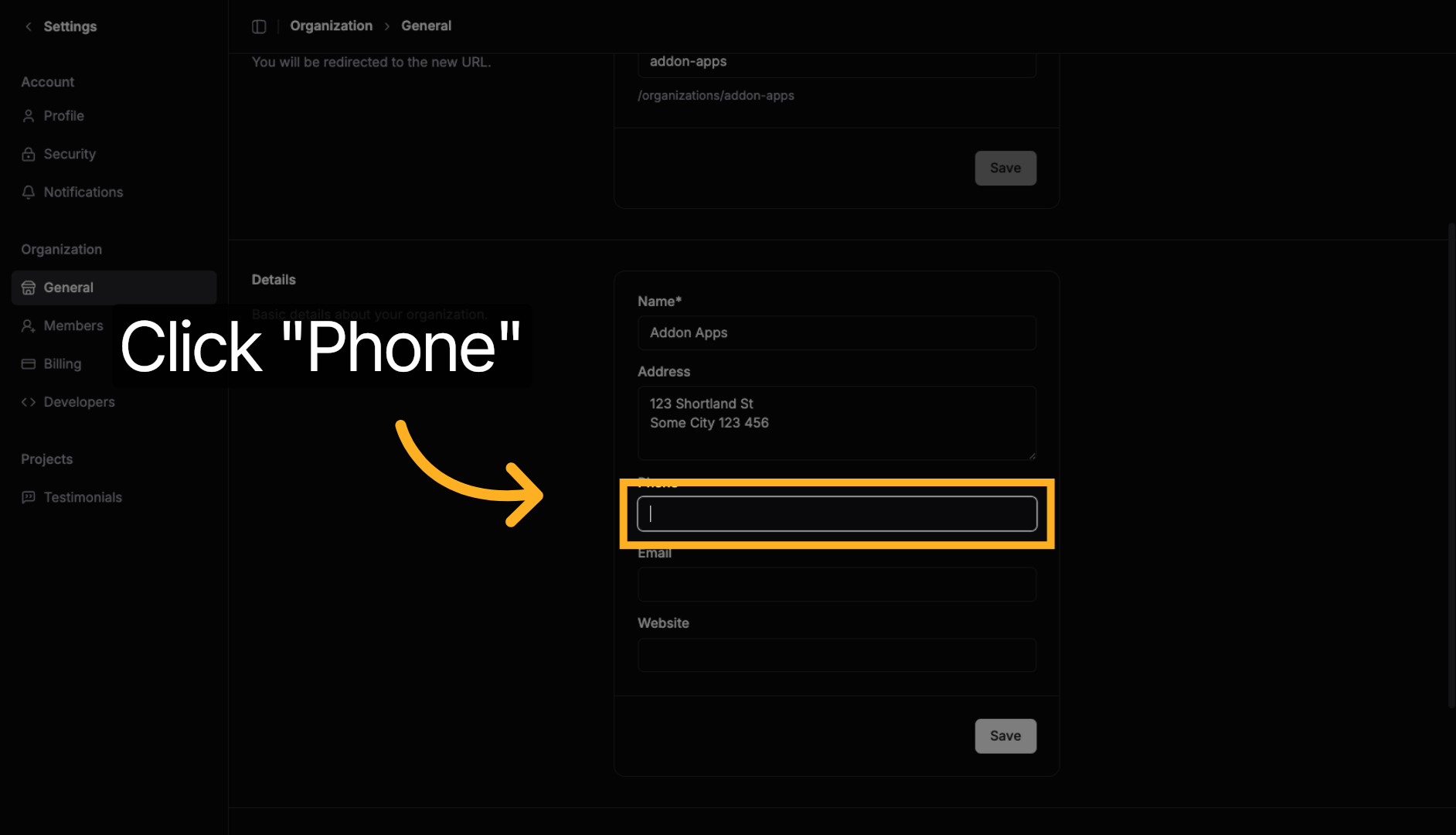
7. Update Phone Number
Click the Phone tab to set your business phone number.
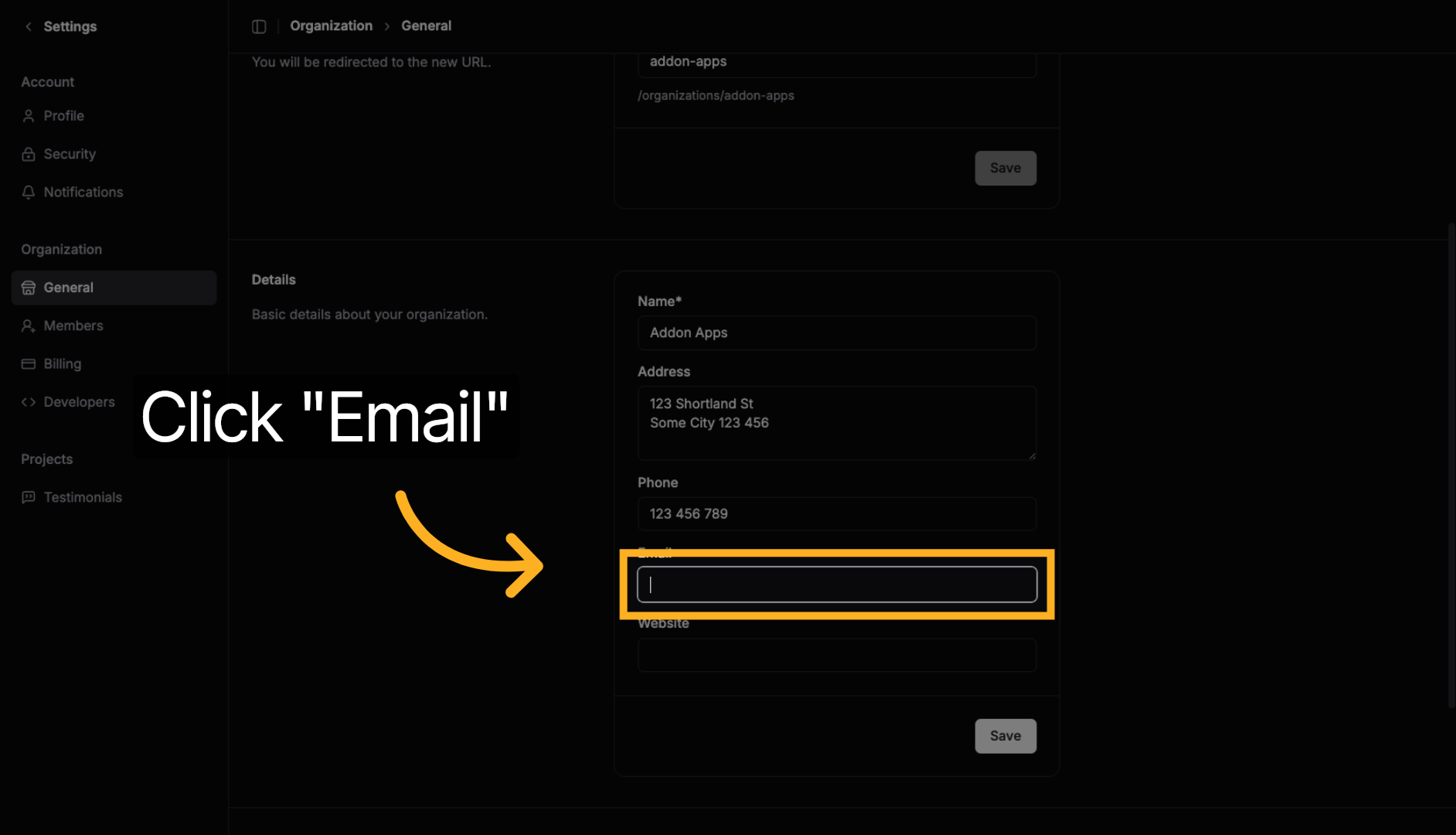
8. Update Email Address
Click the Email tab to set your business email.
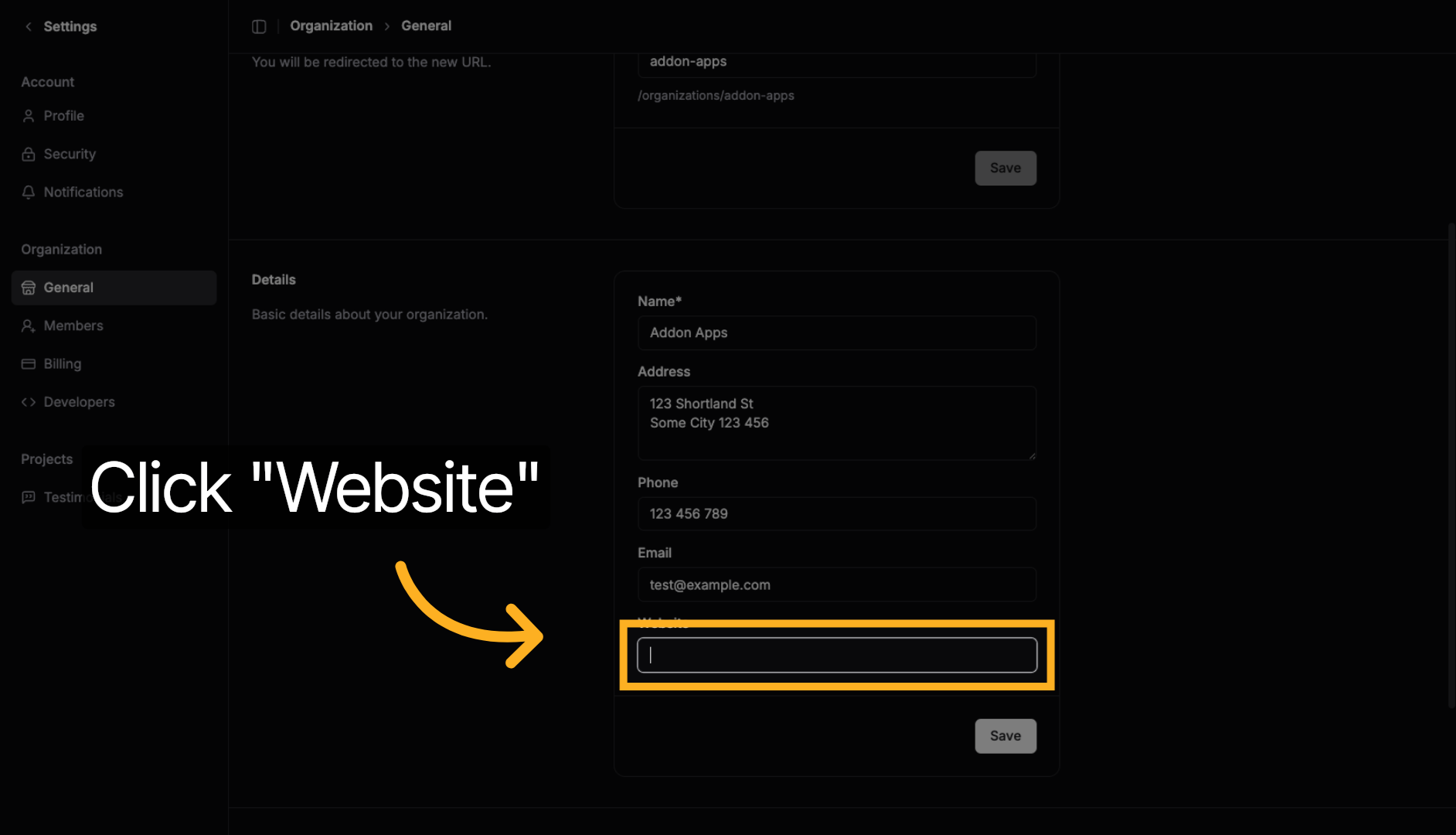
9. Update Website
Click the Website tab to add your business website URL.
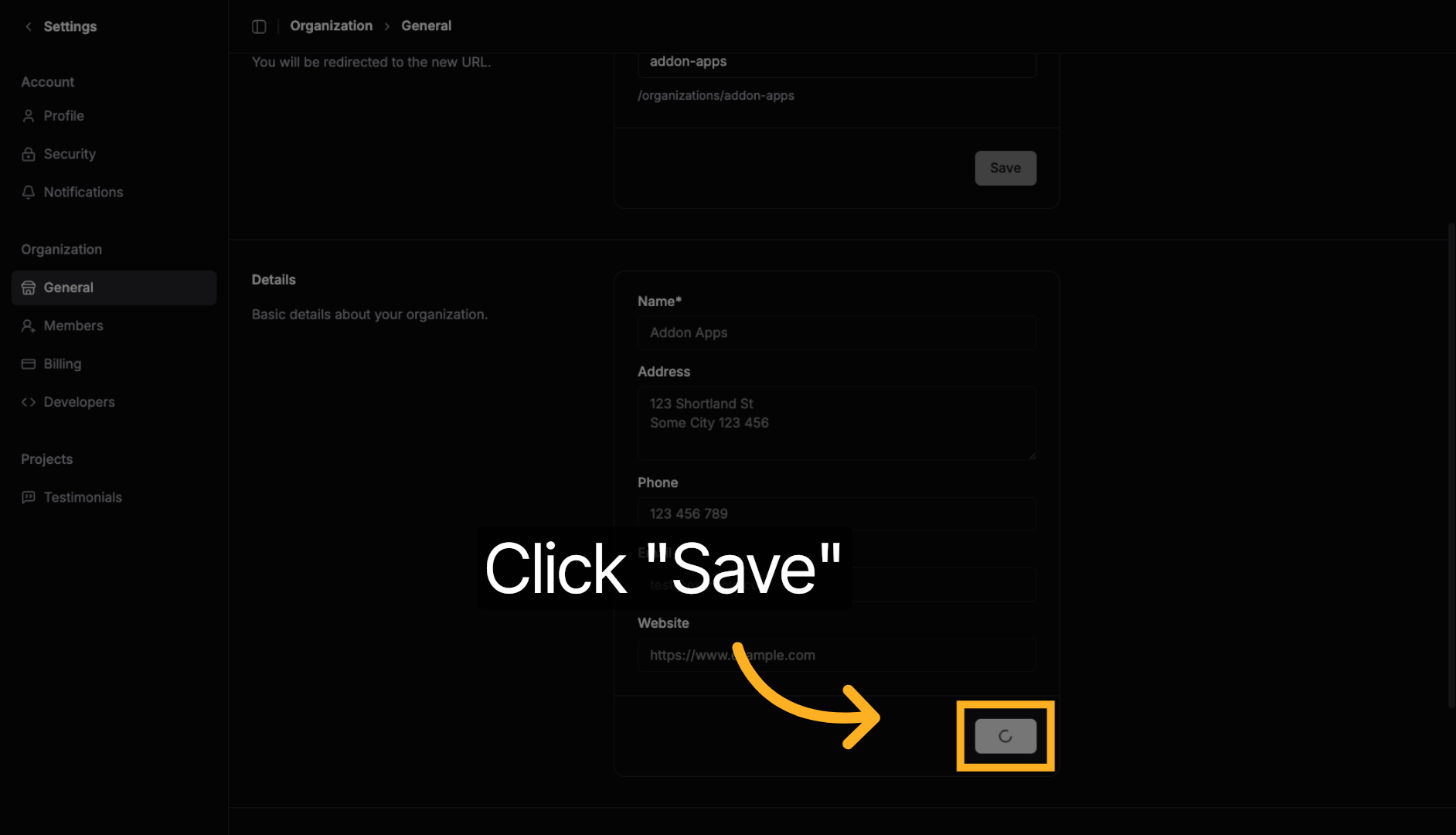
10. Save Changes
Click Save to confirm all your business details updates.
Next steps: Explore more guides or learn about creating quotes with AI.