
Using the AI Assistant
Learn how to use QuoteScope's AI assistant to enhance your quotes with intelligent suggestions and automated improvements.
Using the AI Assistant
Use QuoteScope's AI assistant to enhance your quotes with intelligent suggestions, automated content improvements, and smart recommendations for pricing and sections instead of editing everything manually.
Getting to the Editor: This guide assumes you're already in the quote editor. If you need help getting there, see how to edit a quote and using the quote editor interface.
Tip: The AI assistant works best with reasonably concise and targeted requests. Be specific about what you want to change or add.
1. Access the AI Assistant Panel
The AI assistant panel is available within the quote editor to help you improve your content.
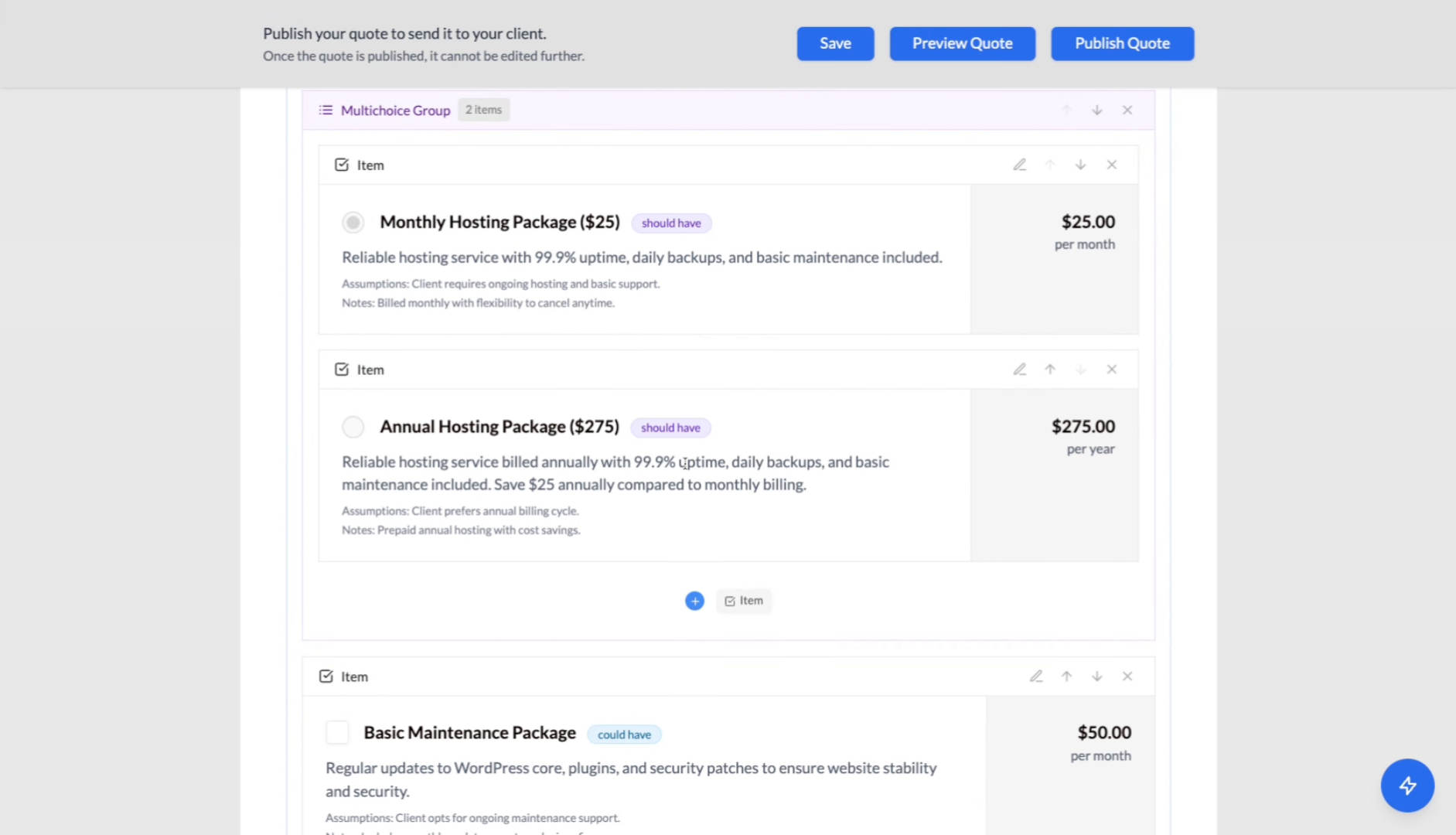
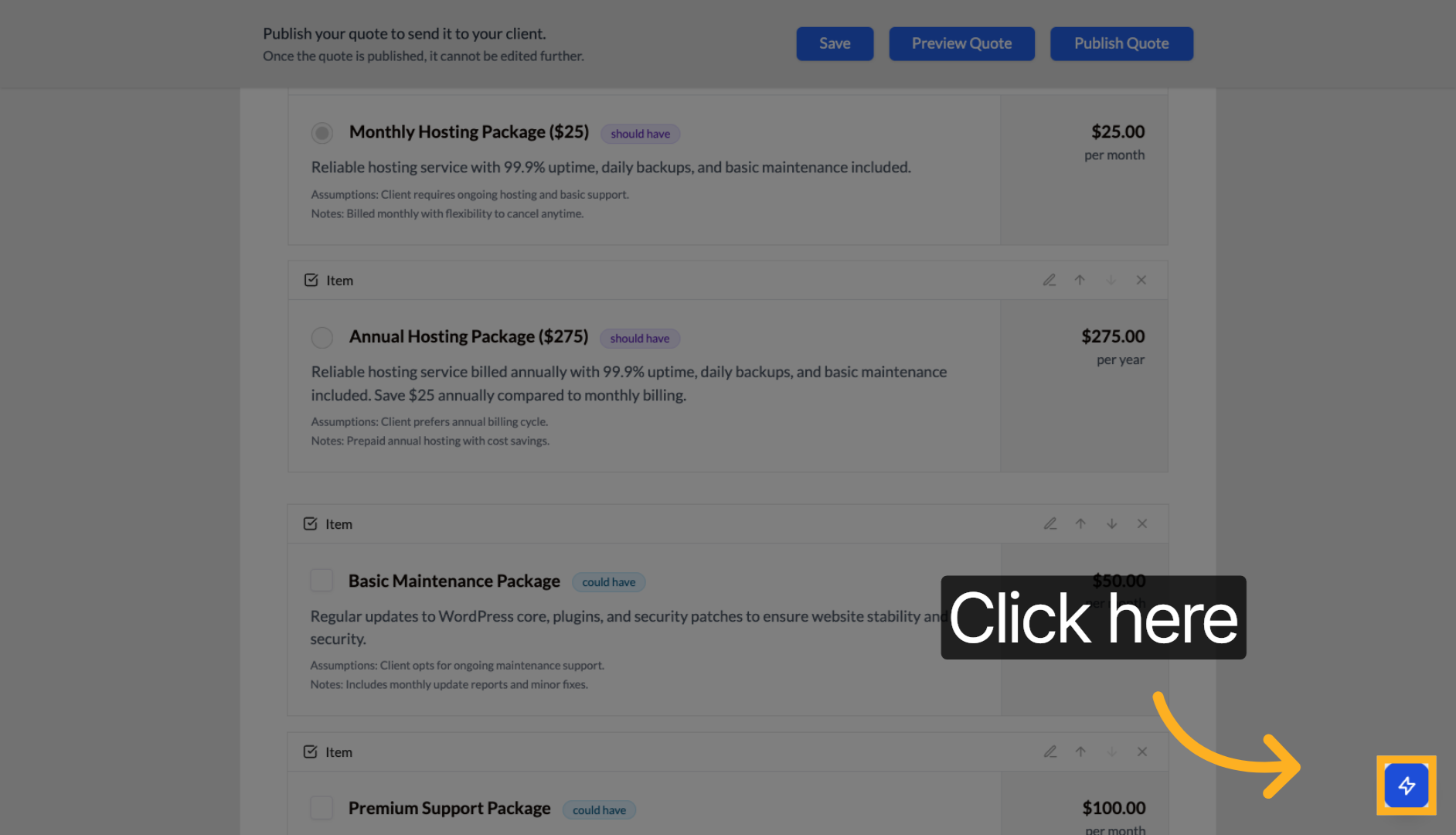
2. Open AI Assistant Panel
Click to open the AI assistant panel and access intelligent editing suggestions.
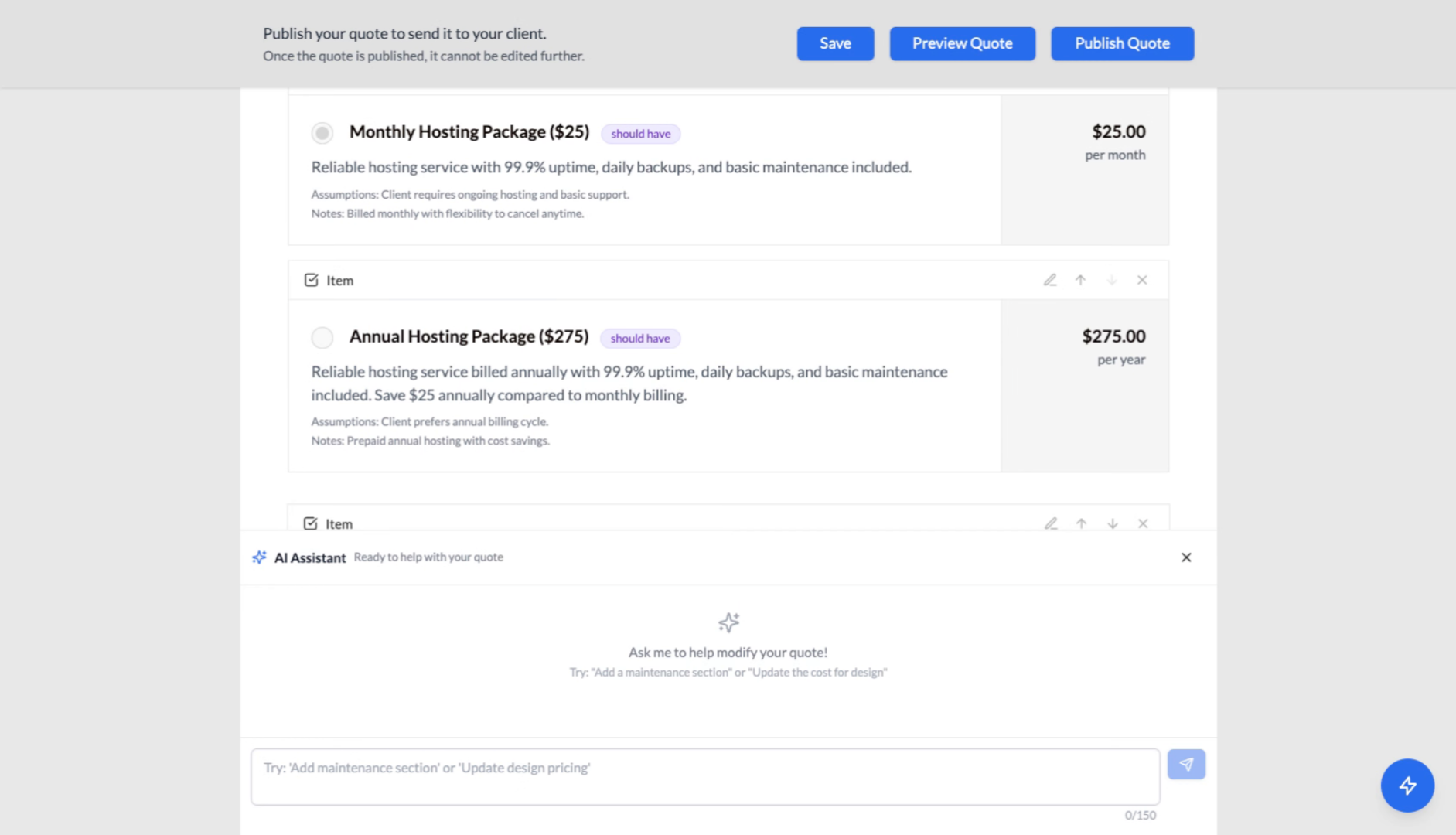
3. AI Assistant Panel Opens
The AI assistant panel is now open and ready to help you edit your quote with intelligent suggestions.
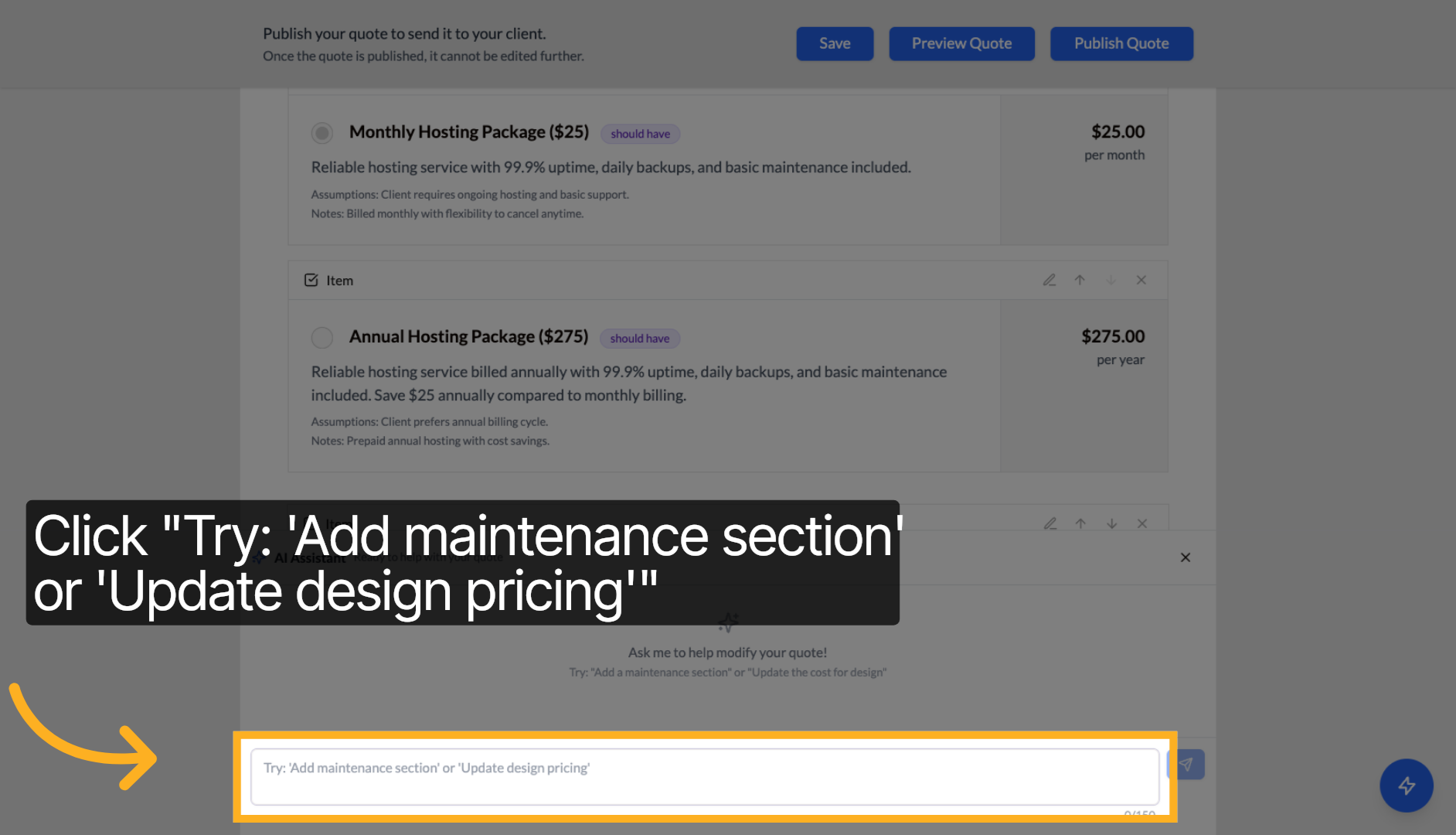
4. Input Your Request to the Assistant
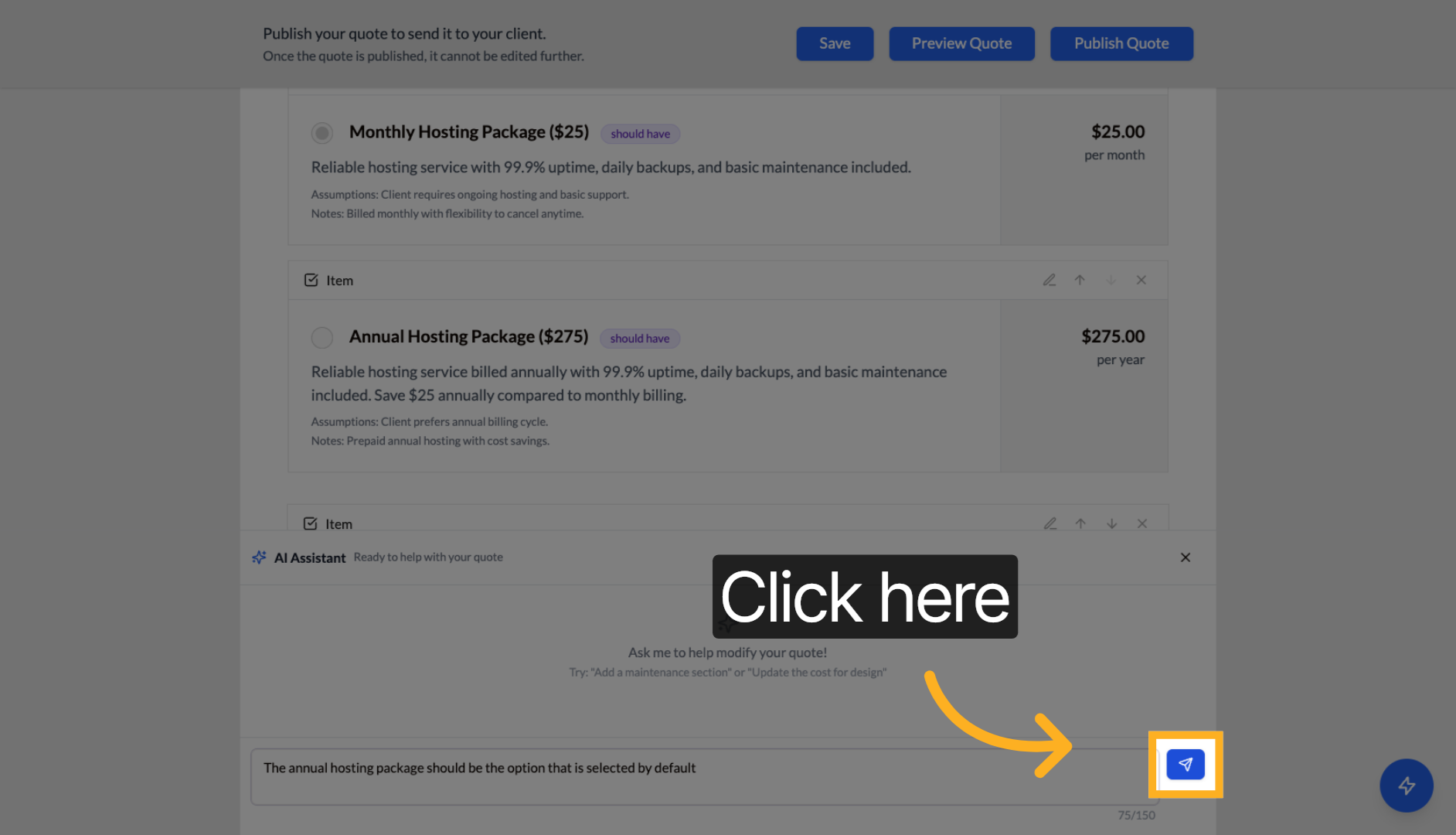
Enter your specific request in the AI assistant input field. For example: "The annual hosting package should be the option that is selected by default".
5. Send Your Request to the AI Assistant
Click to send your request to the AI assistant. It will make changes based on what you asked it to do.
6. Review and Approve Changes
After the AI assistant makes changes, you can review them - they're usually outlined in blue. If you approve, the changes will stay. If you decline, the changes will be undone. Click "Approve" if you're satisfied with the modifications.
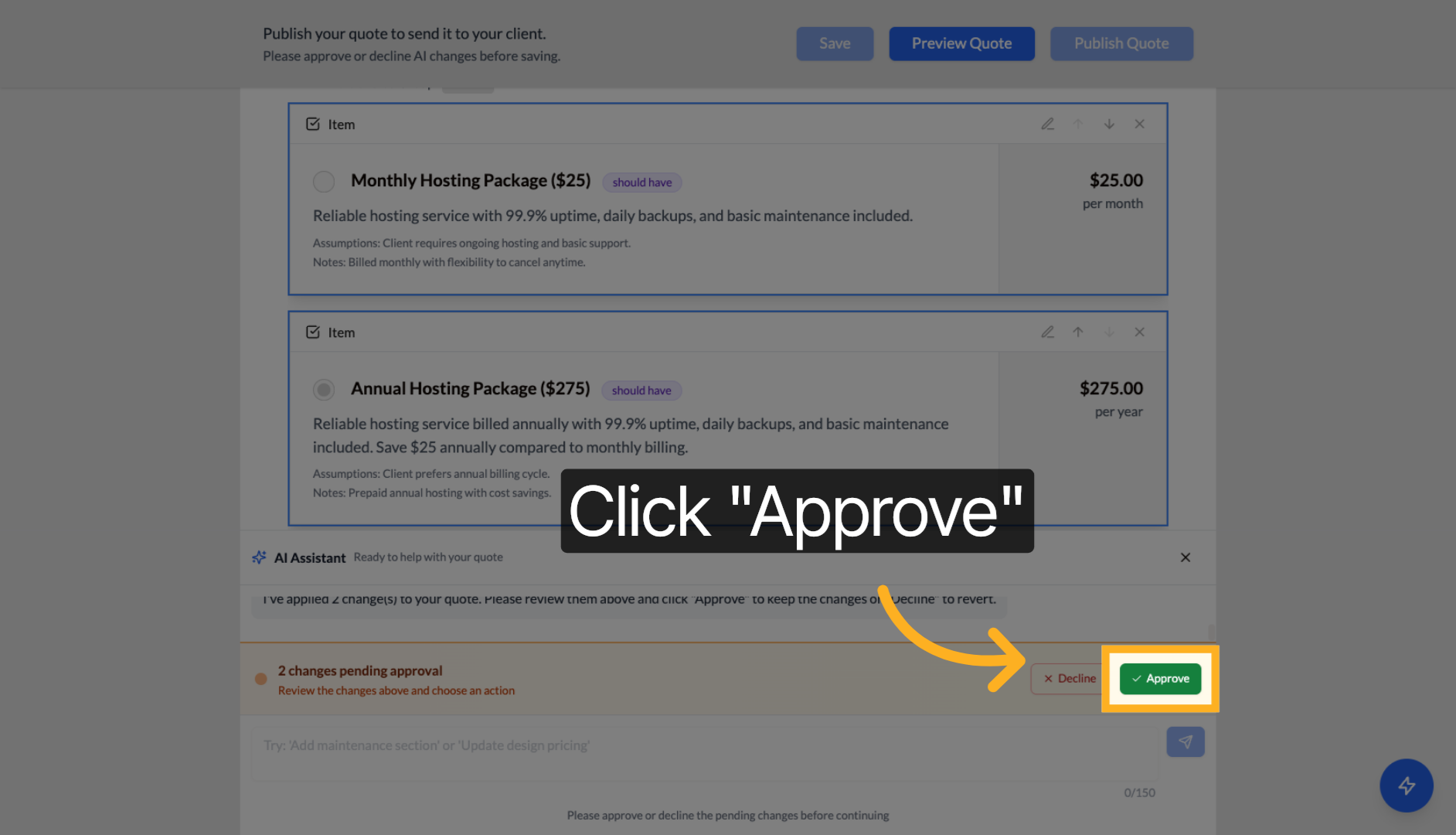
Tip: If the AI doesn't get it right the first time, you can decline and ask the AI assistant in a slightly different way or for a simpler change.
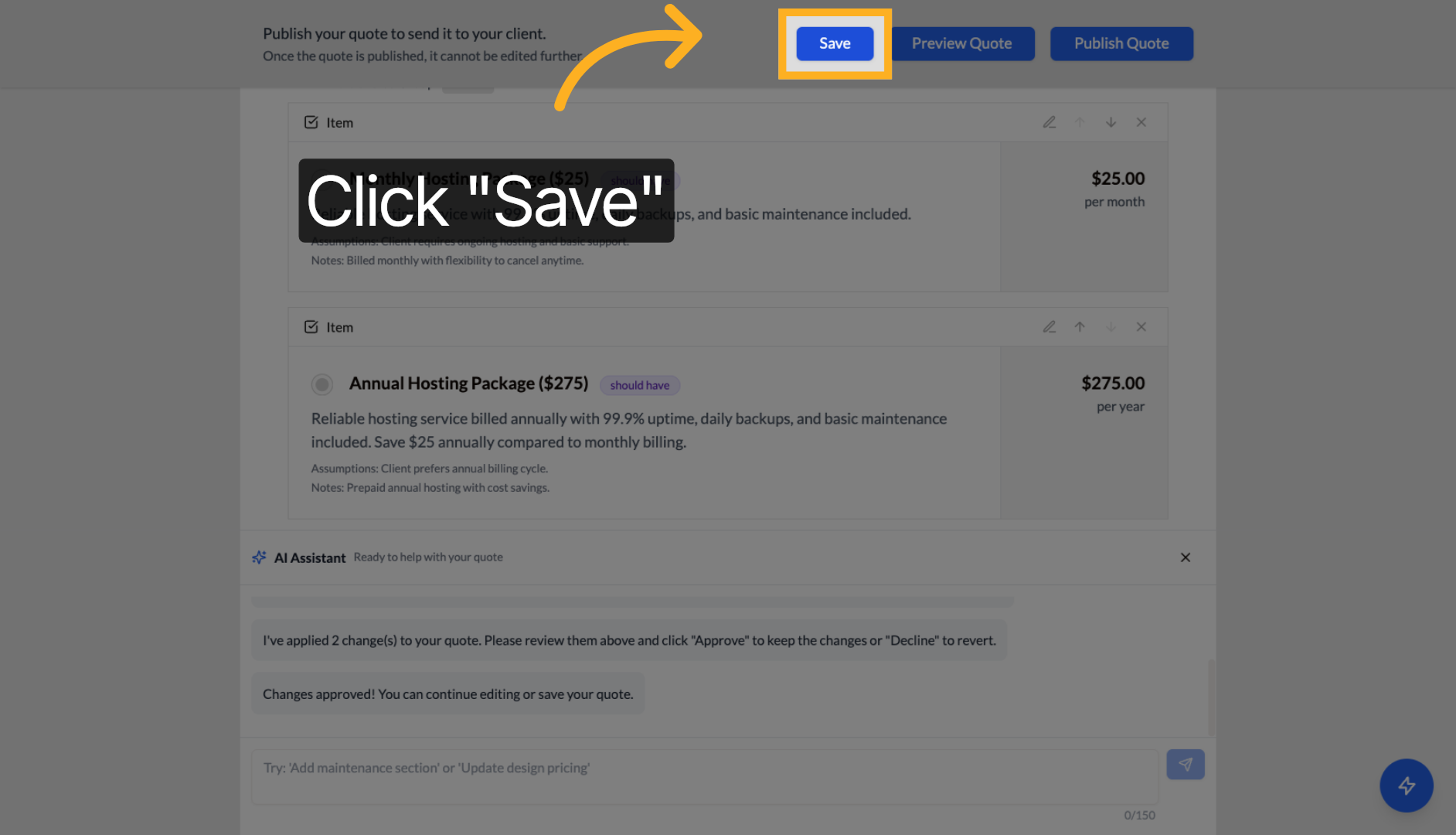
7. Save Your Changes
You must save your changes after the AI assistant makes modifications. Click "Save" to apply and store the AI-assisted changes to your quote.
Tip: The AI assistant can help with content improvements, pricing adjustments, adding new sections, and optimizing your quote structure. Experiment with different suggestions to enhance your proposals.
Next steps: Learn about manual quote editing or publishing your quotes.