
Update Project Details
Update client information, contact details, and currency settings for your projects in QuoteScope.
Update Project Details
Keep your project information up to date by editing client details, contact information, and currency preferences. These details automatically populate into any new quotes you create for this project.
Important: Updating project details only affects new quotes created after the changes. Existing quotes will keep their original information and won't be automatically updated.
1. Prepare Your Information
Gather the updated client information you want to change: contact name, company details, email, phone, website, address, and preferred currency.
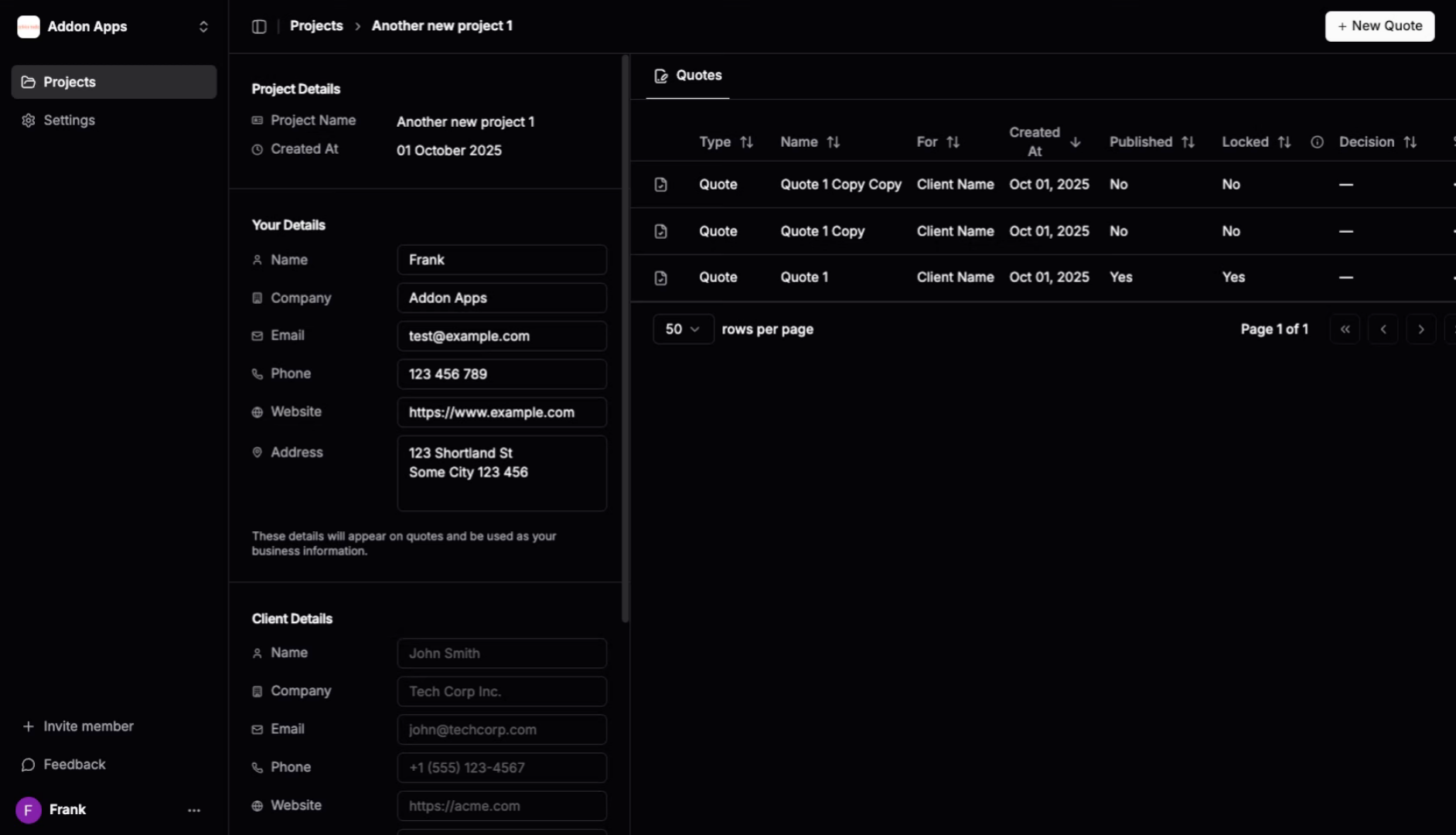
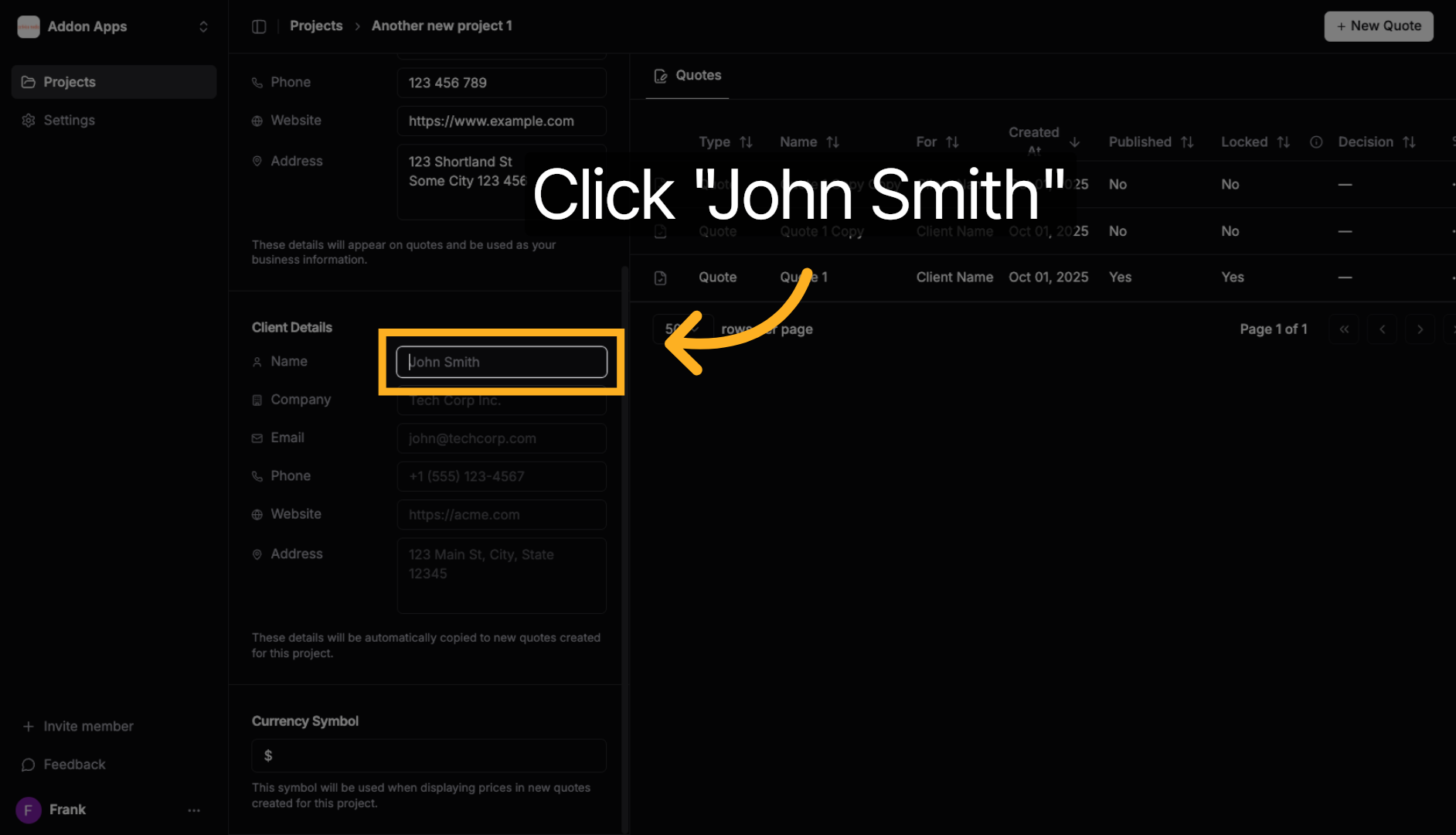
2. Update Contact Name
Click on the current contact name to edit the project owner's name for future quotes.
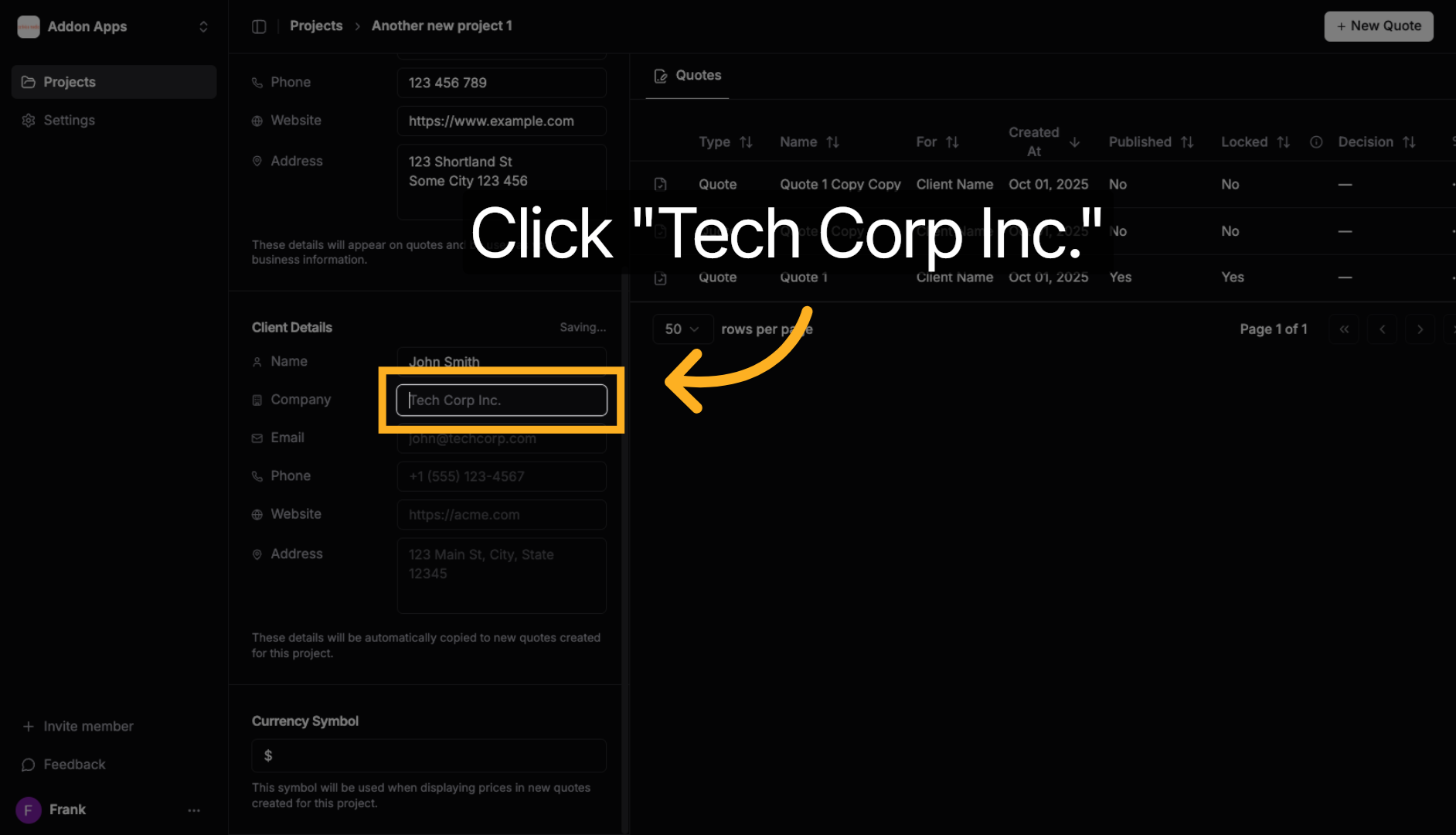
3. Update Company Name
Click on the company name to change the client's business name that will appear on quotes.
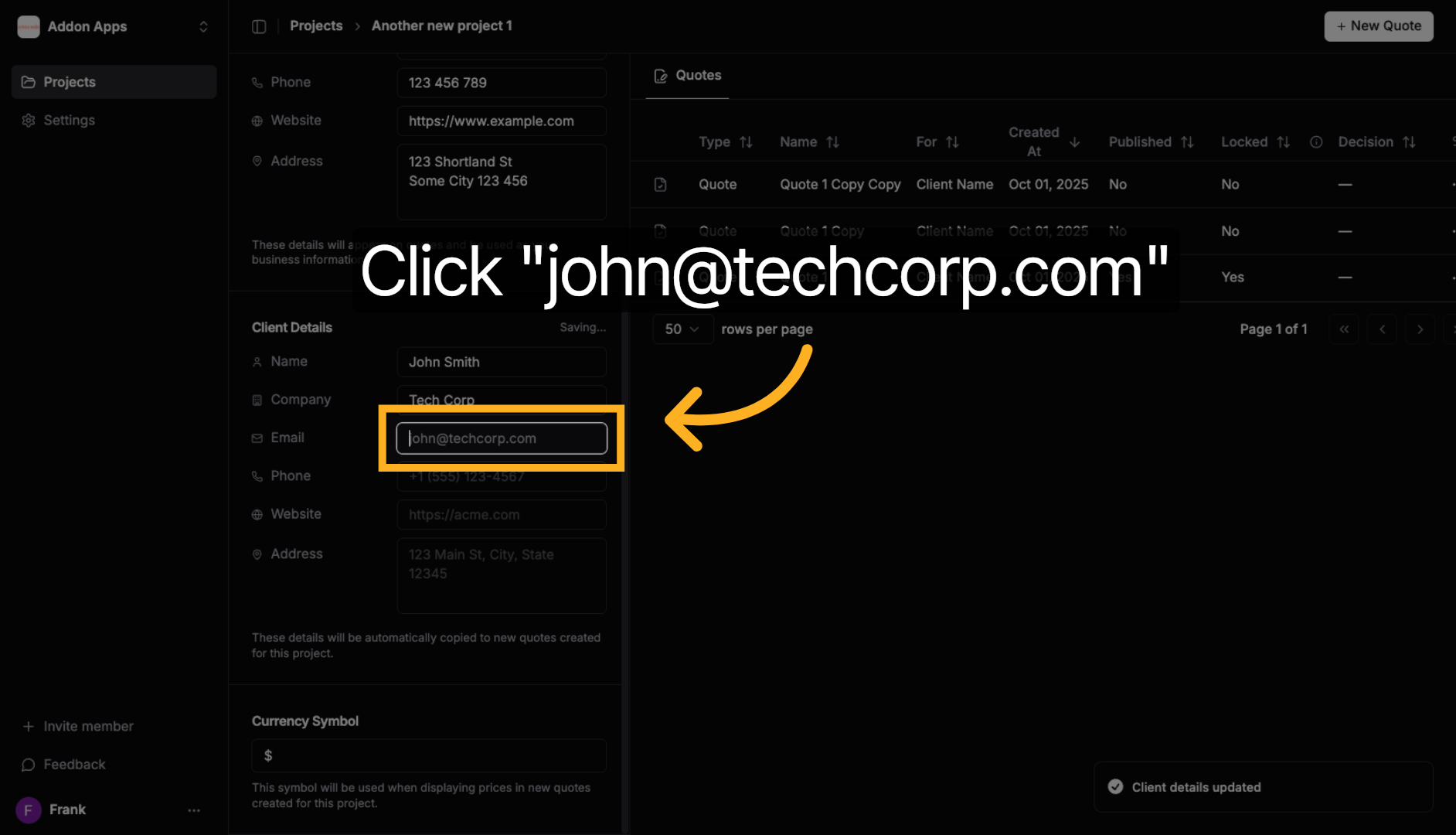
4. Update Email Address
Click on the email field to change the primary contact email for this project.
5. Update Phone Number
Click on the phone number field to modify the contact phone number for the project.
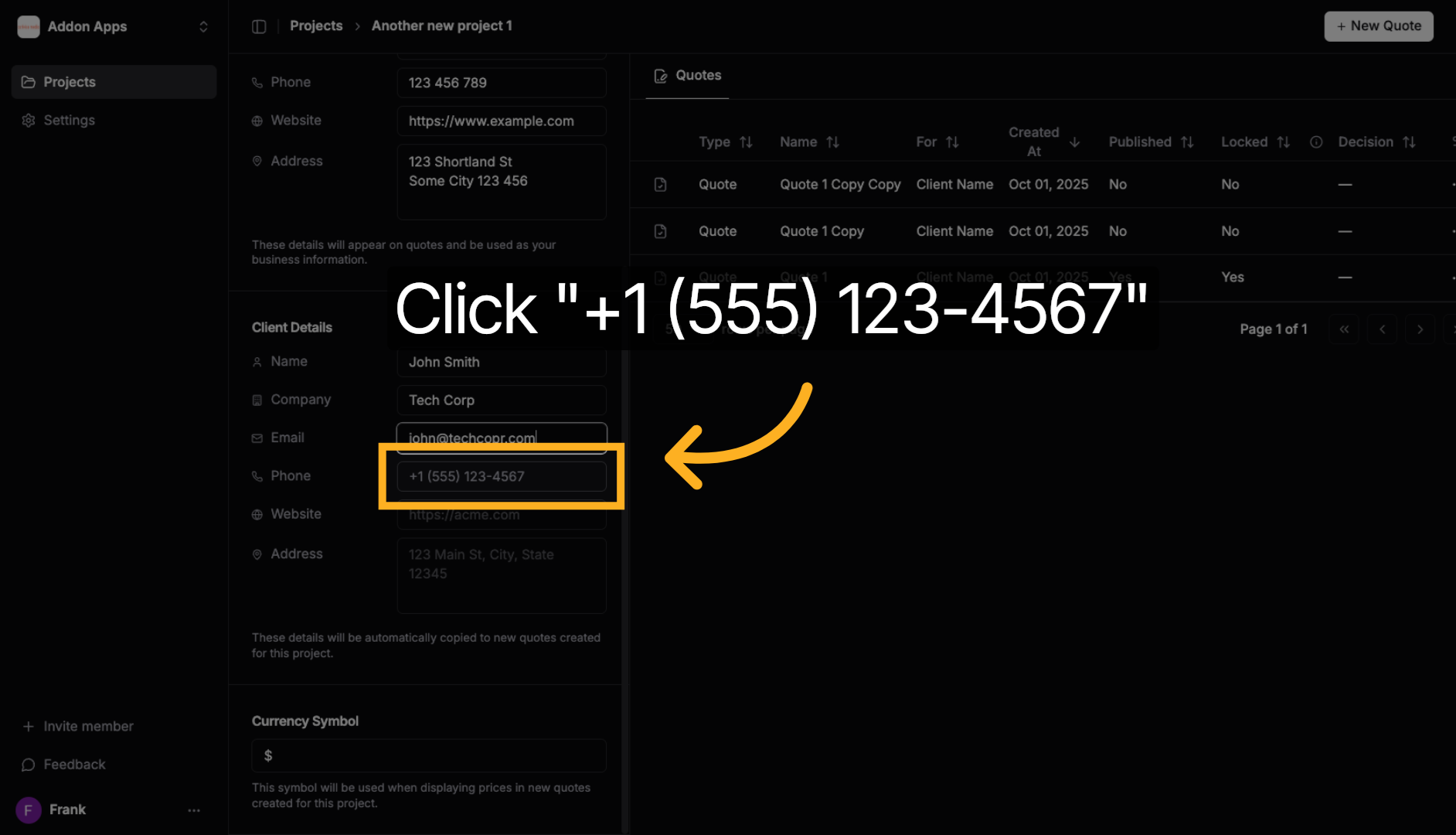
6. Update Website URL
Click on the website field to change the company's web address that will appear on quotes.
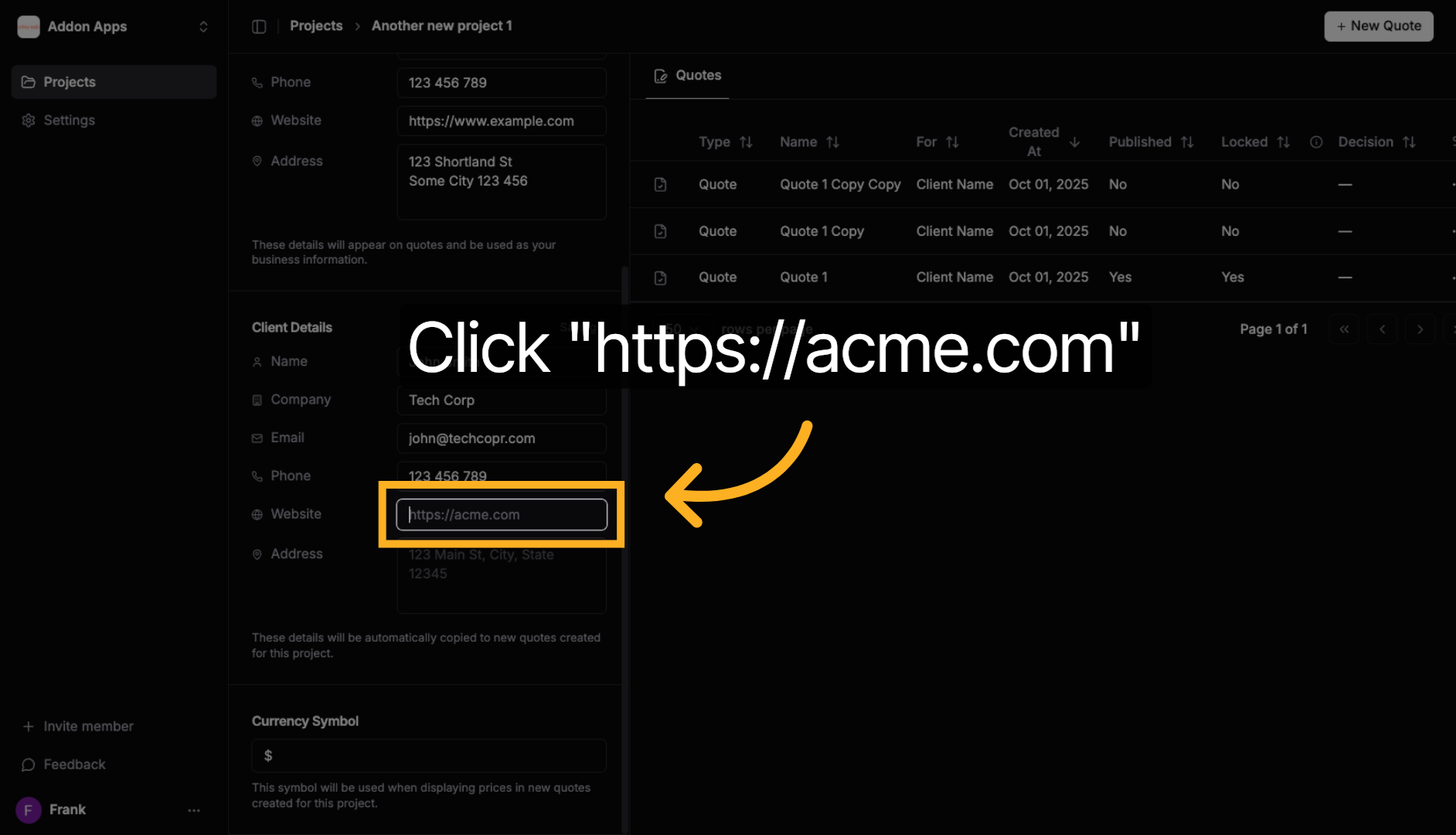
7. Update Physical Address
Click on the address field to modify the company's location details.
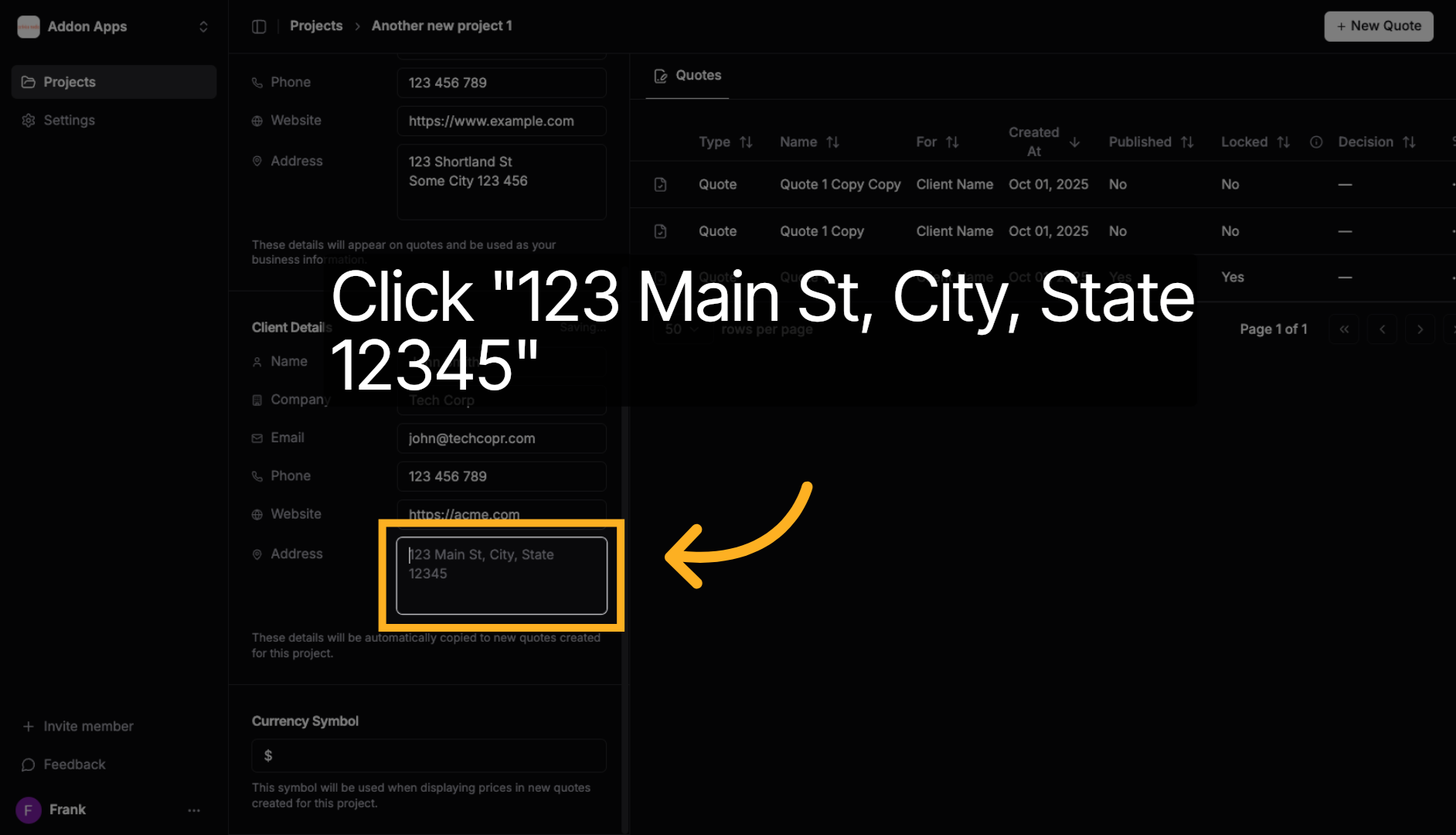
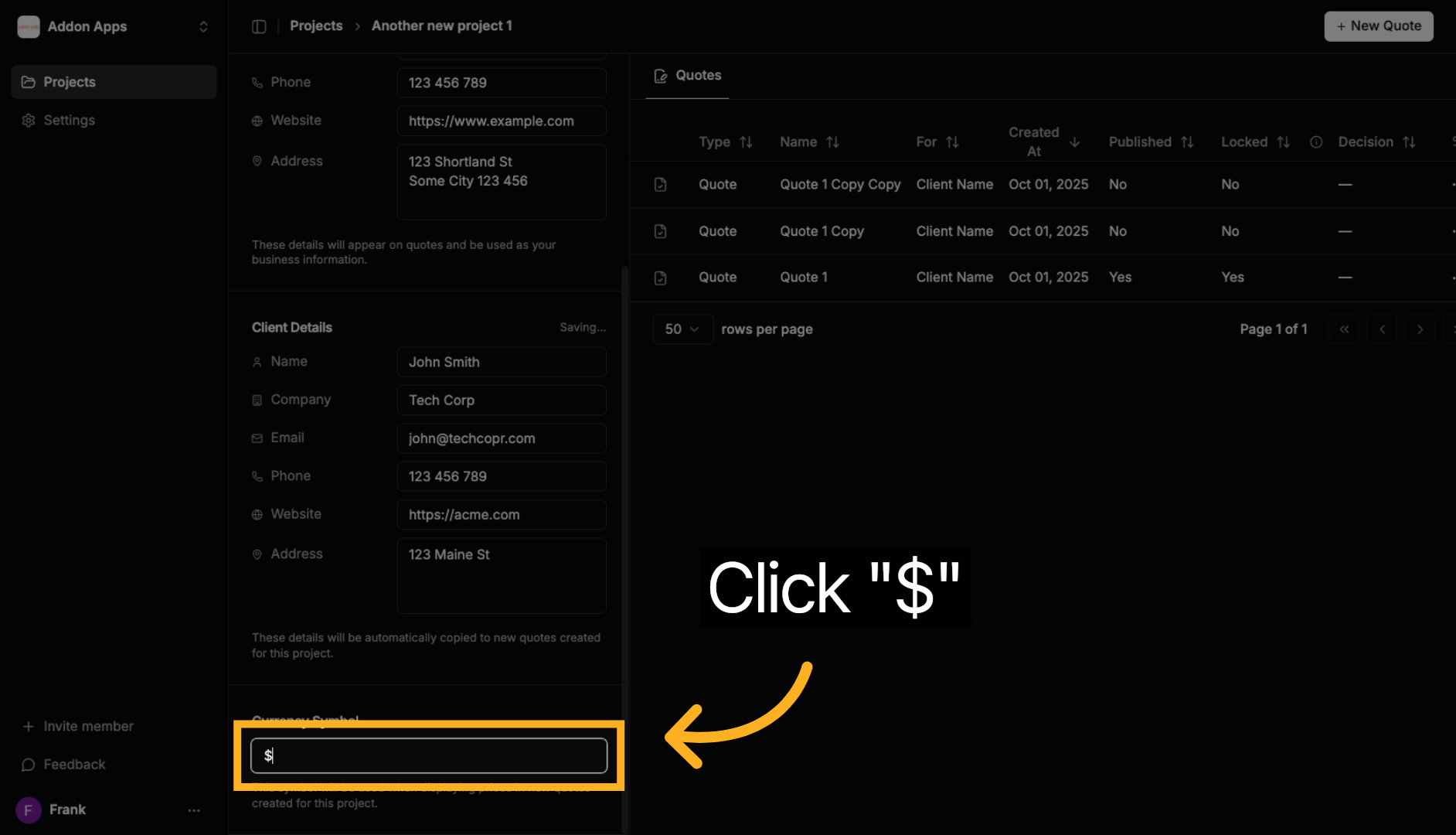
8. Set Currency Preference
Click on the currency symbol to choose the preferred currency for all quotes in this project. Examples include "USD $", "EUR €", "GBP £", "CAD $", "AUD $".
💡 Pro Tip: Project details act as a template for new quotes. When you create a quote in this project, all these client details (name, company, email, phone, etc.) will be automatically filled in, saving you time and ensuring consistency. Any changes you make here won't affect existing quotes - only new ones you create going forward.
Next steps: Learn about updating your business details or explore creating quotes with AI.