
Create a New Project
Set up a new project to organize and manage all quotes for a specific client engagement.
Create a New Project
Projects in QuoteScope represent a piece of work you're doing for a client. They act as containers that organize all related quotes together, making it easy to track revisions and maintain a clear history of your client communications.
💡 Understanding Projects: Think of projects as folders for client work. When a client requests changes or you need to send a revised quote, you create a new quote within the same project rather than editing the original. This keeps a complete audit trail and ensures sent quotes remain unchanged for reference.
1. Access Your Dashboard
Navigate to dashboard.quotescope.co and sign in to your account to access your project dashboard.
2. Start a New Project
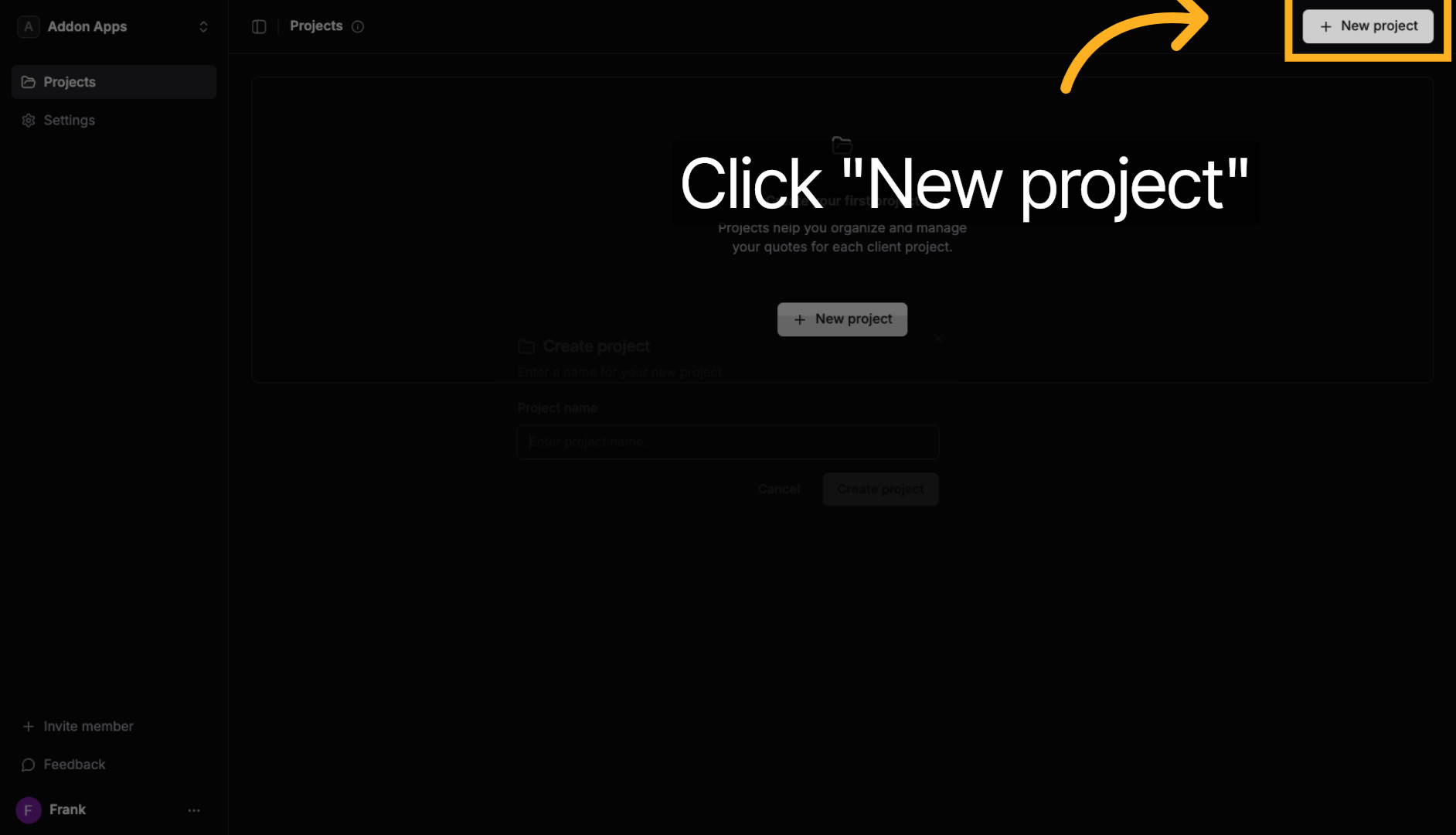
Click the "New project" button to begin creating a project for your client engagement.
3. Enter Project Name
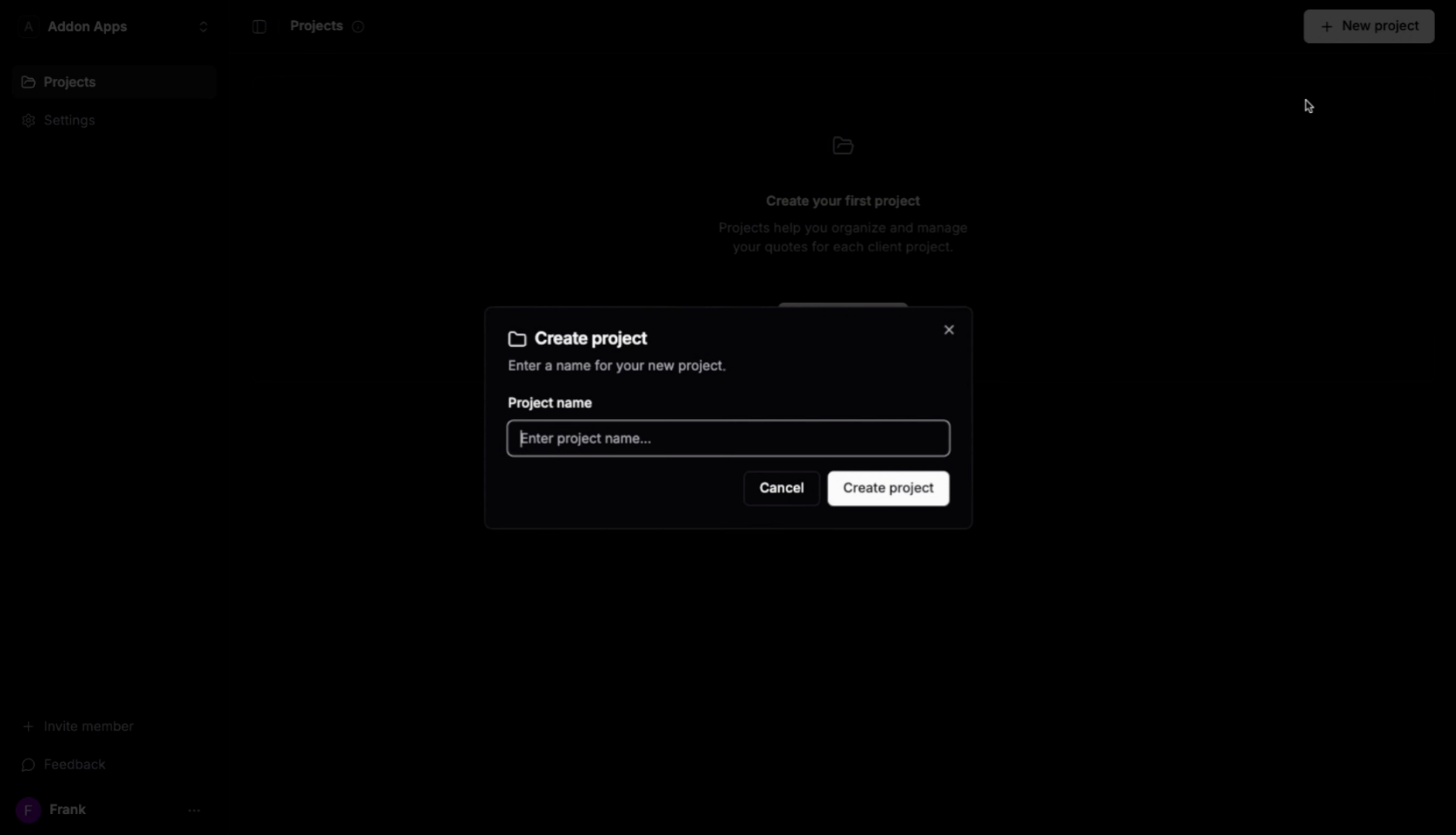
Enter a descriptive name that identifies the client and type of work (e.g., "Acme Corp Website Redesign" or "Smith Kitchen Renovation").
4. Create the Project
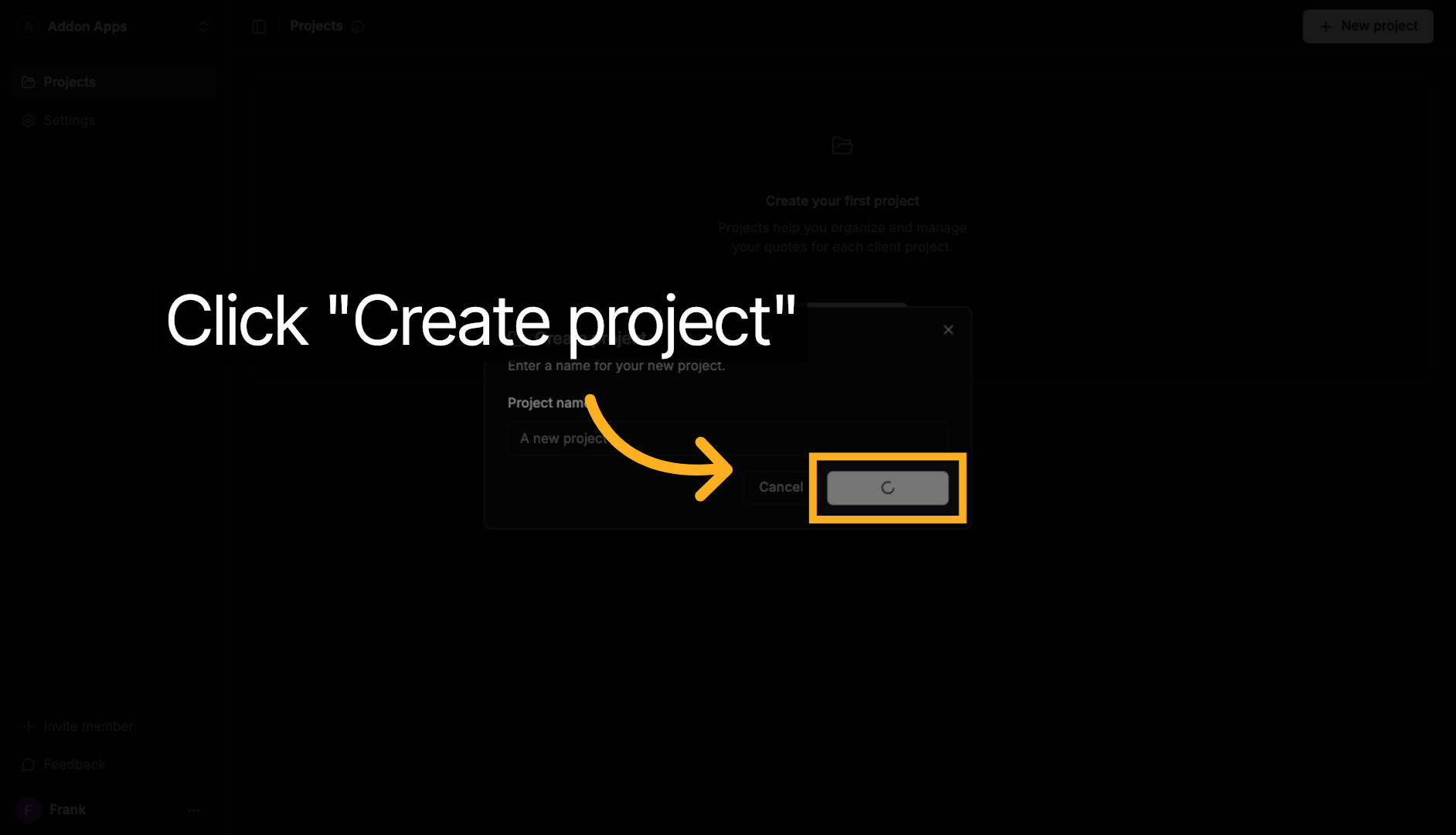
Click "Create project" to save your new project. You can now start creating quotes, managing client details, and tracking all communications for this engagement.
Next steps: Explore more guides or learn about creating quotes with AI.