
Watching Client Visits
Learn how to watch a playback of your client's visit to see their interactions, scrolling, and clicking behavior on your quotes.
Watching Client Visits
Watch a detailed playback of your client's visit to see exactly how they interacted with your quote - including their scrolling, clicking, and time spent on different sections.
Client Insights: This feature helps you understand which parts of your quote captured your client's attention and where they spent the most time, giving you valuable insights for follow-up conversations.
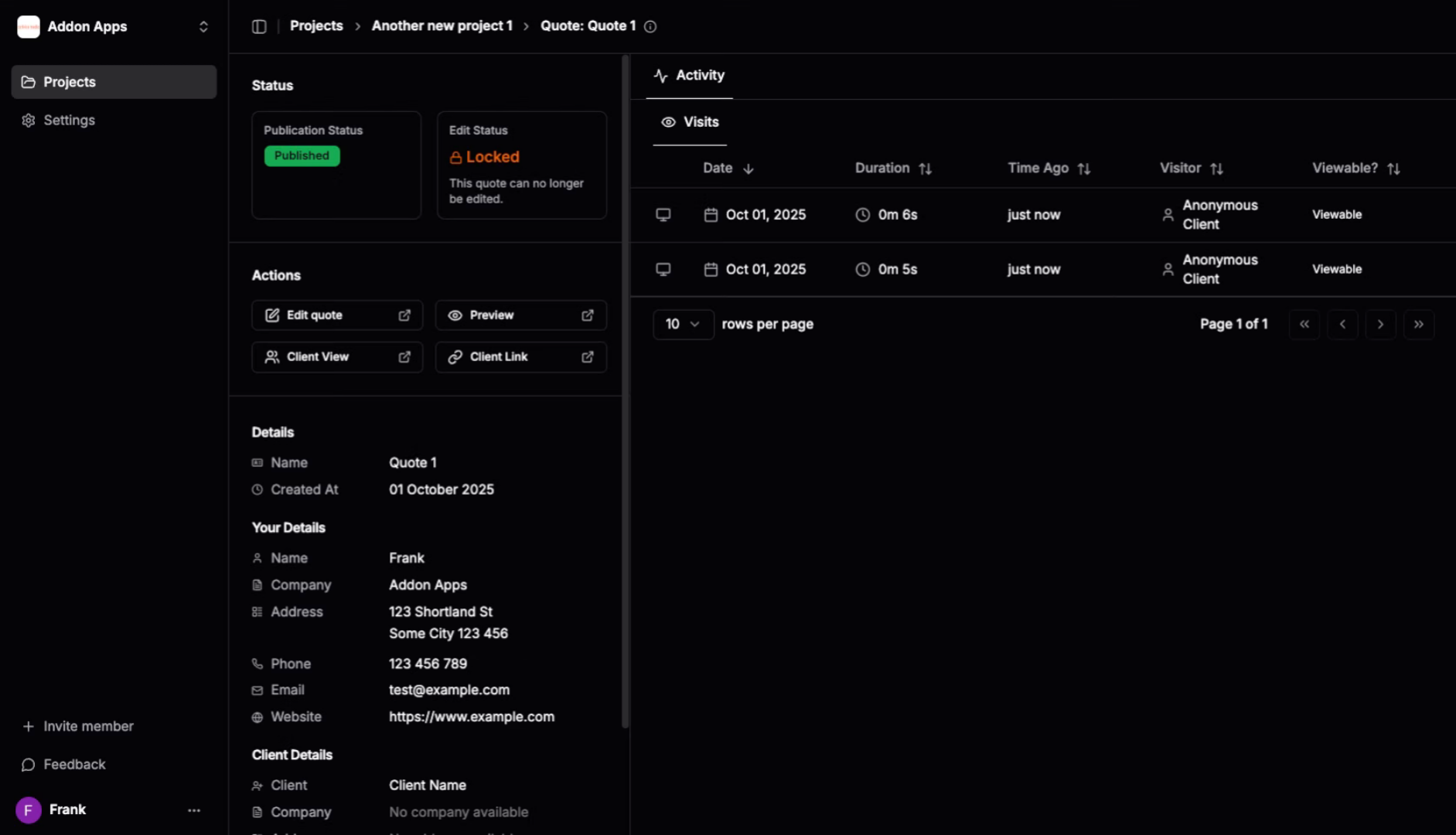
1. Navigate to Quote Detail Page
Go to the quote detail page in your dashboard where you can see the activity visits section showing when clients accessed your quote.
2. Click on a Visit Row
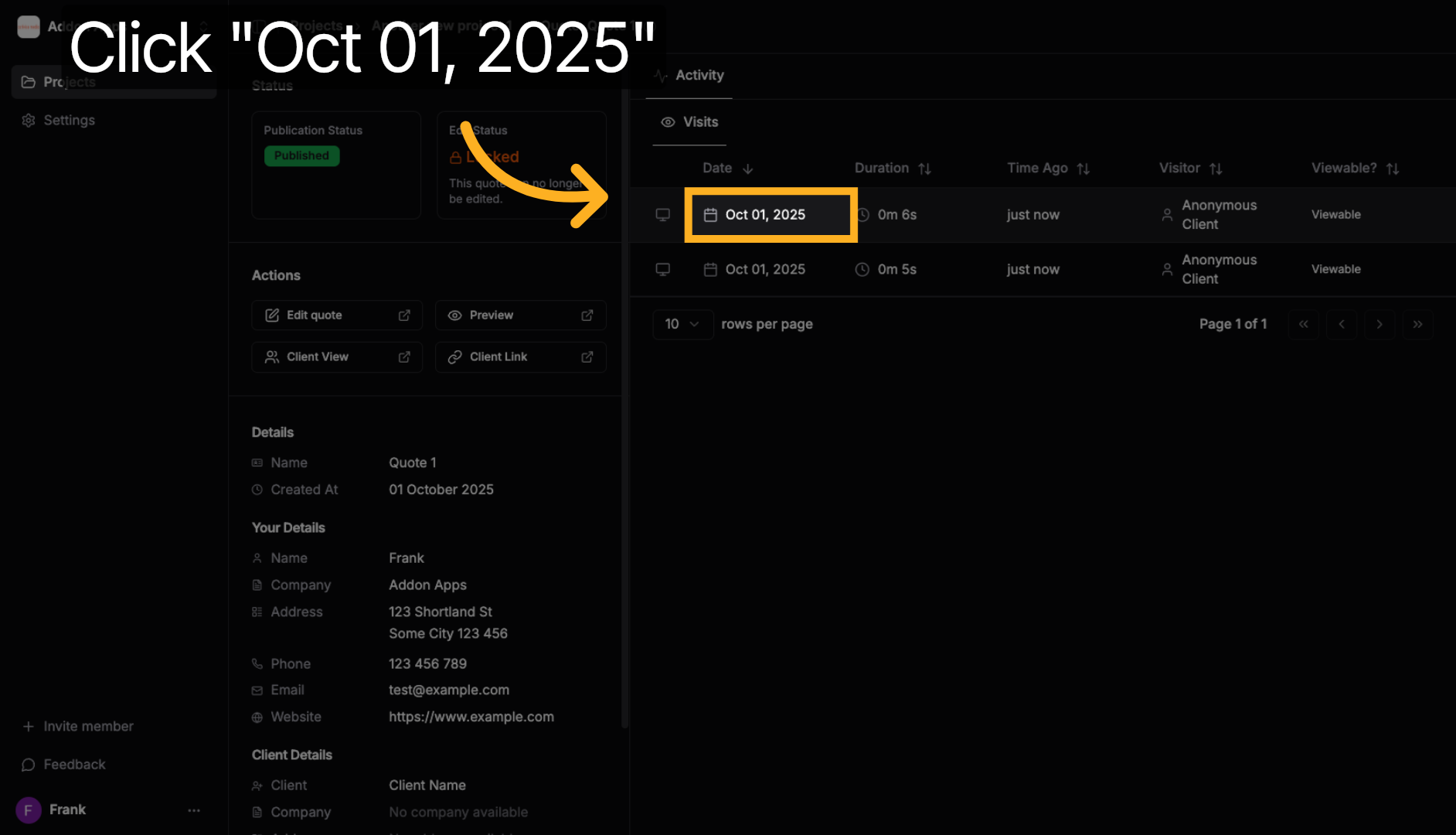
Click on one of the visit rows in the activity visits section to select which client visit session you want to playback.
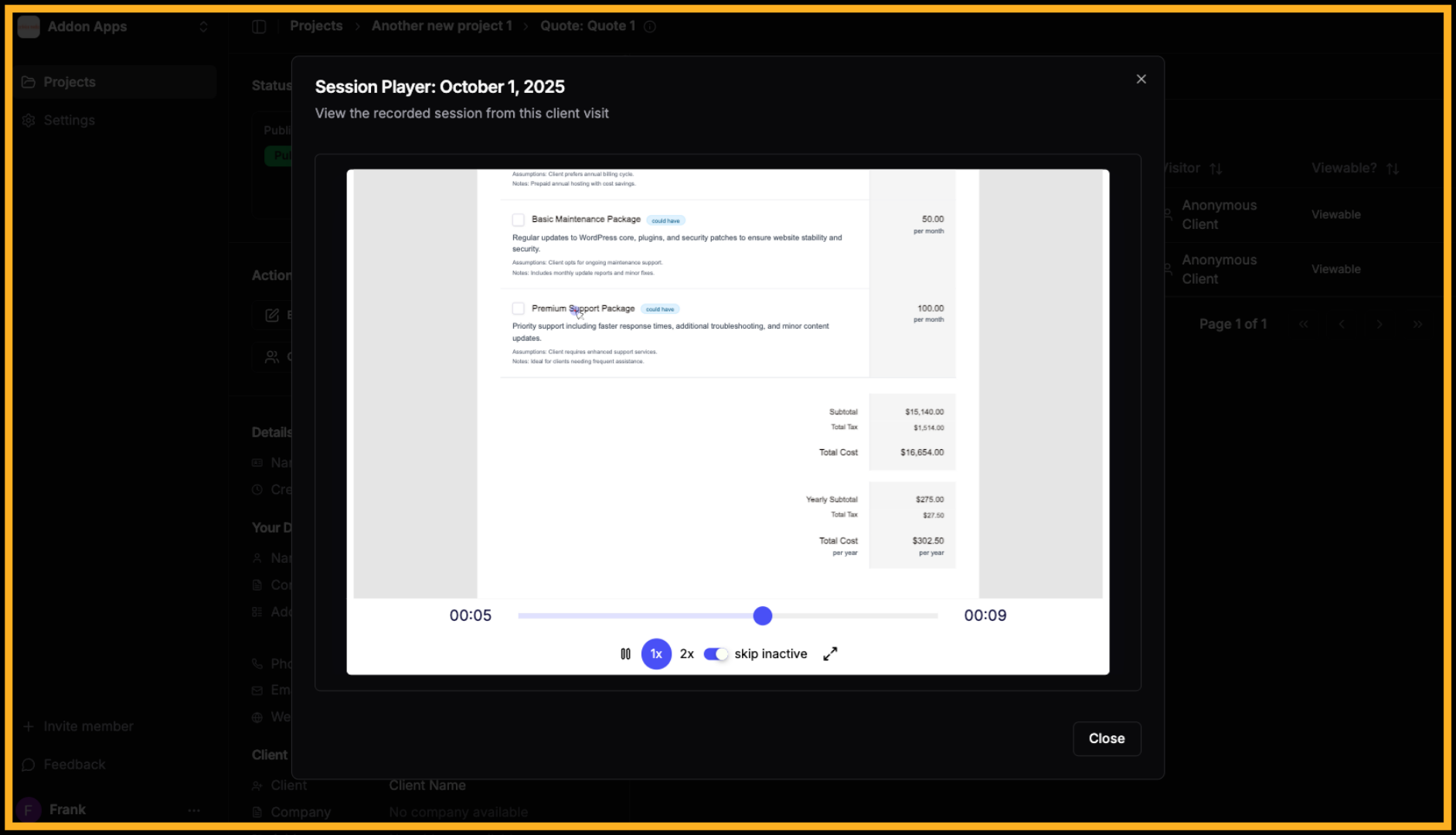
3. Watch the Playback
The playback modal opens in the middle of the page, showing you exactly how your client interacted with the quote - their scrolling, clicking, and navigation behavior.
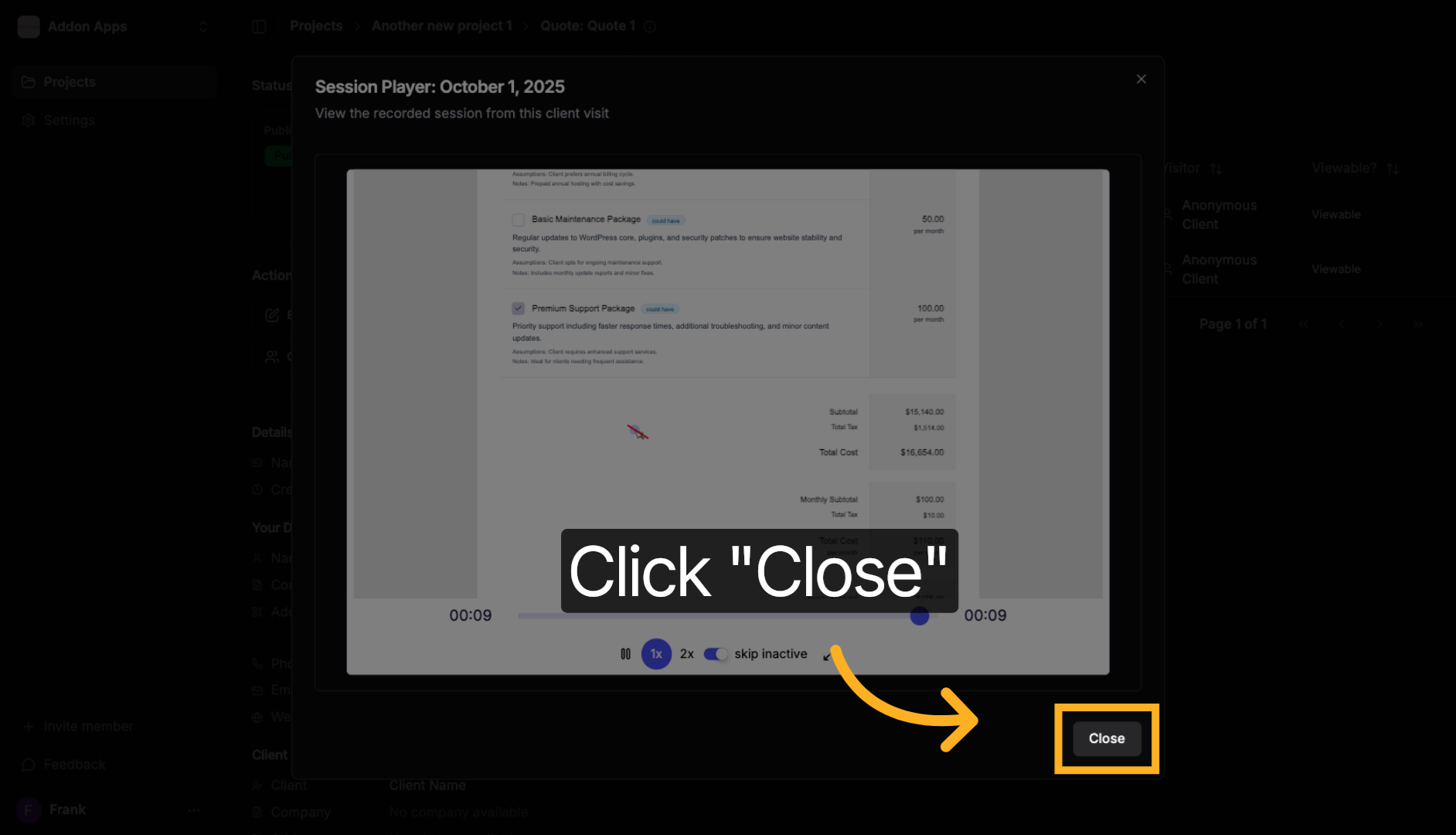
4. Close the Playback Modal
Click "Close" to dismiss the playback modal when you're finished reviewing the client's visit and interactions.
What You Can Learn from Client Activity
Interaction Insights
- Scrolling patterns: See which sections clients read thoroughly vs. skipped
- Click behavior: Track what elements clients interacted with
- Time spent: Understand which parts held their attention longest
- Return visits: Monitor if clients revisited your quote multiple times
Follow-up Opportunities
Use these insights to:
- Address sections they spent extra time reviewing
- Clarify areas they may have skipped
- Focus conversations on their areas of interest
- Understand their decision-making process
Pro Tip: If a client spent significant time on pricing sections but didn't accept immediately, this might indicate they're comparing options or need additional justification for the investment.
Next steps: Learn about following up with clients or explore creating quote variations.
Next steps: Explore more guides or learn about creating quotes with AI.