
Quote Notifications
Learn how to enable notifications to get alerted when clients first view your quotes or leave comments.
Quote Notifications
Stay informed about client activity by enabling notifications for when clients first view your quotes or leave comments. This helps you respond quickly and maintain engagement with prospects.
Stay Connected: Notifications help you know exactly when clients are engaging with your quotes, so you can follow up at the right moment and answer any questions they might have.
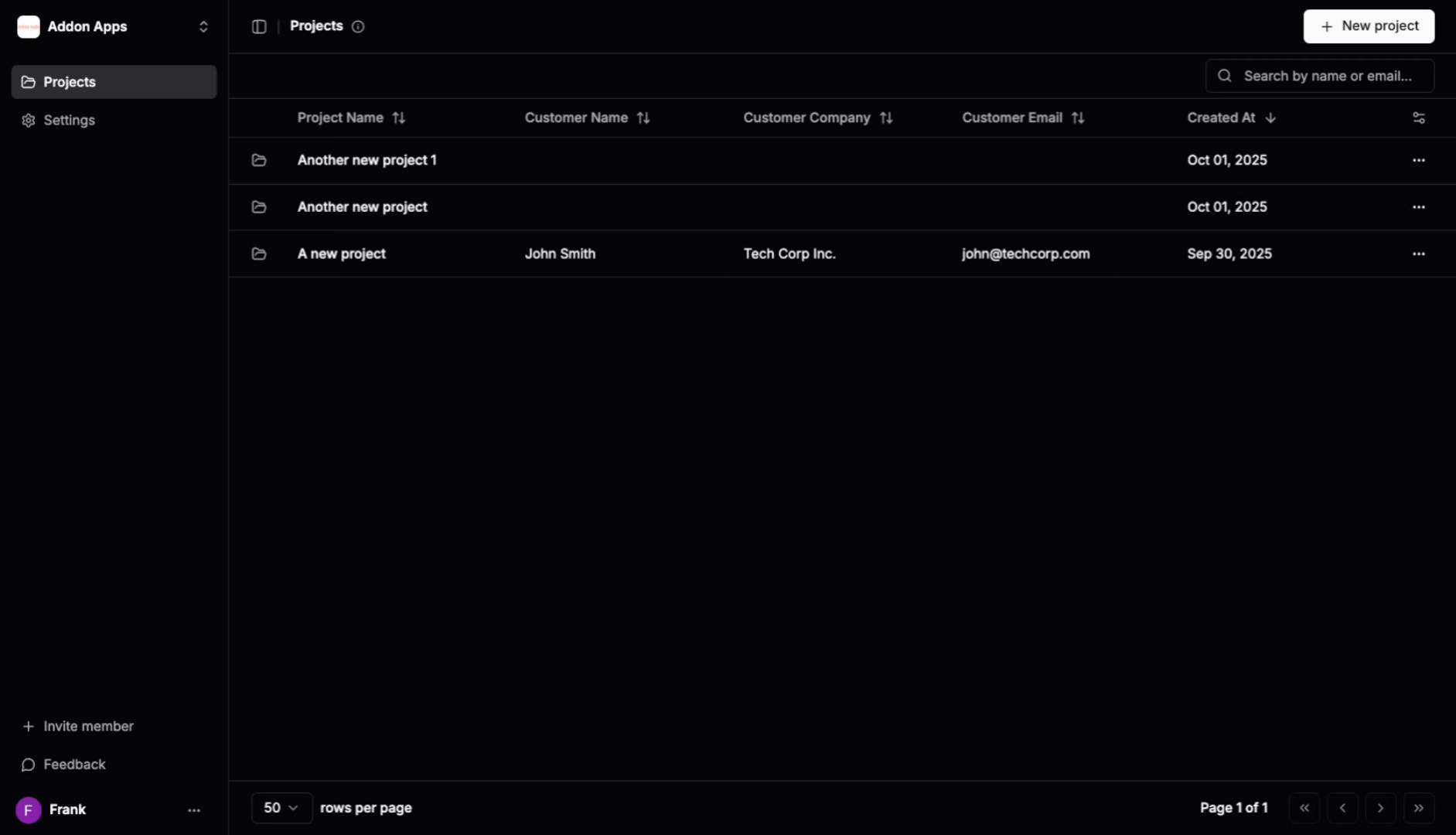
1. Access Your Settings
Navigate to your dashboard and locate the settings to configure your notification preferences.
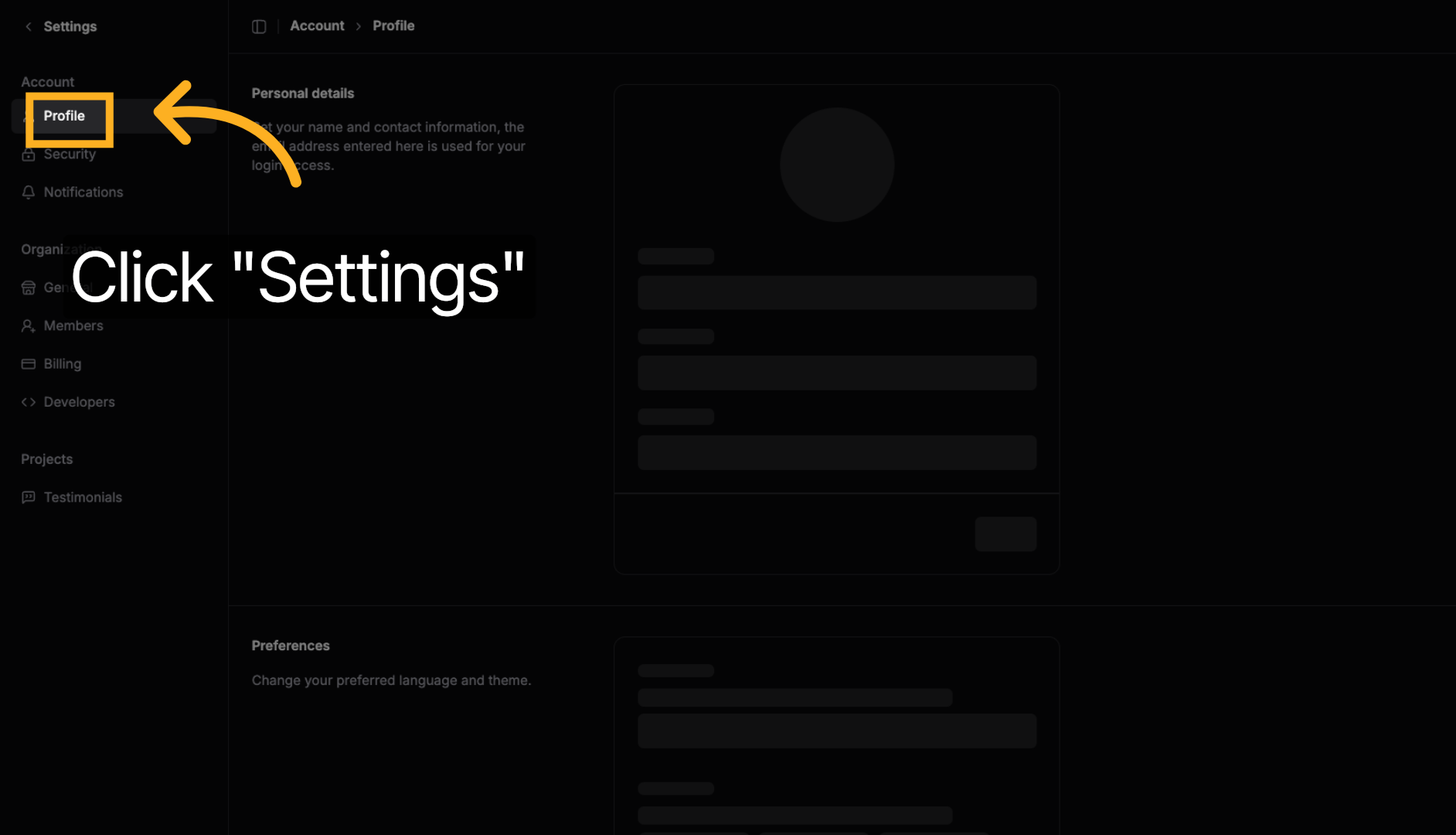
2. Open Settings
Click "Settings" to access your account preferences and configuration options.
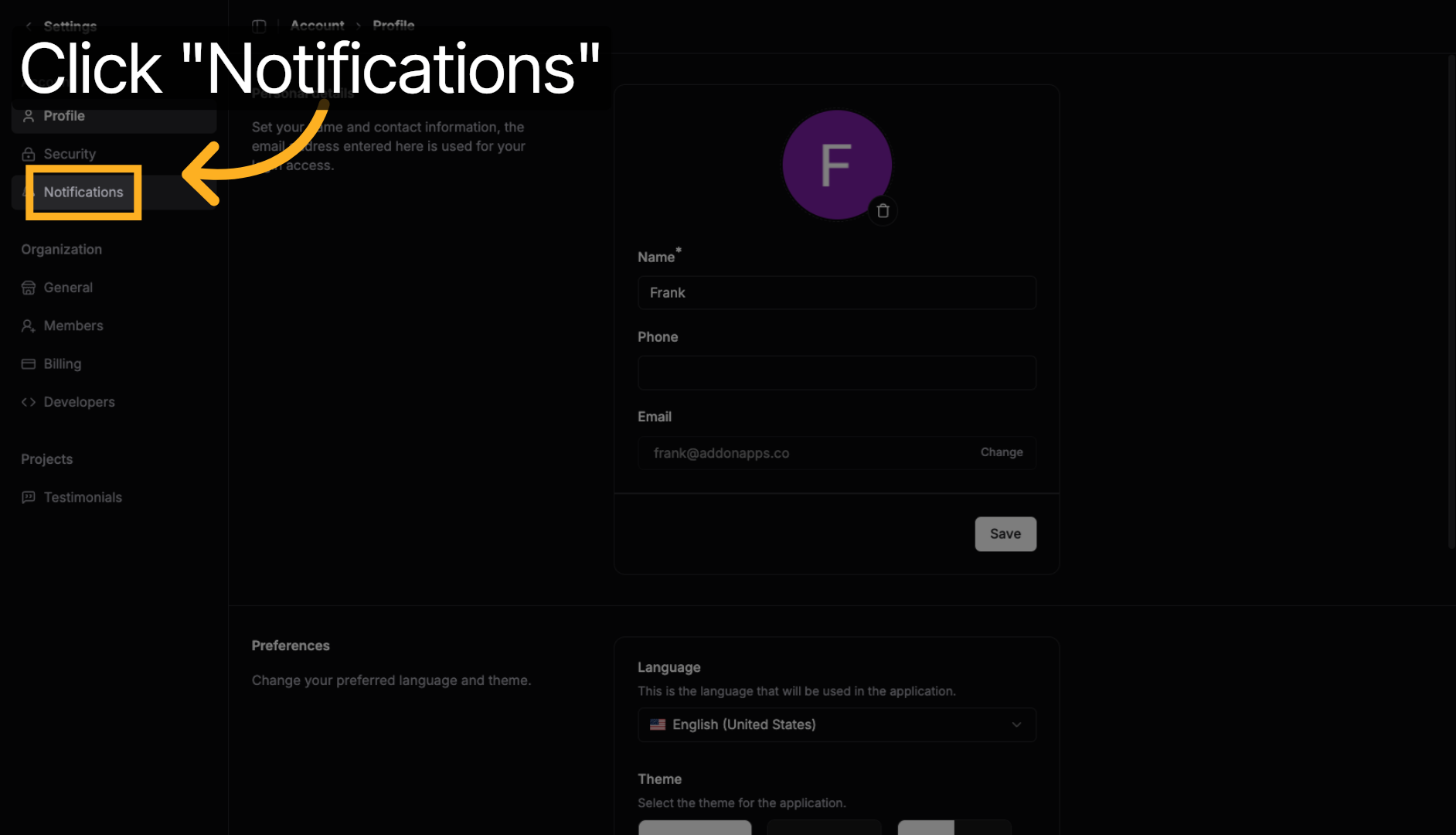
3. Navigate to Notifications
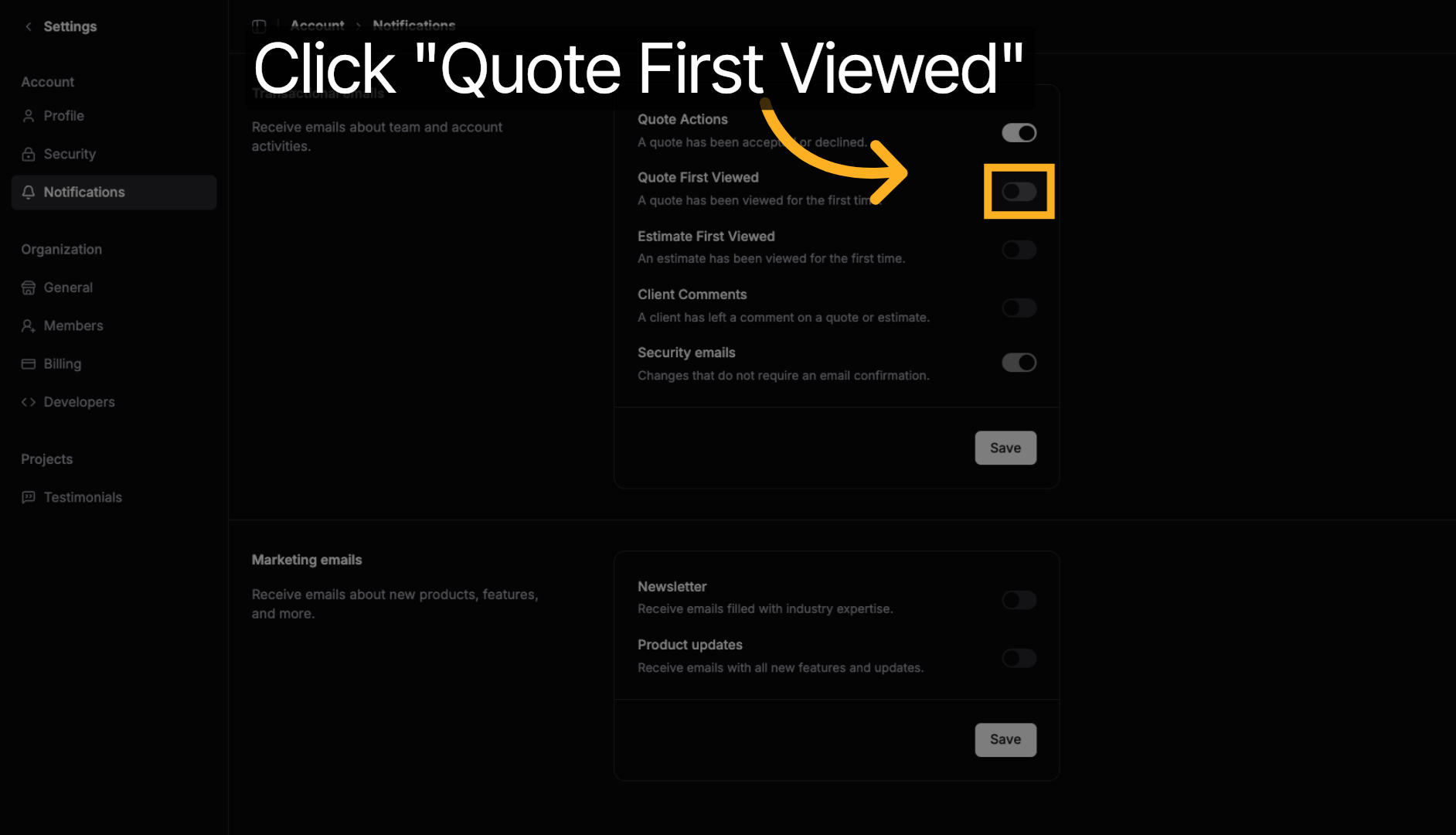
4. Enable "Quote First Viewed"
Toggle on the "Quote First Viewed" notification to receive alerts when a client opens and views your quote for the first time.
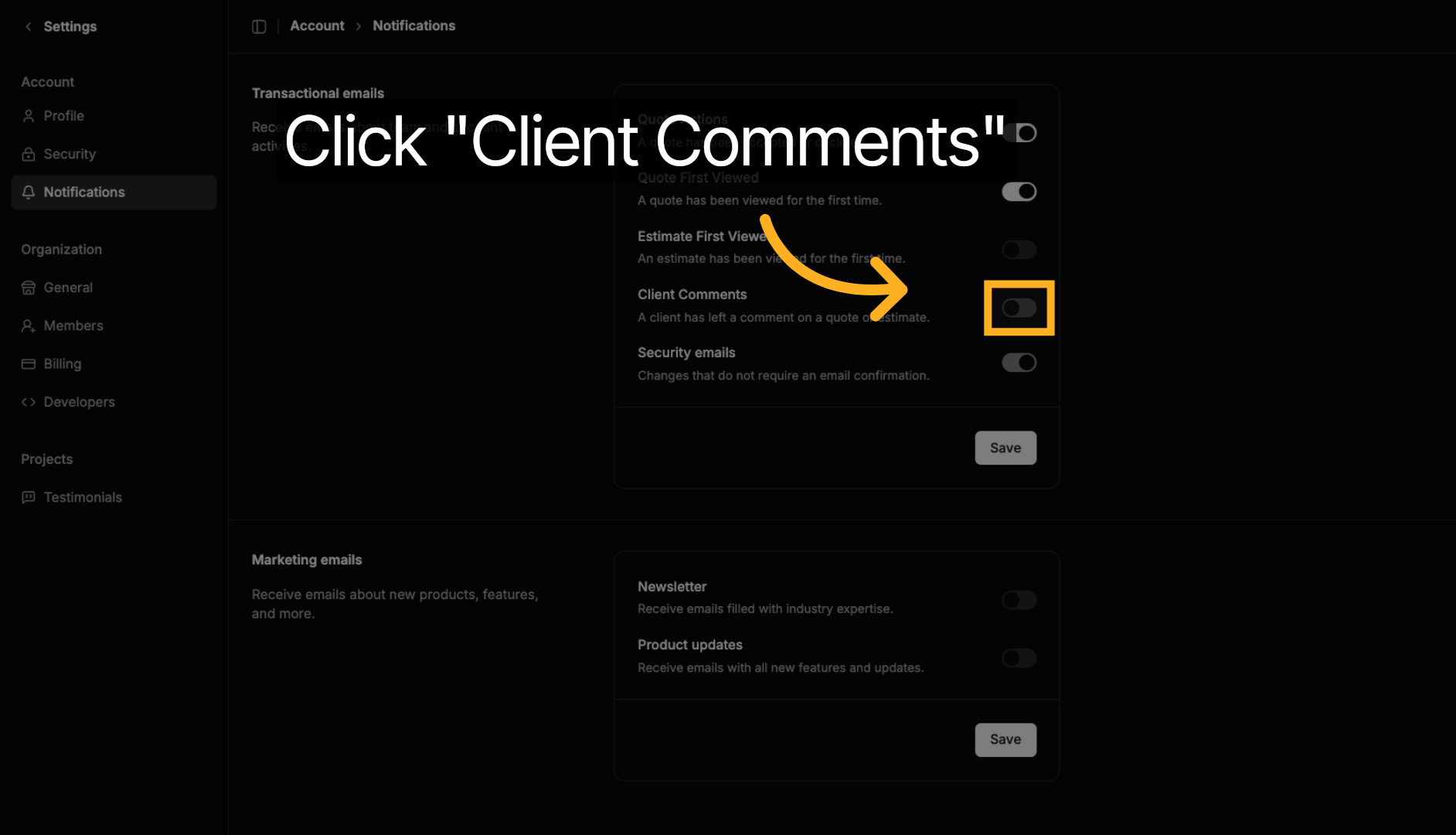
5. Enable "Client Comments"
Toggle on the "Client Comments" notification to get notified whenever a client leaves feedback or asks questions on your quote.
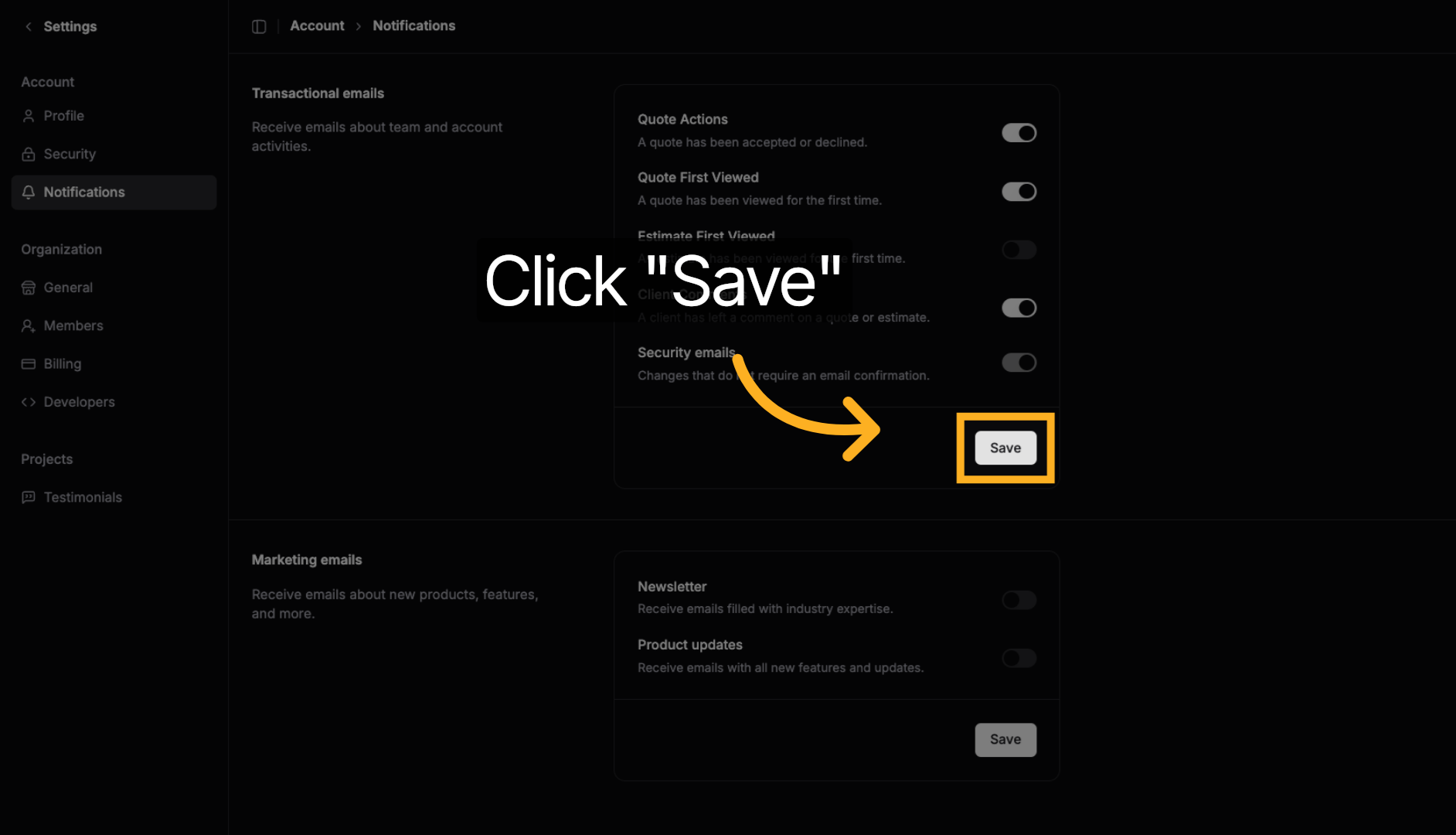
6. Save Your Settings
Click "Save" to apply your notification preferences and start receiving timely alerts about client activity.
Benefits of Quote Notifications
Quote First Viewed Alerts
- Know when clients engage: Get immediate notification when someone opens your quote
- Perfect timing for follow-up: Reach out while your quote is fresh in their mind
- Track engagement: See which quotes are getting attention
Client Comments Notifications
- Respond quickly: Get alerted instantly when clients have questions or feedback
- Show responsiveness: Quick replies demonstrate excellent customer service
- Address concerns: Handle objections or clarifications promptly
Pro Tip: Enable both notifications to stay fully informed about client activity. Quick responses to comments and timely follow-ups after first views can significantly improve your quote acceptance rates.
Next steps: Learn about watching client visits or explore copying quotes for revisions.
Next steps: Explore more guides or learn about creating quotes with AI.