
Using the Quote Editor
Learn how to use the quote editor interface to customize quotes in QuoteScope.
Using the Quote Editor
Customize client information, edit project sections, and preview your quotes using the interactive quote editor interface.
Getting to the Editor: If you need help navigating to the quote editor, see our guide on how to edit a quote which shows you how to access the editor from your dashboard.
1. Quote Editor Overview
The quote editor allows you to modify all aspects of your quote, from client details to project sections and pricing.
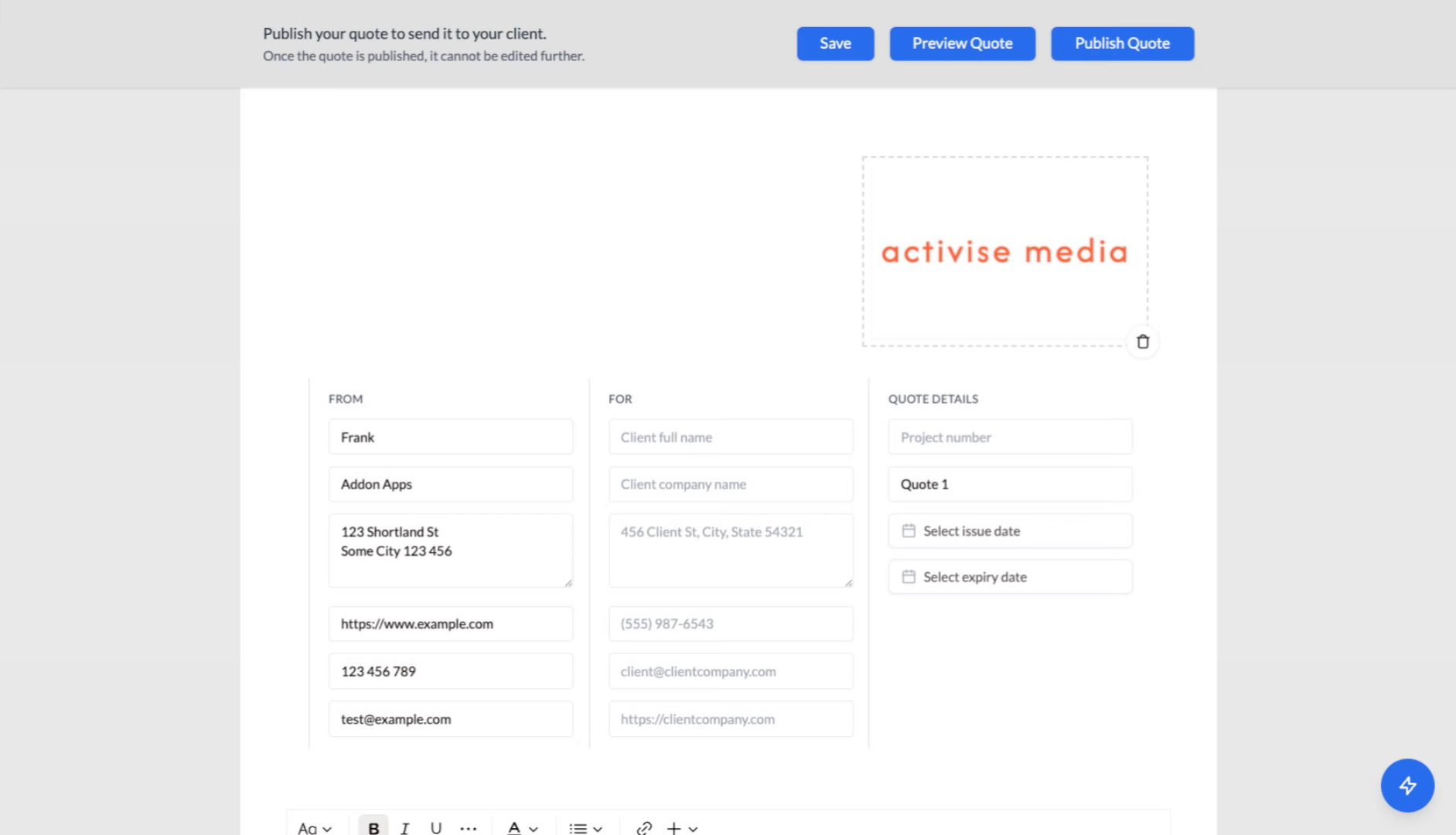
2. Enter Client Information
Click the "Client full name" field to start entering client details for the quote.
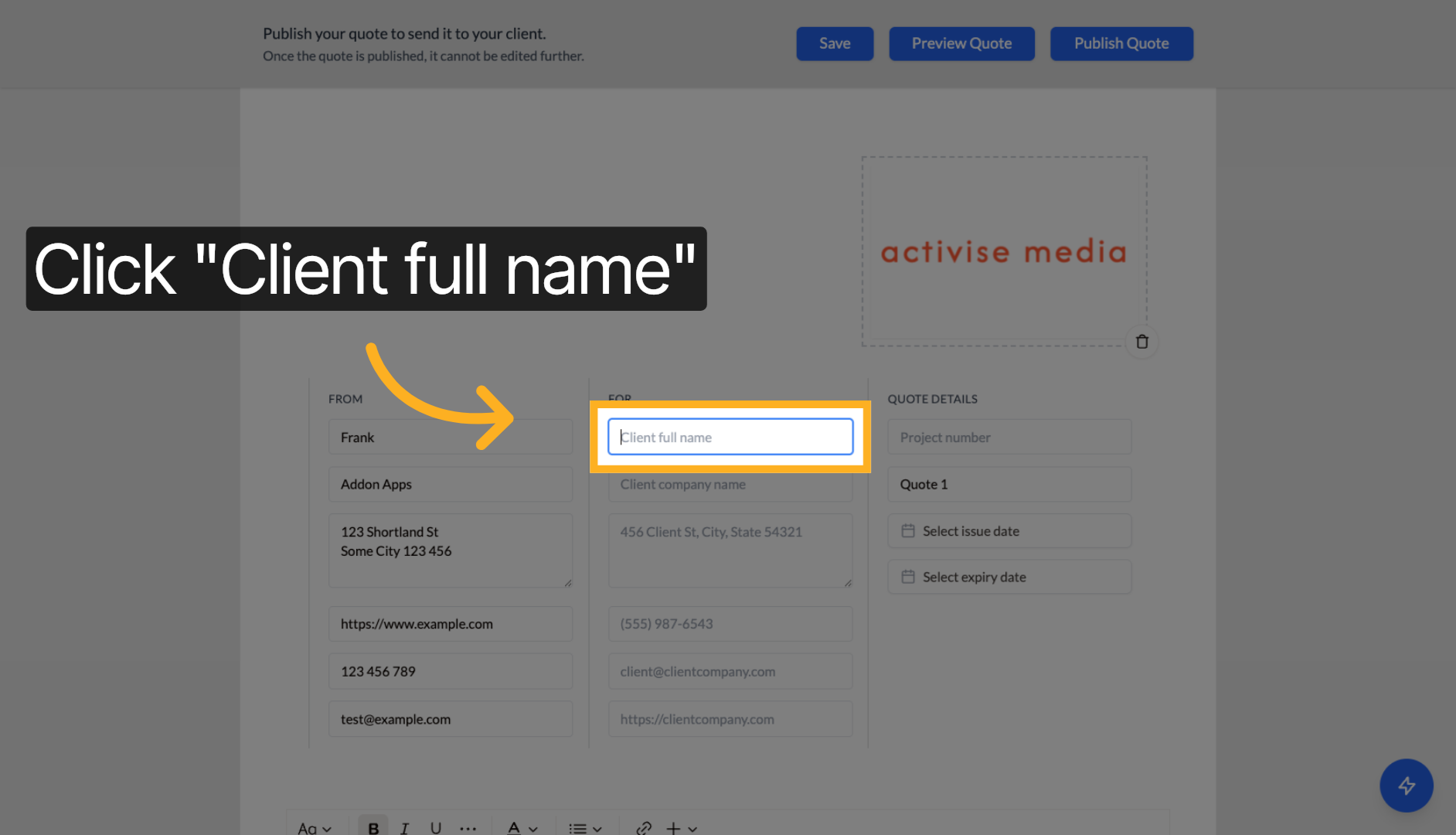
3. Fill Client Name
Enter the client's full name to personalize the quote.
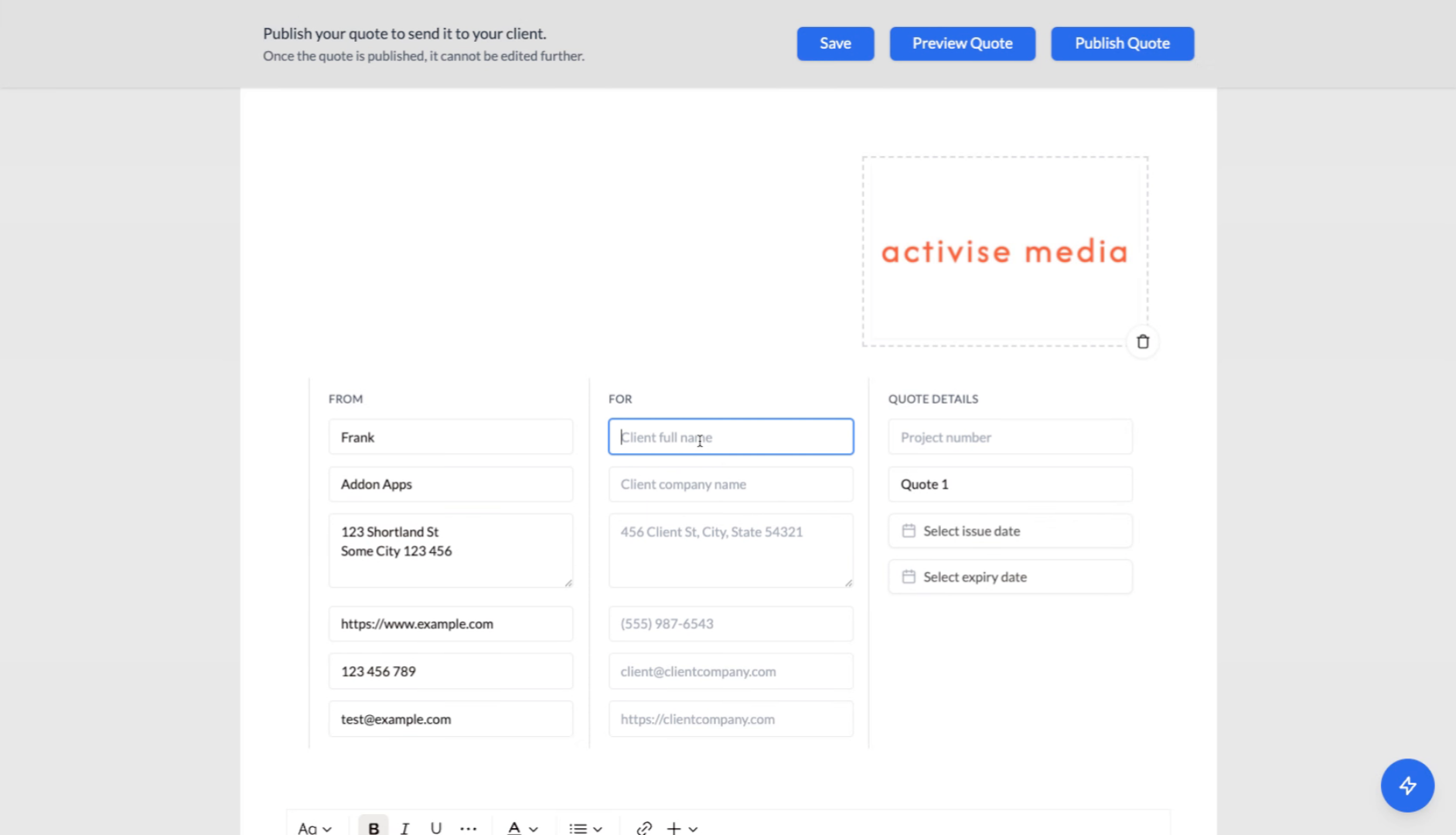
4. Save Client Details
Click "Save" to store the client information.
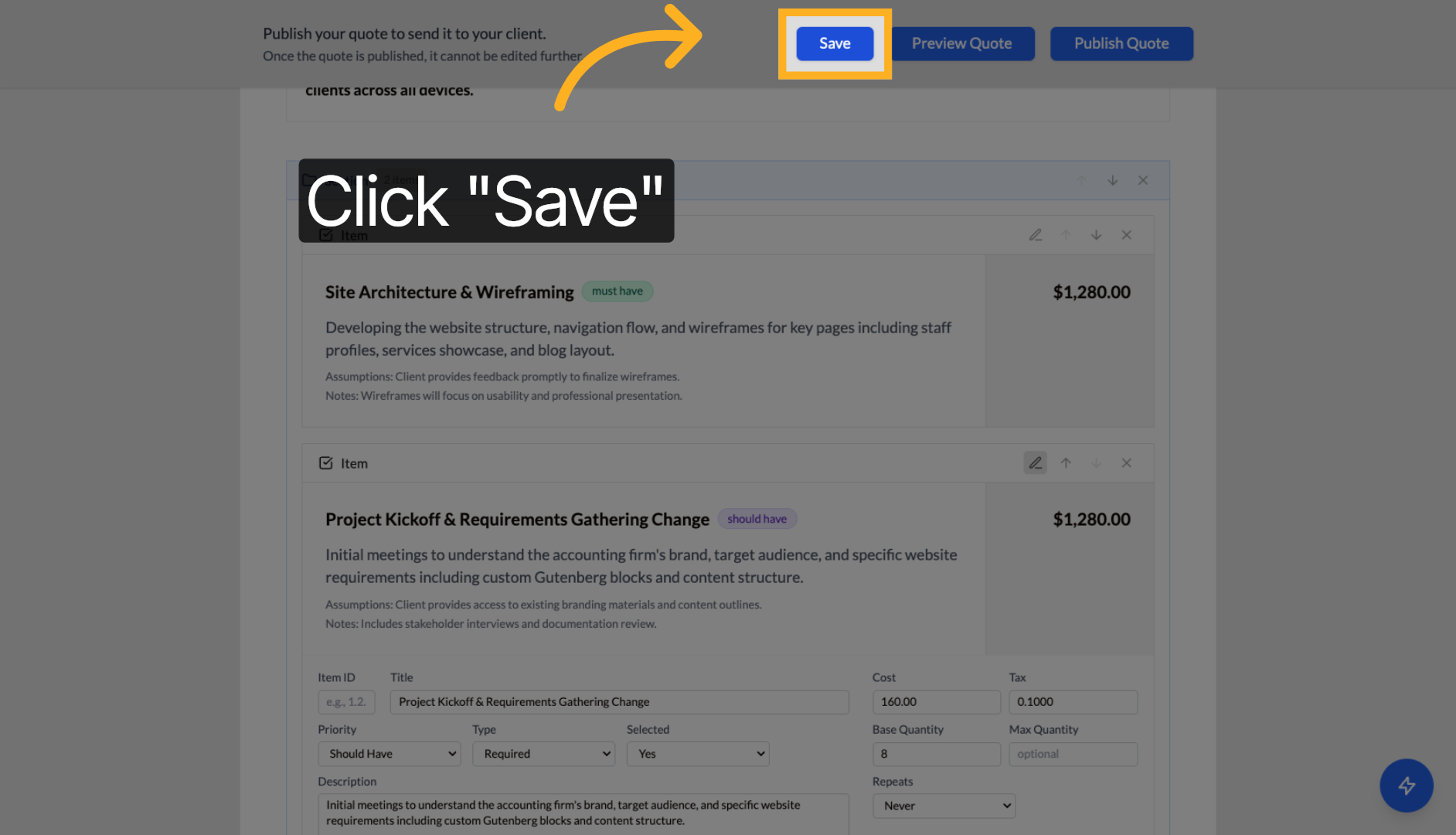
5. Navigate Quote Sections
Click to expand the quote sections and view project phases.
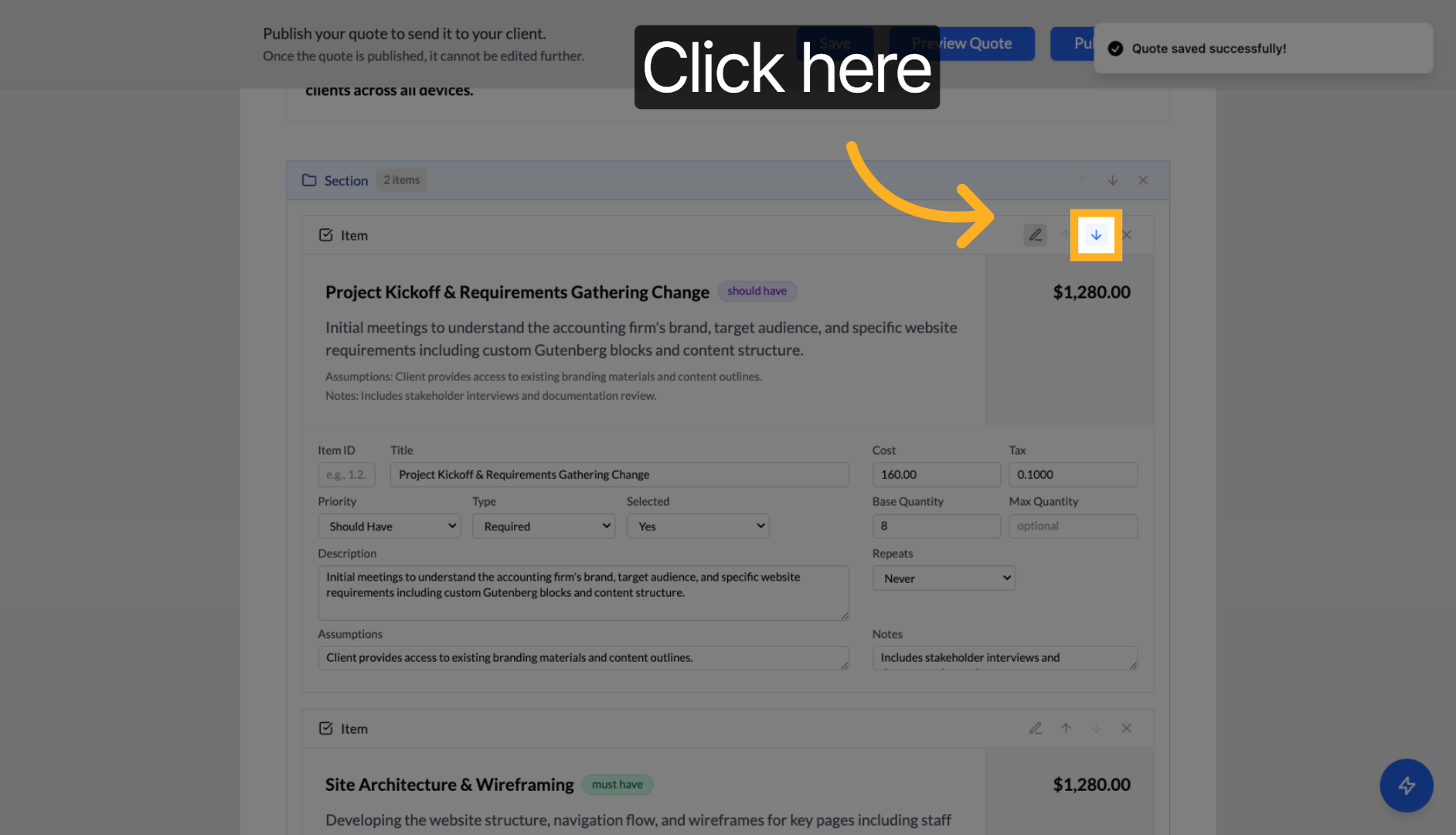
6. Edit Project Phase
Click on a project phase (e.g., "Project Kickoff & Requirements Gathering") to edit its details.
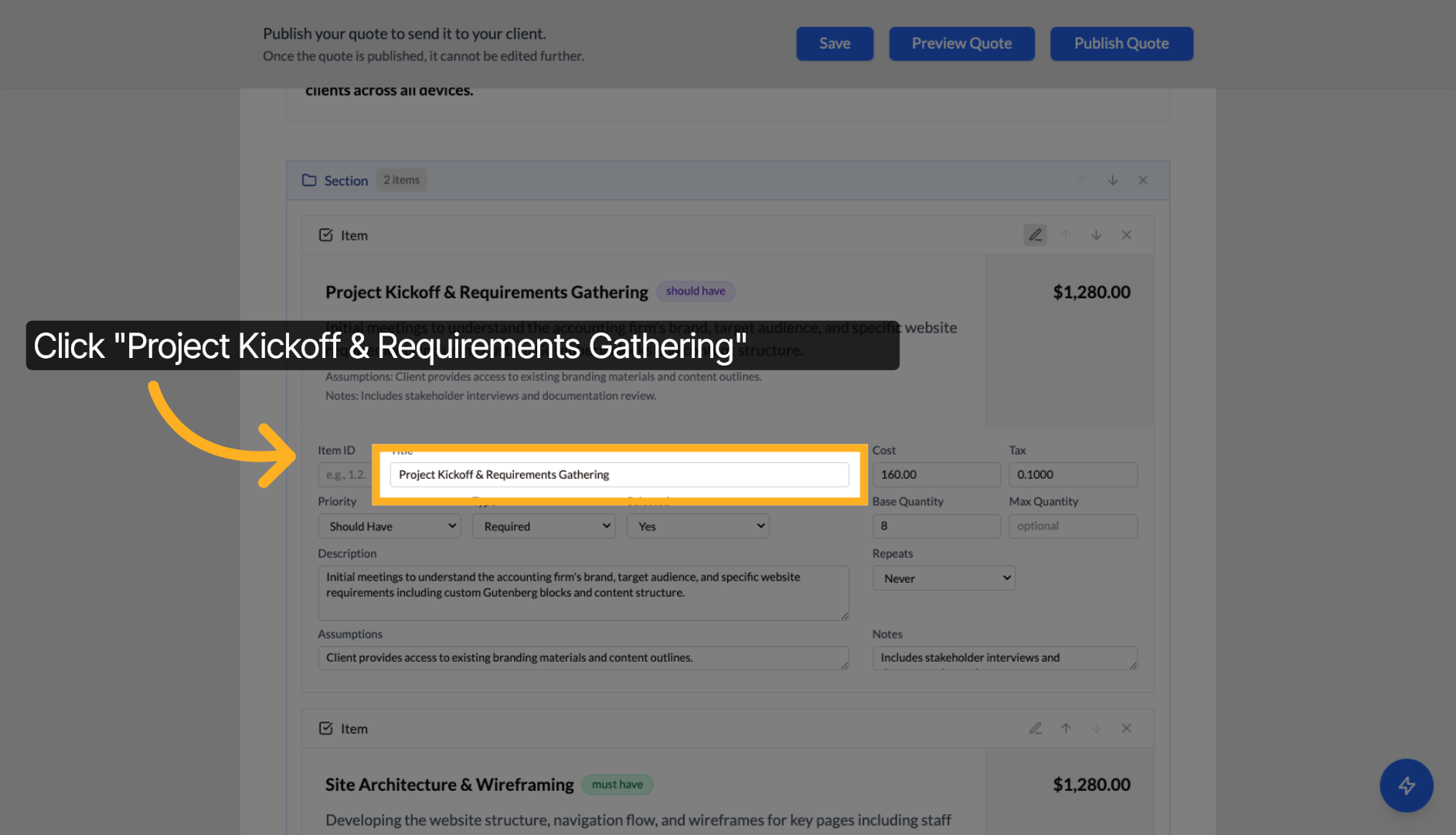
7. Update Phase Content
Modify the phase description, deliverables, or other details as needed.
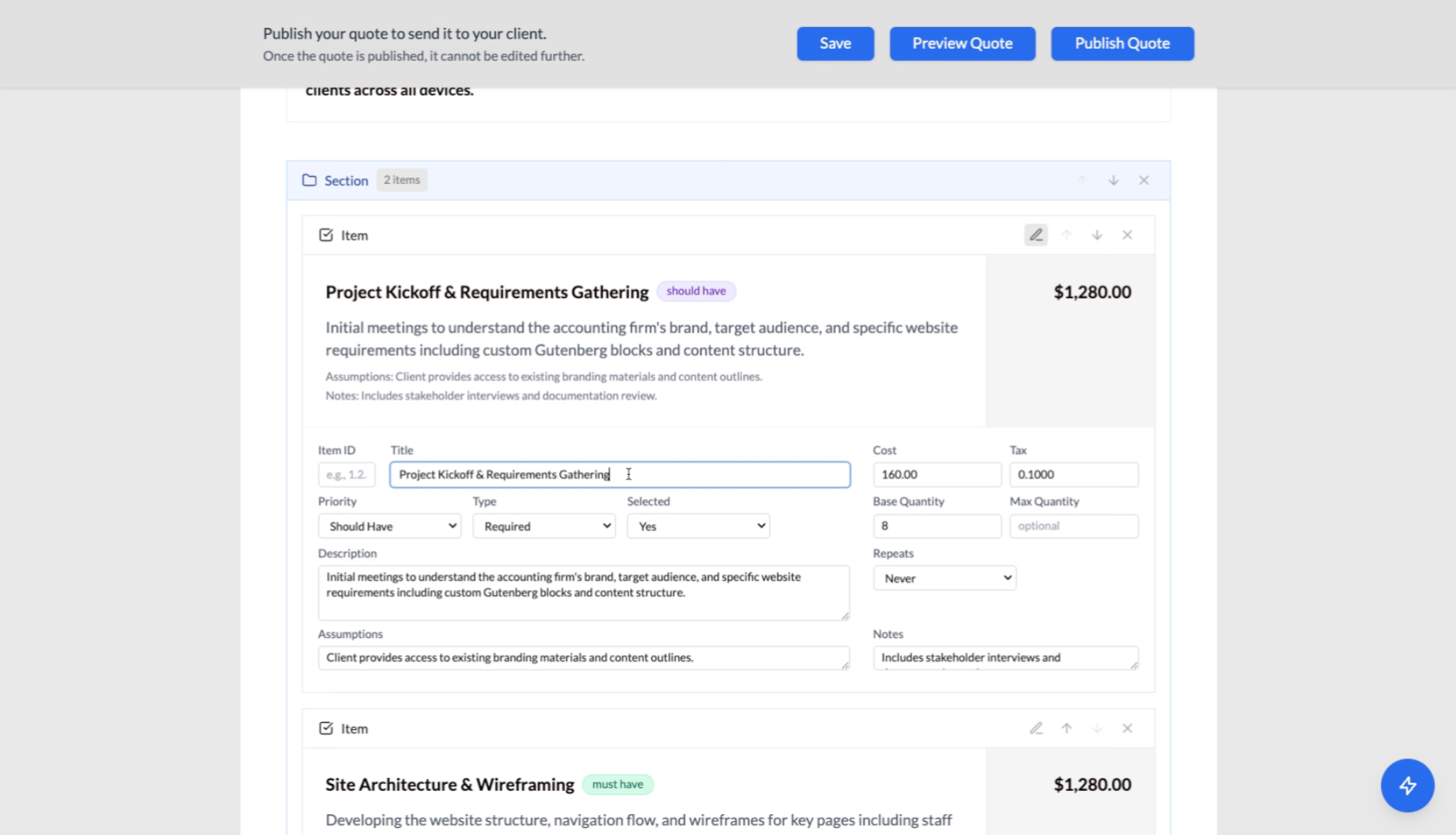
8. Save Changes
Click "Save" to apply your modifications to the project phase.
9. Continue Editing
Navigate to other sections of the quote to make additional changes as needed.
10. Final Save
Click "Save" to ensure all modifications are preserved.
11. Preview Quote
Click "Preview Quote" to see how the final quote will appear to your client.
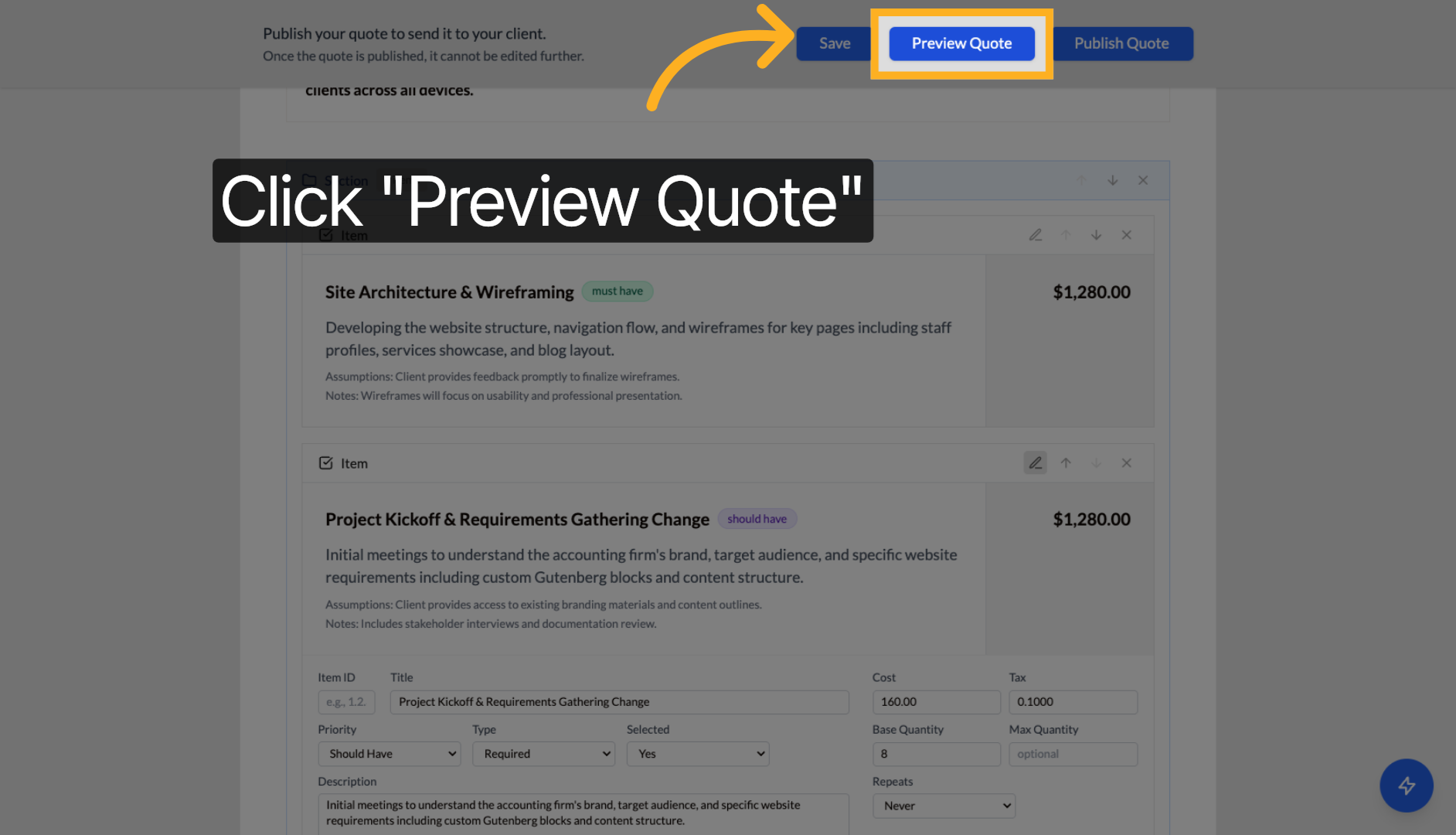
Tip: Use the preview function regularly while editing to see how changes affect the client-facing quote. You can also use the AI assistant panel for help with content improvements and suggestions.
Next steps: Learn about publishing and sharing quotes or explore AI assistant features.