
Edit a Quote
Learn how to edit a quote in QuoteScope.
Edit a Quote
Modify existing quotes to update pricing, add sections, or adjust project details. You can edit quotes at any time before they're accepted by clients.
1. Navigate to the Dashboard
Go to dashboard.quotescope.co and sign in to your account.
2. Open Your Project
Navigate to your project dashboard to view all quotes within the project.
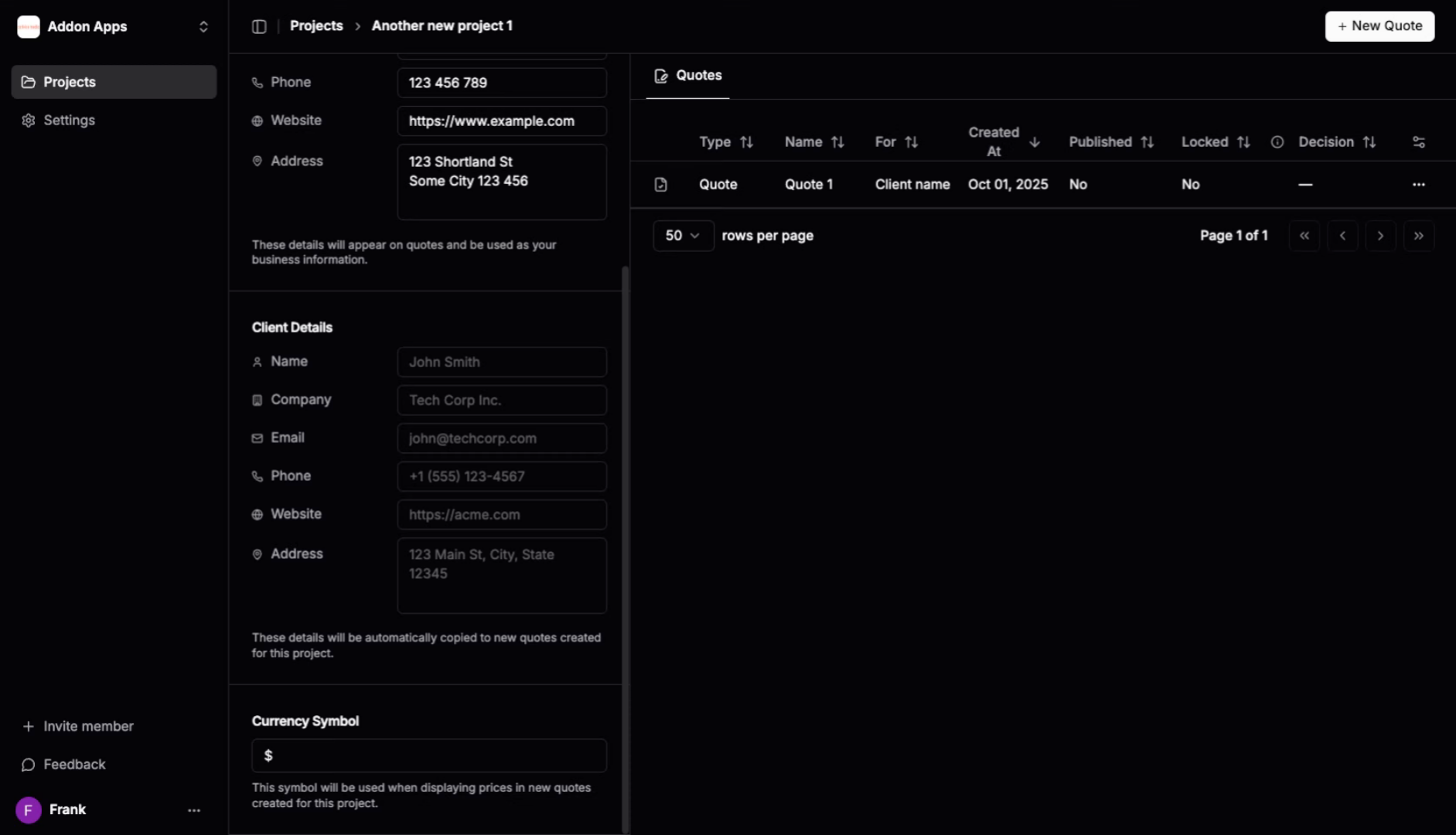
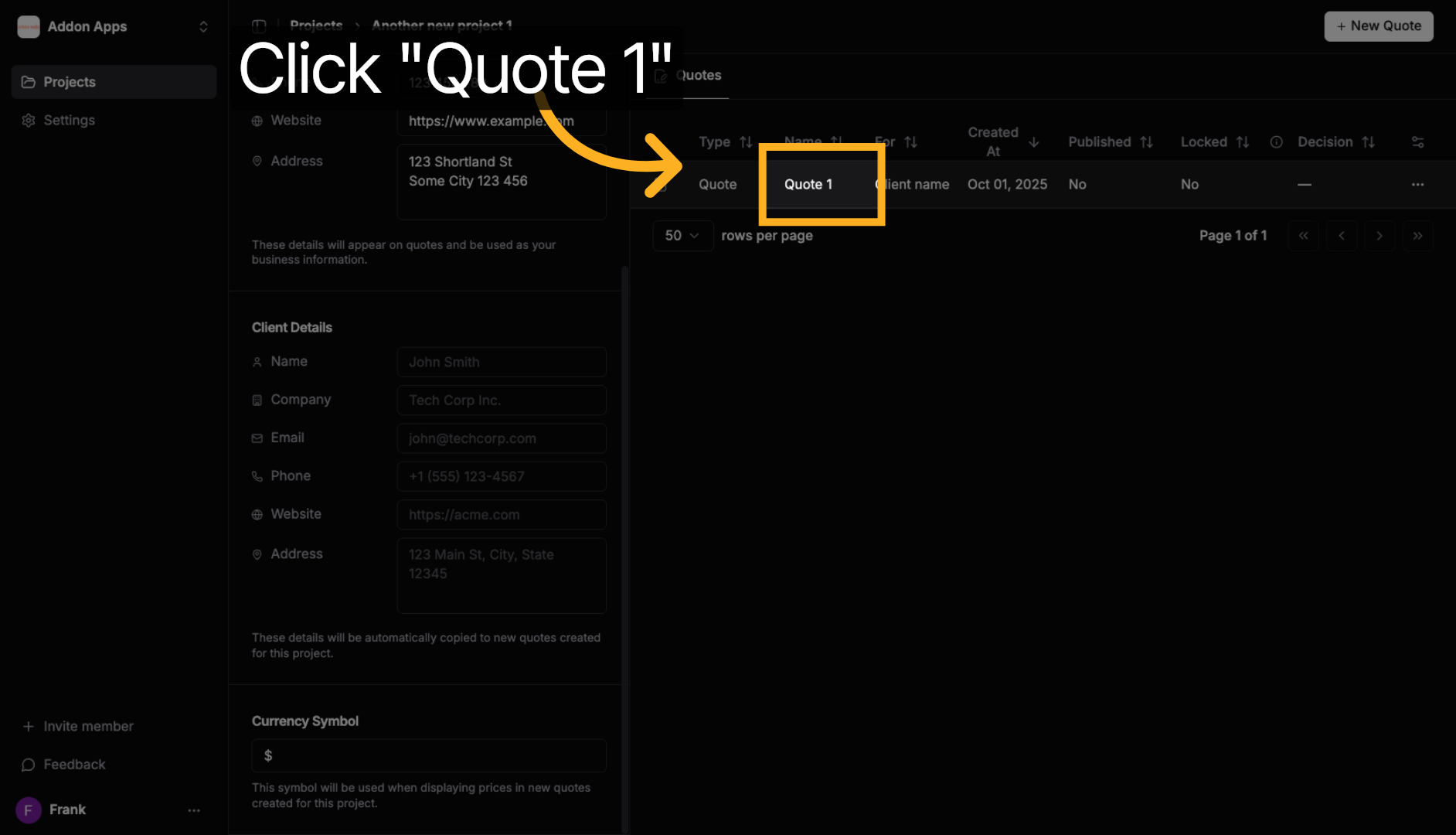
3. Click on the Quote
Click on the quote you want to edit to open the quote details page.
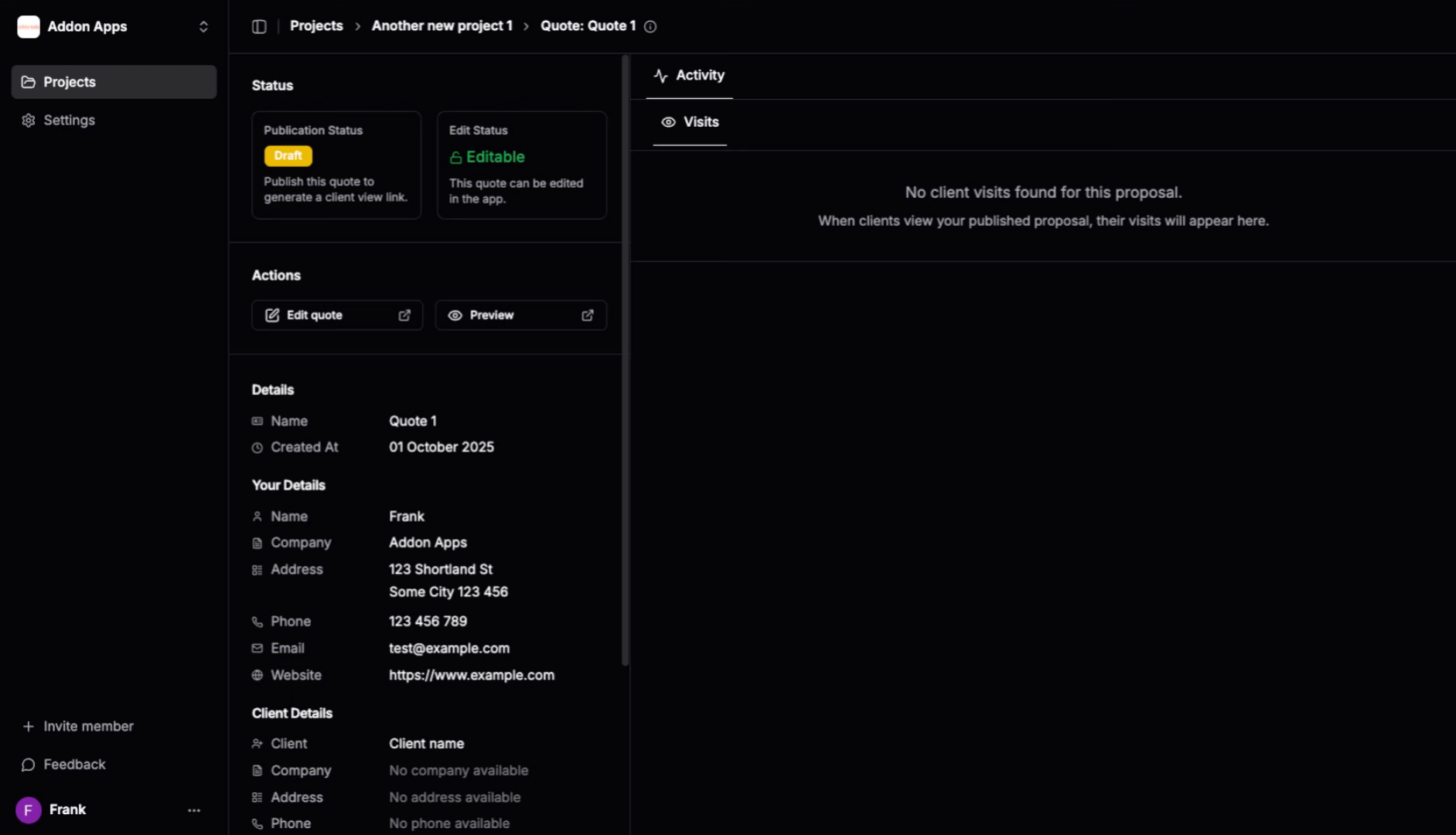
4. View Quote Details
The quote detail page displays all the quote information and available actions.
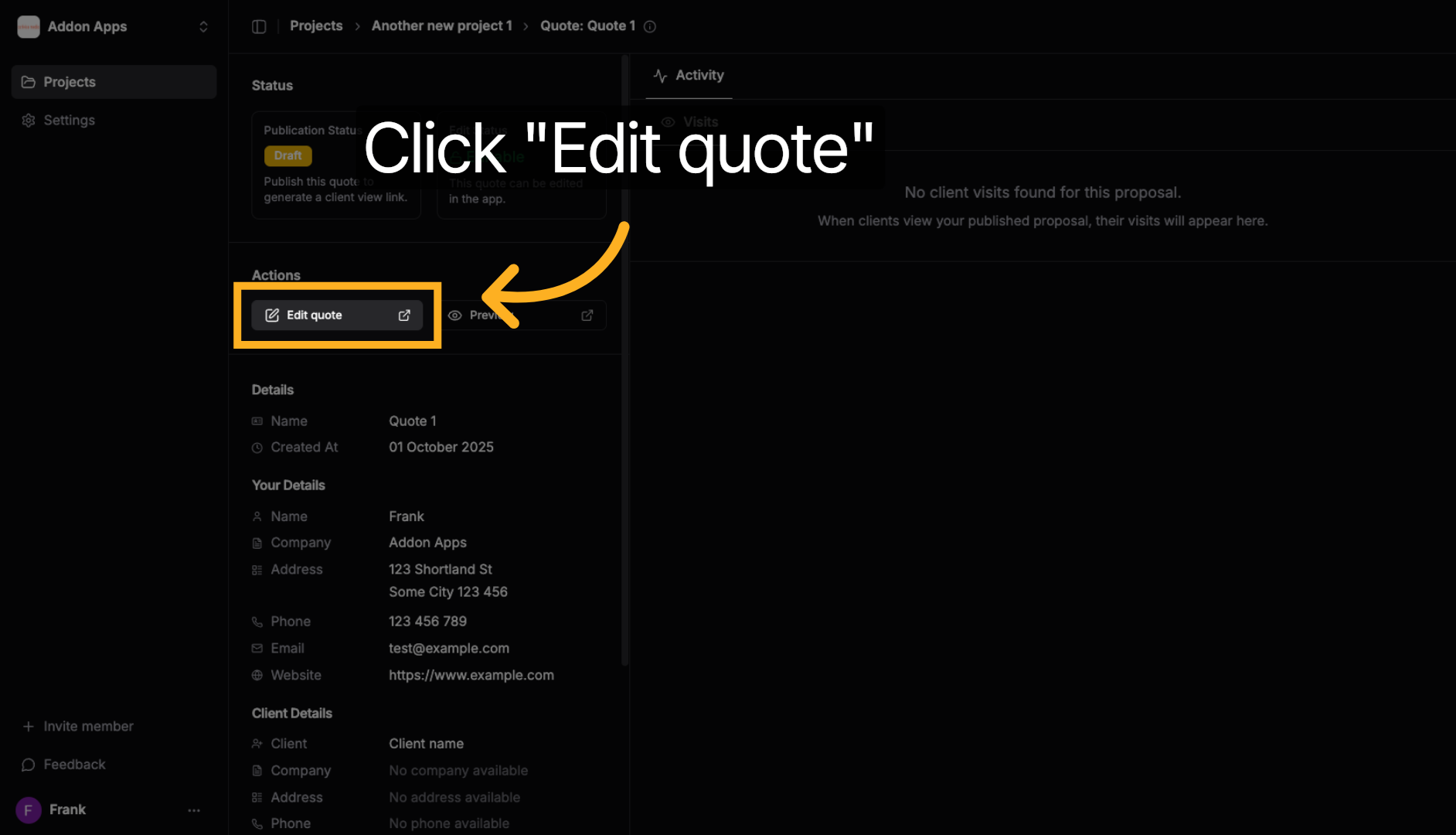
5. Click "Edit quote"
Click the "Edit quote" button to open the quote editor where you can modify all quote sections, items, and details.
Tip: Once in the editor, you can add new sections, modify existing items, adjust pricing, update client information, and use the AI assistant for help with content improvements.
Next steps: Learn about using the quote editor interface for detailed editing instructions, or explore AI assistant features.