
Import Quotes from Xero
Import your existing Xero quotes to use as AI context and get started faster with QuoteScope.
Import Quotes from Xero
If you already have quotes in Xero, you can import them into QuoteScope to use as context when generating new AI-powered quotes. This helps the AI understand your pricing structure and quoting style right from the start.
Prerequisites
Before you begin, ensure you have:
Why Import Xero Quotes?
Jumpstart AI Quote Generation:
- Use your existing quotes as context for the AI
- Help the AI learn your pricing patterns
- Get more accurate quote suggestions based on your historical data
Quick Setup:
- Imports your 30 most recent Xero quotes
- Available immediately as context when creating new quotes
- No manual data entry required
Note: Importing Xero quotes is optional. You can still use QuoteScope quotes as context or start fresh without any historical data.
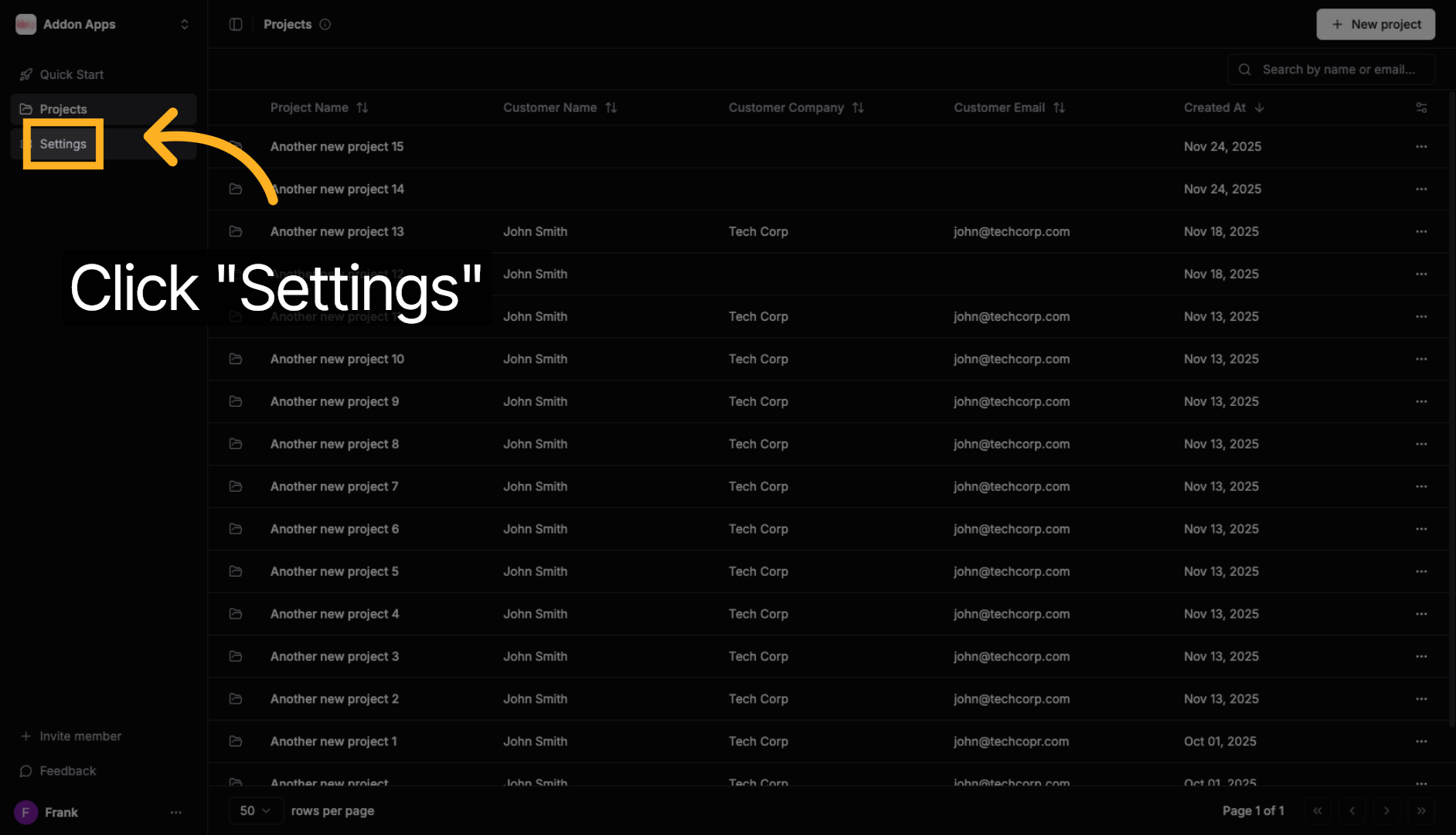
1. Navigate to Settings
Go to dashboard.quotescope.co, sign in, and click the Settings option in the navigation menu.
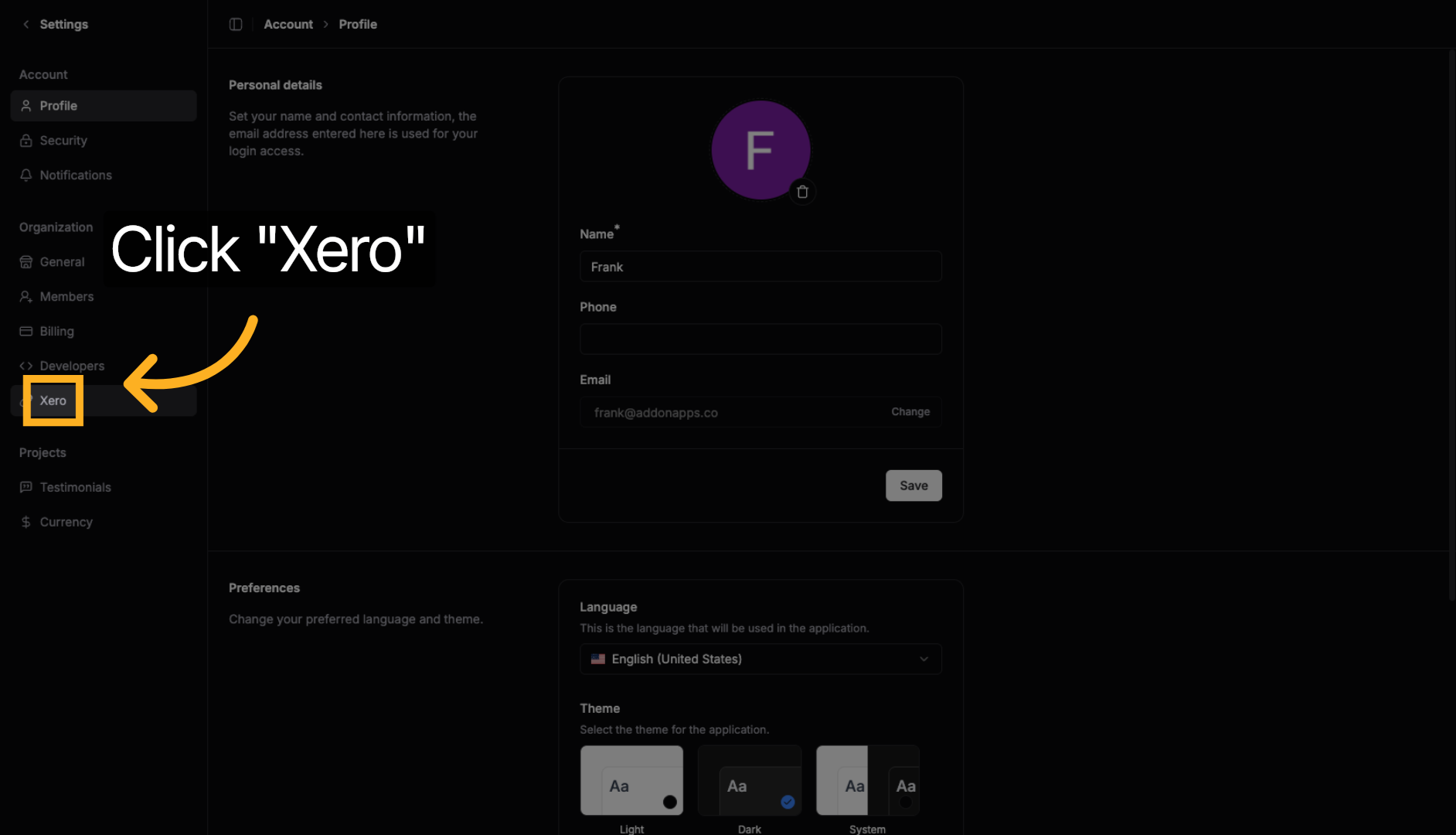
2. Open Xero Integration
In Settings, click the Xero option to access your Xero integration settings.
3. Import Your Quotes
Click the "Import Quotes" button to fetch your 30 most recent quotes from Xero.
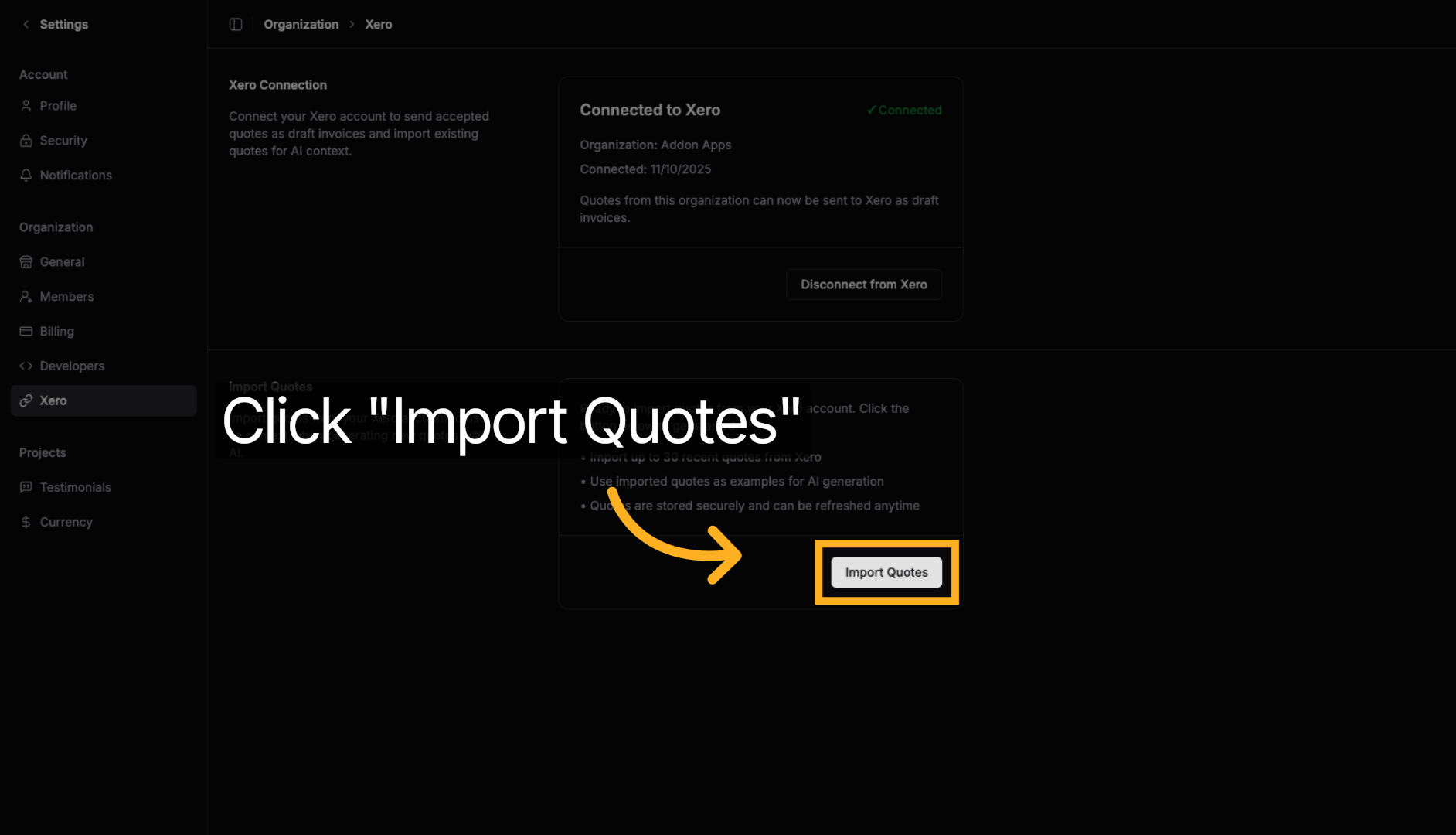
The import process runs in the background and typically completes within a few seconds. Once imported, your Xero quotes will be available to select as context when creating new AI-powered quotes.
4. Use Imported Quotes as AI Context
When creating a new quote with AI:
- Open the "Select Context" section
- You'll see your imported Xero quotes alongside your QuoteScope quotes
- Select relevant quotes to help the AI understand your pricing
- The AI will use this context to generate more accurate suggestions
Pro Tip: The AI can learn from both QuoteScope quotes and imported Xero quotes. Select 2-3 similar past quotes for the best results.
Next steps: Learn about creating quotes with AI or sending quotes back to Xero.