
Create AI Quote
Learn how to create AI-powered quotes in QuoteScope.
Create a New Quote with AI
Use AI to automatically generate comprehensive, professional quotes by simply describing your project. AI analyzes your requirements and creates detailed sections with pricing based on your specifications.
1. Navigate to Your Project
Go to your project dashboard and locate the quote creation area.
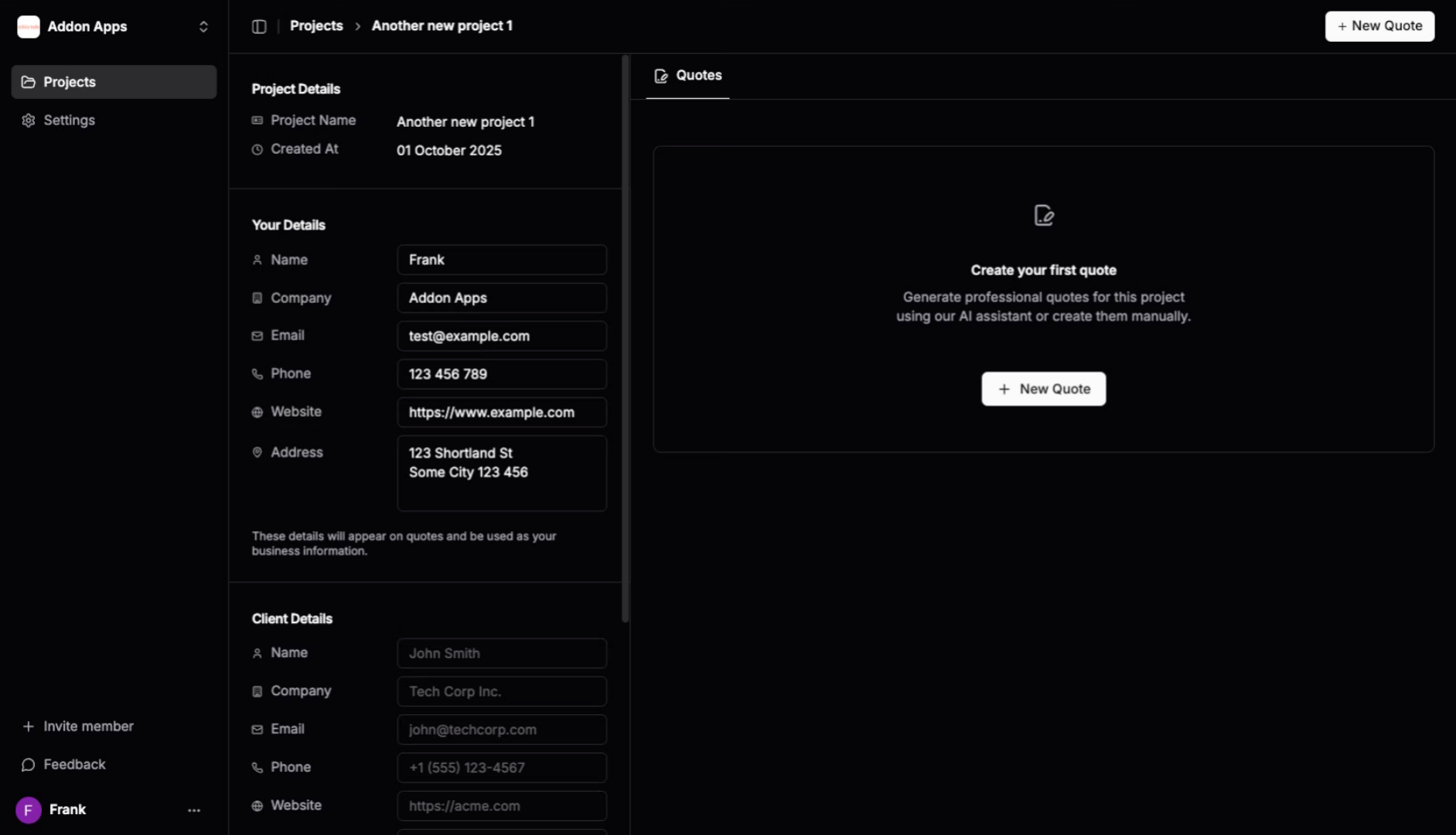
2. Click "New Quote"
Click the "New Quote" button to start creating a new quote.
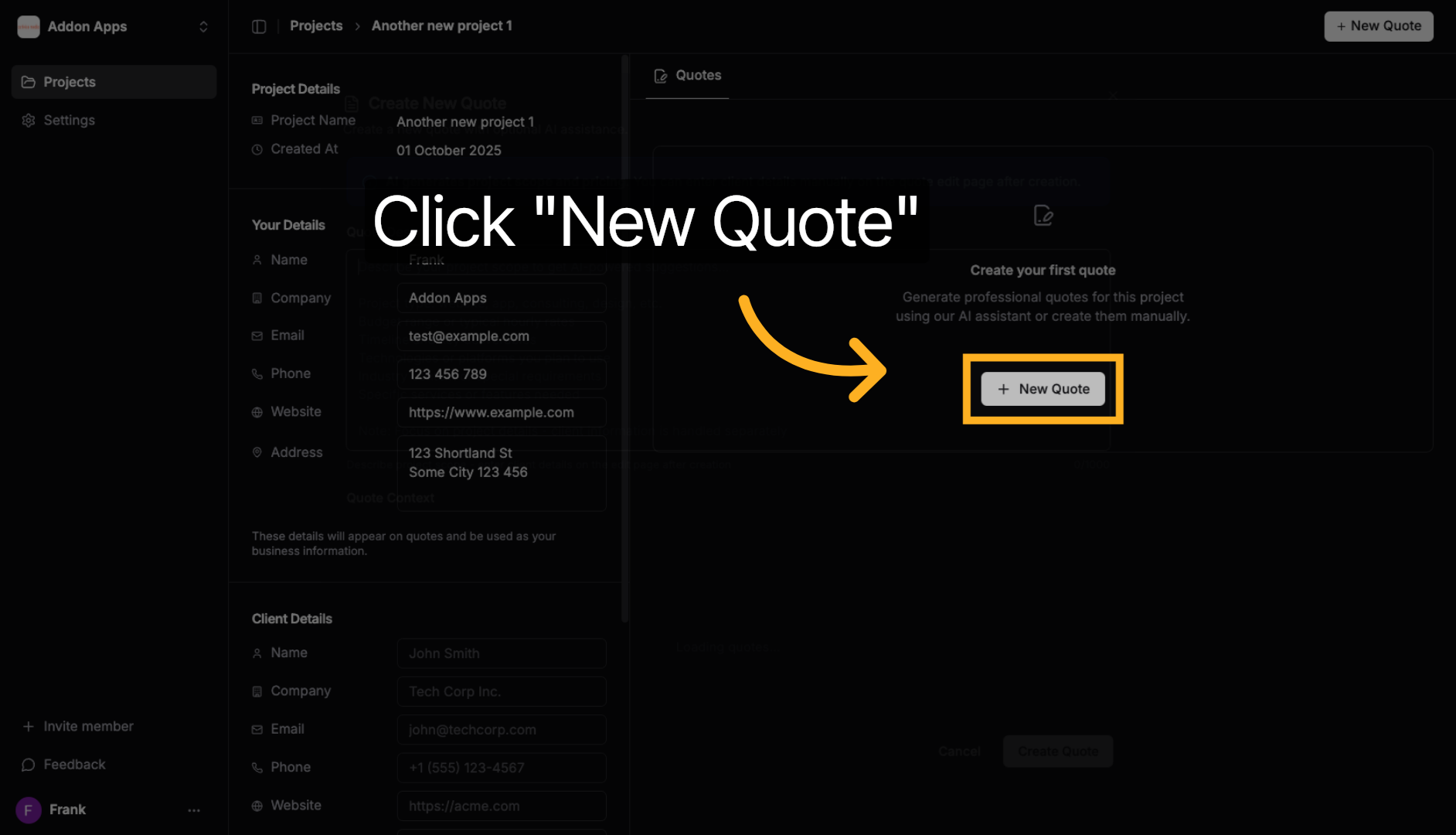
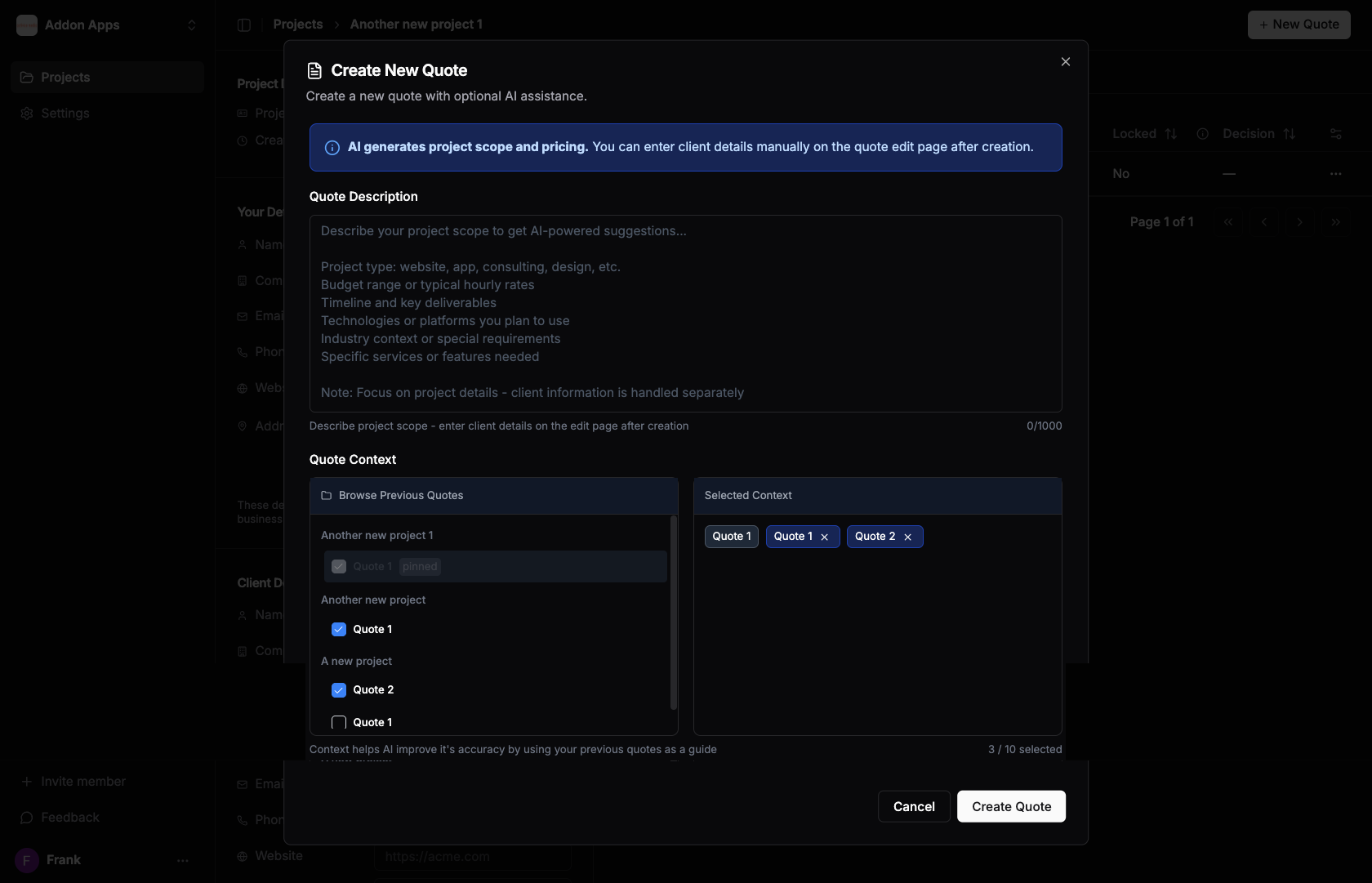
3. Enter Project Description
Provide a detailed description of your project including:
- Project type and scope
- Budget range
- Timeline requirements
- Technical specifications
- Key features and deliverables
Example: Build a custom WordPress website for a professional accounting firm with a budget of $8,000-12,000, timeline of 6-8 weeks, using WordPress with custom Gutenberg blocks.
💡 Pro Tip for Product Catalogs: Have an existing product catalog? You can copy and paste product details (names, descriptions, prices) directly into the AI generator and ask it to create quote items for each product. Simply include instructions like "Create quote items for each of these products:" followed by your product information. Perfect for businesses with large product catalogs who want to quickly generate quotes from their existing inventory.
Tip: You can select previous quotes as context to help AI understand your pricing patterns and service offerings. This improves quote accuracy and consistency across projects.
4. Generate with AI
Click "Create Quote" to let AI analyze your description and generate a comprehensive quote with detailed sections and pricing.
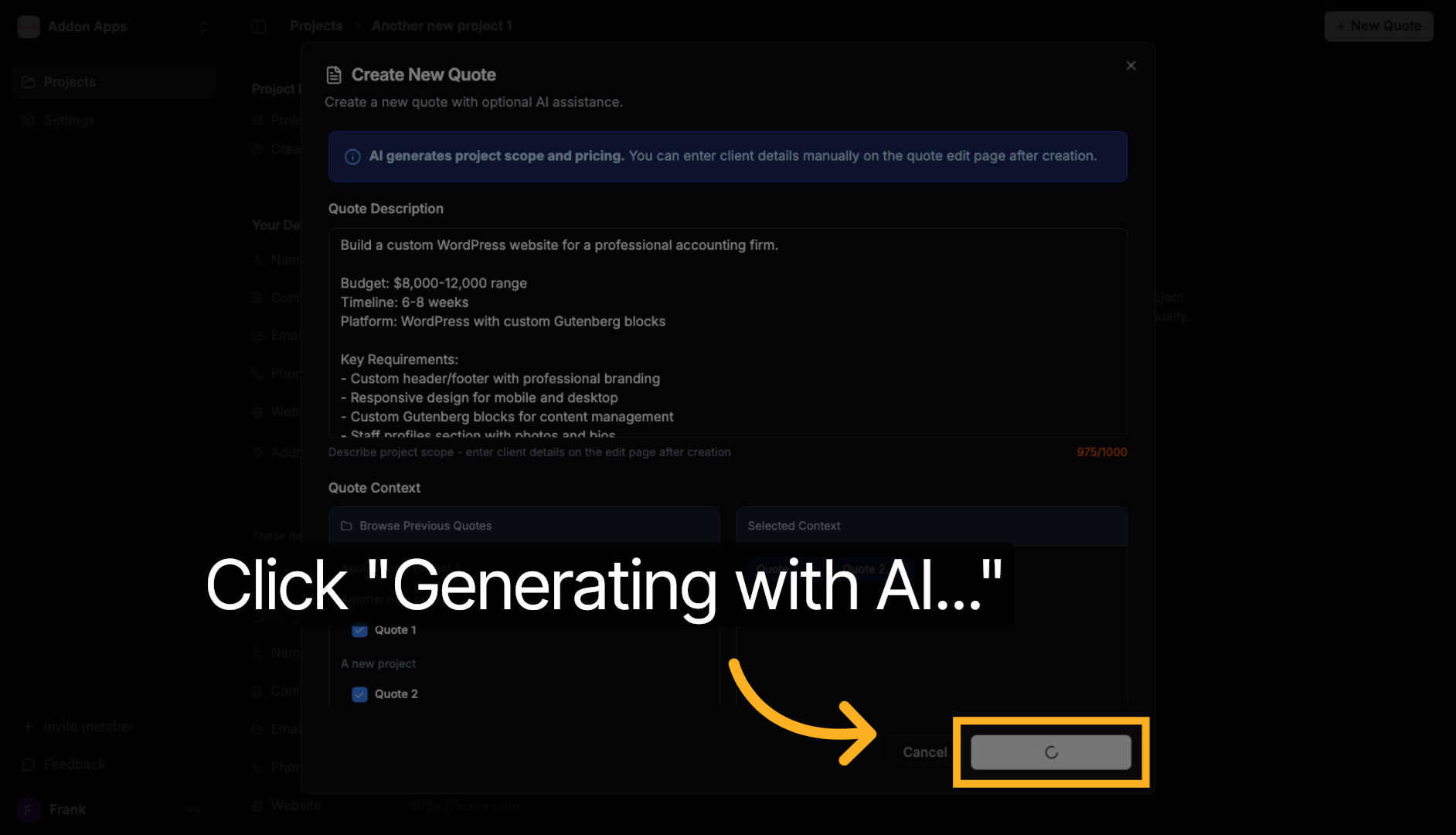
The AI will create multiple quote sections based on your requirements, including itemized tasks and estimated costs.
Next steps: Explore more guides or learn about creating quotes with AI.